Amid all those questions around whether there should be a hybrid work model or remote work, etc. The big question revolves around: would YOU accept a smaller paycheck just for the freedom to work from home?
It sounds like a trick question…I mean, who wants less money? However, in 2025, that trade-off isn’t theoretical. It’s being discussed in online communities, chats, boardrooms, survey reports, remote-work forums, and even U.S. court rulings.
In this piece, we will dig into some real numbers, the surprising psychology behind these decisions, and why thepay cut debate over remote work is far from over.
The Data Speaks: Some Will, Many Won’t
Let’s start with the hard stats because it’s important to understand what’s out there backed by numbers.
According to a survey of 1,000 U.S. employees, 55% of fully in-office employees said they would accept a pay cut to work permanently remote or hybrid. On average, they were willing to take an 11% salary reduction.
But the story gets even wilder. New research from the National Bureau of Economic Research suggests that employees are, on average, willing to accept a 25% pay cut for partly or fully remote roles. I mean, look at the percentage, these people are really willing to accept a pay cut because working from home does have other perks to it
But, of course, not everyone is generous with their earnings. A European Central Bank survey found that in the European zone, 70% of employees refused any pay cut to preserve remote work. The average acceptable cut was just 2.6% for dual remote/office days. Honestly, it doesn’t make sense to accept a pay cut just because you are choosing to work from home.
So yeah! Some people are ready to give up huge chunks of income. Others draw the line quickly.
Why Would Someone Take a Pay Cut?
Well, this isn’t about masochism. There are logical, emotional, personal, and economic reasons people might accept lower pay for the opportunity to work from home.
Massive cost savings
No more daily commute, gas, car maintenance, lunches out, overpriced coffee, or corporate wardrobe. Remote workers often recoup a chunk of that “lost” salary. In fact, hybrid workers may save $6,000/year, and fully remote folks up to $12,000/year!
Time regained, sanity restored
Commuting steals hours and drains energy. And honestly, people hate it. By working from home, many gain back 30-90 minutes daily on average. That time goes into sleep, family, hobbies, or rest.
Flexibility and work-life balance
Remote work isn’t just about being home. It’s about control: when you begin, how you schedule lunch, time with kids, errands. That autonomy holds real value, especially for parents, caregivers, or anyone craving a better balance.
Psychological value and job satisfaction
Some folks feel more focused, less stressed, and more productive at home. That “quality of life” boost can justify smaller pay in their minds.
Labor market power and scarcity
In specialized fields, remote roles are scarce and in demand. If your skills are rare, you may lean toward remote even at some monetary cost.
The Counterpoint: Why Many Refuse the Cut?
Before you think everyone is lining up to slash their pay, hear why many balk at the idea.
Fixed Living Costs
If you are working from home or anywhere remotely, then consider factors like rent, mortgage, and insurance. If your salary drops too much, you may struggle regardless of savings from commuting.
Perceived Career Tradeoffs
Some remote workers feel they lose visibility, promotions, or social capital. Getting “out of sight” can sometimes mean “out of mind.”
Uncertainty and Risk
What if remote roles get revoked later? What if overheads (internet, workspace) eat into savings? Giving up guaranteed cash is a gamble. What do you think?
Fairness and Principle
Many believe you shouldn’t have to pay for remote flexibility. If your role can be done remotely, why should your compensation suffer?
Real Case and Legal Takes
A recent Ohio court ruling sparked a fresh pay debate around remote work. A judge decided that a work-from-home call center employee’s “compensable day” should begin when the first work app is launched, not when the computer is powered on. That tiny distinction could shift how remote work time (and pay) is calculated.
That decision shows how real the tensions are between remote flexibility and financial fairness. If employers push remote work while trying to bend rules about compensable hours, workers will push back, and litigation is already bubbling.
Also, debates about remote work salary fairness are heating up around the globe. Should remote employees in low-cost regions be paid less or not? Some businesses practice “location-based pay,” reducing compensation and other perks when a remote hire lives in a cheaper city. But critics argue this is unfair, punishes workers, and penalizes them for better life choices.
The Human Side: What Workers Say?
A recent LinkedIn-based survey found that almost 40% of Gen Z and millennials would accept a pay cut in exchange for remote or hybrid flexibility. This is a huge percentage!
On Reddit, there’s a viral debate: one user asked if they should accept a $20,000 pay cut to go remote or not. The responses were split between the two bands; many encouraged, others warned harshly. Everyone has their own point of view.
In a more academic tone, a New Zealand remote-work survey found that trust, workflow autonomy, and home workspace quality heavily influenced whether people valued remote work.
These stories underpin real decisions, and these aren’t theoretical anymore.
Where Should You Land?
If you’re an employee evaluating whether to trade cash for flexibility, here are key frames to test:
Calculate your true net gain/loss
Calculate by subtracting commute, eating out, clothes, transport, etc, and add home overheads (electricity, internet, and heating/cooling). If savings approach or exceed your potential pay cut, it might make sense.
Consider your personality and career
If you thrive in isolation and self-structure, remote flexibility may be priceless for you. However, if you prefer in-person energy, that cut may sting. Choose wisely!
Policy and precedent matter
Watch legal rulings (like Ohio) and employer remote/hybrid mandates within your state/country or the country you are planning to apply in. These rules may drastically affect what’s acceptable in the next job you take.
Negotiate smartly, don’t just accept
Final Thoughts
If you must accept a cut, negotiate perks like a home office stipend, better benefits, performance incentives, or guaranteed remote flexibility in future roles.
Yes, lots of people would accept a pay cut to work from home, depending on their situation. But many more draw a line. The divide depends on affordability, personality, career goals, and the type of role you have. The remote work salary trade is no joke in reality. It’s real money based on real choices.
We believe the pay cut debate isn’t going anywhere anytime soon. Over time, as remote work becomes more mainstream, norms will settle. Maybe remote roles will demand smaller cuts, or maybe no cuts at all. But we’re still in wild, negotiation-heavy territory.
Subscribe to What Works Next today and join a community dedicated to transforming the way we work. Working smarter starts here!
Some businesses and their HR teams across the globe are trying to push remote work back into the shelf. But why?
Let’s cut straight to it. Remote work laws are no longer a niche legal debate for HR nerds, they’re appearing in headlines, courtrooms, and legislative halls all over the world. The question on everyone’s lips and minds is, “Could YOU actually force your employer to let you work from home?” Or in reverse, could THEY force you back into the office, and would you have any recourse? The fight over work from home rights has just entered a next level.
The Current Landscape: No Universal Legal “Remote Right” – Yet!
Currently, there’s no country with comprehensive laws that guarantee remote work on demand. In most places, the decision still resides with the employer or the contract. For example:
In the U.S., federal law doesn’t require employers to offer remote work. Workers are largely bound by whatever their employment contract and state/local laws allow.
That said, remote employees do enjoy many of the same protections as those in offices: wage laws, overtime, record-keeping, non-discrimination laws, and more must still apply.
Remote workers injured while working from home can still file workers’ compensation claims in many jurisdictions.
But here’s the catch: when your work crosses state or national lines, things get messy fast. Employers might suddenly have to comply with multiple tax regimes, labor rules, and benefit mandates depending on where you live.
Flashpoint: Victoria’s Push & Global Eyes on Legal Mandates
Let’s talk about one of the most-watched cases that is unfolding in Australia right now. In Victoria state, lawmakers are pushing to make work from home rights legally protected, effectively forcing employers to grant at least two days a week of remote work if the role allows it. The idea is bold and already controversial.
Supporters see it as a breakthrough in work flexibility. Critics (especially business groups and enterprises) warn that blanket mandates might backfire! Many roles cannot truly be remote, and enforcing rigid rules might add complexity, inefficiency, and inequity. This ongoing debate is lethal!
Meanwhile, companies globally are revisiting their hybrid policy stances. Some are rolling back remote arrangements, others are digging in, and some are just in the middle of deciding in which way to turn their ship’s route.
A recent survey found that 34% of U.S. companies now require employees to be on-site at least 4 days a week, up from 23% just two years ago. This creeping shift is being dubbed “hybrid creep.” (search for it, it’s actually a term in 2025!)
Some tech firms are even demanding a full return to the office. Others, like Meta, are resisting change: Mark Zuckerberg recently affirmed that the company’s hybrid policy will remain for now.
Why This Debate Matters to You (Yes, You!)
Clarity and power in negotiations
If remote work becomes protected by law, employees would be in a stronger position to demand flexibility. Right now, many remote workers feel at the mercy of managerial whims regardless of their country and the institution they work in.
Legal risks and employer responsibilities
If your government (depending on your country of residence) enacts remote work laws, employers may have to prove that remote work isn’t feasible for certain roles. They might need to formally reject a remote request with documented reasons. This could shift the burden toward fairness and transparency in hybrid policy decisions.
Global remote work headaches
As people increasingly live in countries different from their employers (digital nomads, expats, cross-state workers, etc), a legal shift could streamline or complicate cross-border employment, tax, and social security rules. Time will tell as more information becomes visible about the same.
Flexibility as baseline, not luxury
What’s shifting in culture is that remote work is no longer seen as a fringe perk. Many knowledge workers now expect it, and why wouldn’t they? Making work from home rights legal would convert that expectation into enforceable rights in some places.
Challenges, Risks, and the Gray Zones
Which roles truly qualify?
You can’t reasonably expect a factory, retail, or health role to run remotely. Mandates will need built-in exceptions.
Enforcement logistics:
Who polices compliance? Labor boards? Courts? Internal HR audits? Questions and more questions to think about.
One size doesn’t fit all:
A strict law in one region or country might stifle innovation in others. That’s why some argue for hybrid policy flexibility rather than rigid legal prescriptions.
Hybrid pushback:
Some businesses argue that too much flexibility undermines collaboration or culture. Although the case may be different but chances are they may lead to resistance to legal constraints.
Cross-border complexity:
If I live in country A but work for a company in country B, whose remote work laws apply? Too much on the table to consider and be decided by whom?
In essence, legalizing remote work is easier said than done. But the fact we’re debating it at all is telling.
What’s Next? Watchpoints and Predictions
Victoria, Australia, will likely become a test case for the rest of the world. If their proposal passes, every country watching will pick it apart, copy it, mend it or challenge it.
The hybrid policy will be under the microscope. Companies will need clearer, fairer rules about who can telework and why.
Laws around the right to disconnect (i.e., not being forced to respond to work after hours) may gain traction as part of remote frameworks. Some European and Australian jurisdictions already have variants of this.
You can expect litigation where remote requests are denied without a valid reason, especially in jurisdictions where labor laws begin to codify flexibility.
Remote work acceleration will persist. Research shows that the shift to working from home induced by COVID-19 is persisting even after restrictions eased. Many had built home offices, relocated, or changed firms to be remote-friendly.
Final Thoughts
The very idea of remote work laws used to sound like an alien thing. But now, it’s almost inching towards the reality of today. As more people demand work from home rightsand as companies struggle to balance culture, productivity, and flexibility, hybrid policy will become one of the most scrutinized features of modern work.
Whether or not remote work becomes a universal legal right or stays regional, the debate itself is already reshaping employer and employee dynamics. That’s power! And if you play this right, you could ride this wave of change and not be crushed under it.
Subscribe to What Works Next today and join a community dedicated to transforming the way we work. Working smarter starts here!
Are you one of those who are always on the lookout for how to work from home with high-paying remote jobs and opportunities? If yes, then you are not alone. Most of us are also, especially in this competitive economy, where having a secondary income stream has become a necessity.
When learning how to work from home, the most important lesson is that productivity does not stem from expensive gadgets. It starts from within and the mindset.
Your first home office setup can be as simple as a kitchen table, a laptop, and an old monitor. It is mostly the case with new work-from-home employees. This shows that while a proper work table and accessories can boost comfort, they are not the foundation of a focused mind for work. However, gradual improvements aligned with personal needs make remote work more manageable and healthier in all aspects.
Let’s break down some essentials for a decent home office setup ?
Protecting Devices with Power Bars
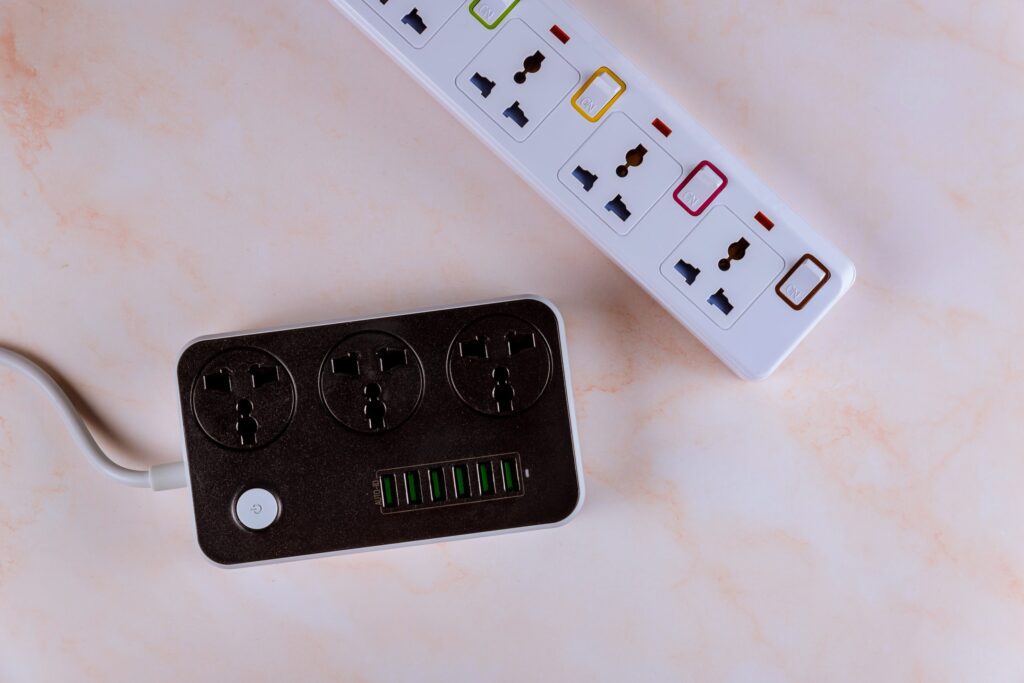
A surge protector power bar is one of the simplest yet most valuable additions to a workspace. Sudden and unannounced power surges can permanently damage laptops, monitors, and routers (this overburdens you with absolutely unnecessary expenses to repurchase the damaged equipment). According to the Insurance Information Institute, power surges cause an estimated $26 billion in damages annually in the U.S. alone.
Choosing a power bar with wide outlets prevents bulky chargers from blocking other sockets, while built-in USB ports make charging phones or headphones more convenient. You can also mount the bar to the wall to keep cables tidy and clutterfree around the work table.
Managing Cables the Right Way
We live in a no-cable era, or let’s call it an era where wireless is preferred. Hence, cable management is not just about keeping the workspace clutterfree. Managing cables can reduce hazards and equipment strain, and can save your money, too.
If you are using cabled equipment, make sure your desk is at standing height. It ensures that cables have enough slack for all positions. If wires are too tight, they can weaken connections or even snap. Elevating the PC tower slightly above the ground also makes a difference. Research shows that dust is the number one cause of desktop overheating, and keeping devices raised reduces dust intake. Other tools, such as cable clips, Velcro ties, and under-desk trays, not only improve organization but also create a professional-looking home office setup.
Comfort Through Ergonomics
Comfort is central to learning how to work from home efficiently. Studies from Cornell University found that improper seating increases musculoskeletal disorders by 64% among office workers. Ergonomic chairs, with adjustable lumbar support and armrests, reduce back pain and improve posture during long sessions.
For those on a budget, models like the IKEA Marcus, Flexispot Chair, or Staples Hiken offer practical alternatives to high-end models and designs. Pairing any chair with a footrest improves blood circulation, while an anti-fatigue mat reduces strain for users of standing desks.
The American Chiropractic Association notes that good posture can increase energy levels by up to 30%, proving ergonomics is an investment in both health and productivity.
Screen Position and Accessories
A poorly positioned monitor can cause neck pain and “tech neck,” which affects 70% of office workers worldwide, according to the British Chiropractic Association. Monitor arms allow screens to be set at the correct height and angle, helping reduce long-term strain.
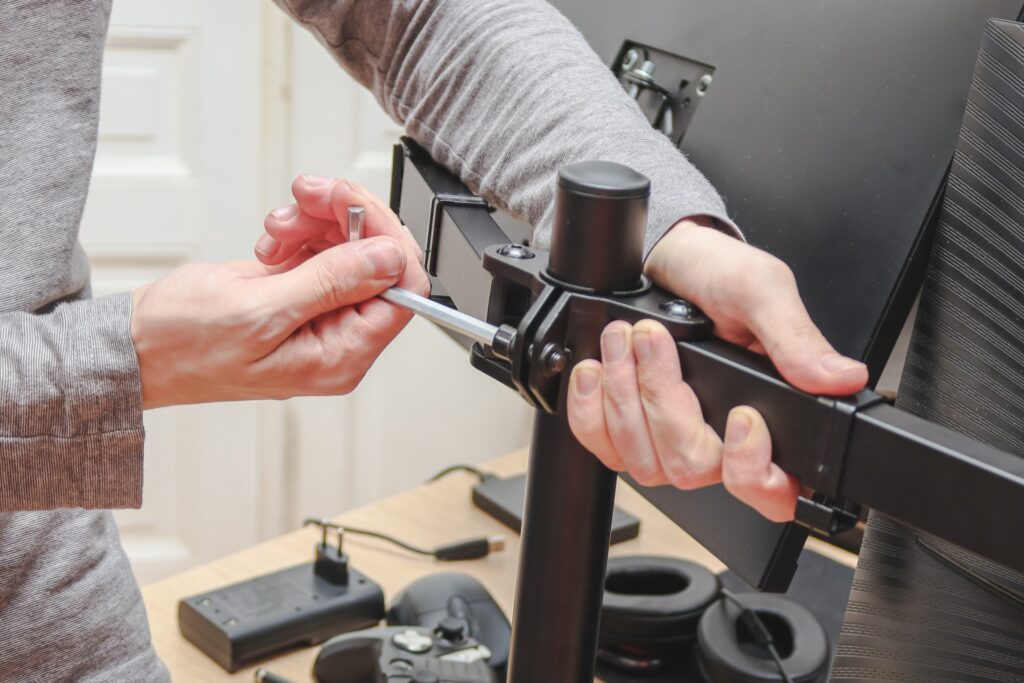
Before investing in a monitor arm, make sure to measure the desk’s thickness to ensure the clamp fits securely. This small detail prevents frustration later on and ensures the workspace is safe and stable.
Correct screen positioning is one of the simplest changes to improve comfort in a home office setup.
Lighting and Eye Comfort
Lighting plays a bigger role than most realize. Let it be natural light or use the right angles if artificial light is available within your workspace. Poor lighting contributes to digital eye strain, affecting 90% of people who use screens for more than three hours daily, according to the American Optometric Association. How can you lessen the effects of this issue? A monitor light bar is an excellent solution, reducing glare and preventing reflections while keeping the workspace bright.
Natural light during the day also has proven benefits. Harvard research shows that workers in naturally lit environments report 51% less eyestrain and 63% fewer headaches. Combining natural light with smart desk lighting creates a healthier, more energizing atmosphere at the work table.
Air Quality in the Workspace
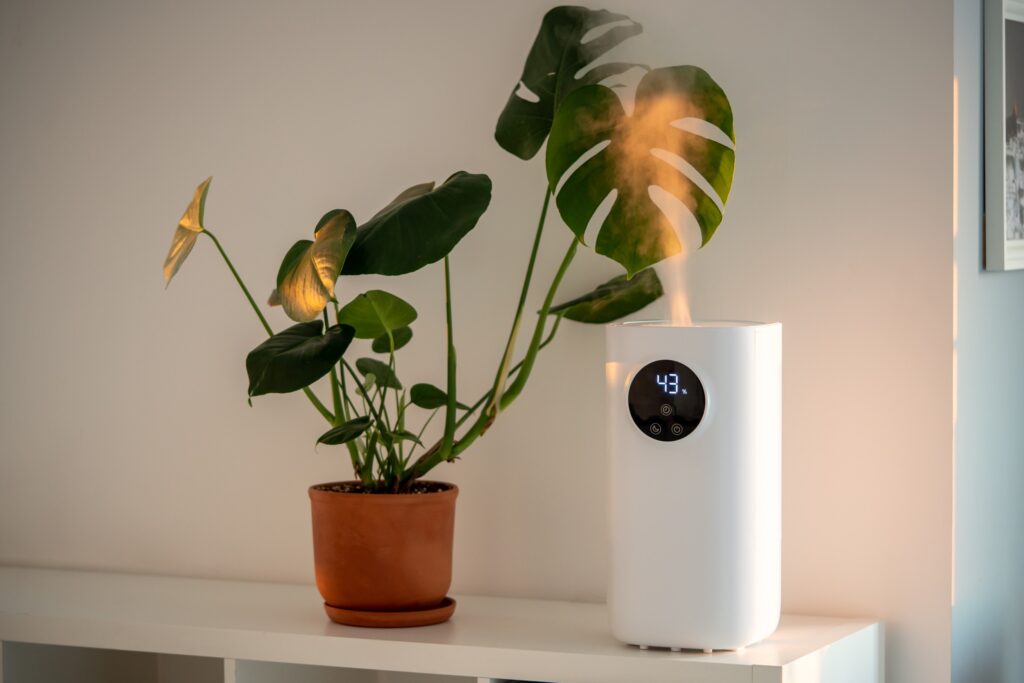
Air quality directly impacts productivity. The World Green Building Council reports that improved indoor air quality can boost productivity by 8-11%. For closed rooms or spaces with pets, an air purifier keeps dust and allergens under control while protecting devices from buildup. A humidifier can also help in cleansing the indoors by adding moisture to the air, increasing the humidity level to relieve problems caused by dryness, such as dry skin, irritated eyes, and respiratory issues.
NASA’s Clean Air Study also revealed that common indoor plants like peace lilies and snake plants can remove up to 87% of toxins in just 24 hours. Adding indoor plants adds freshness and personality, making the home office setup both healthier and more inviting.
Switching to a Better Setup
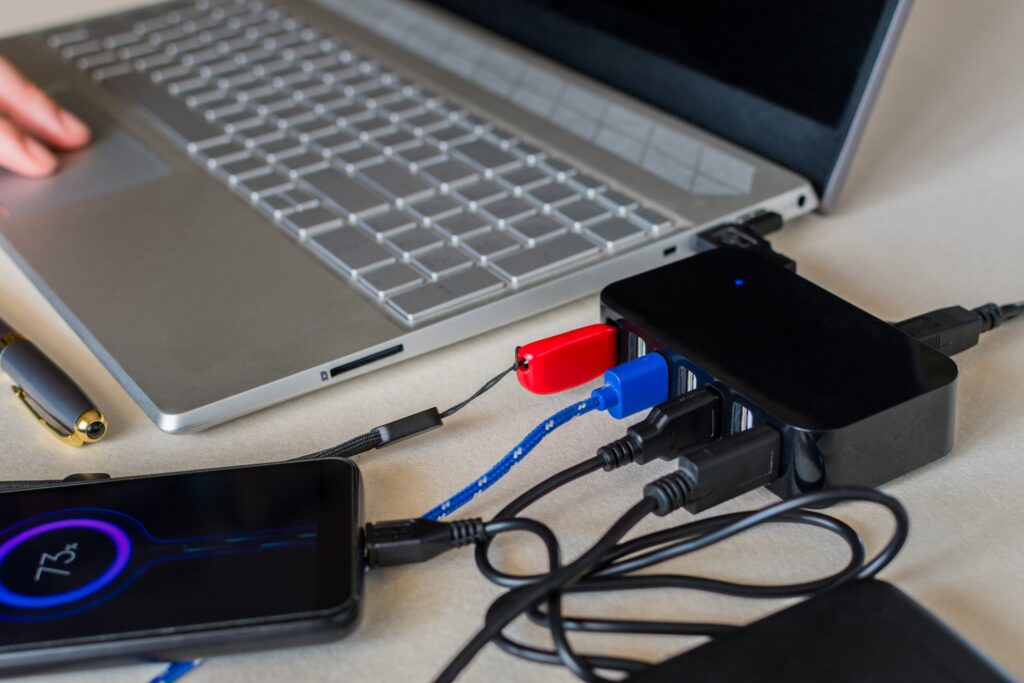
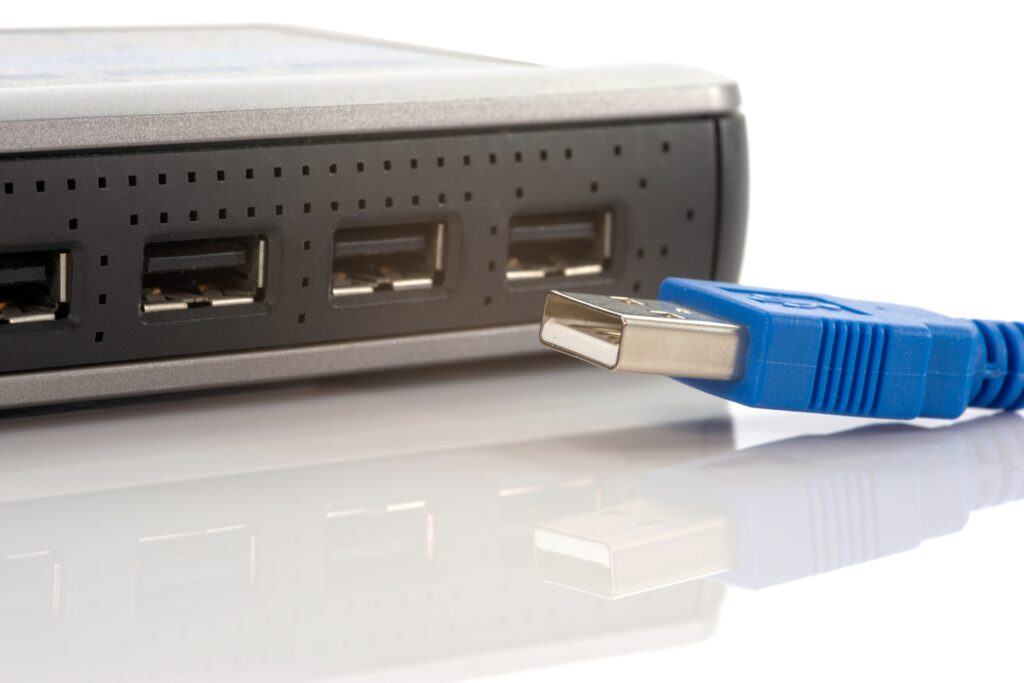
Constant switching between a work laptop and a personal one can become frustrating. However, having a USB switch allows easy sharing of peripherals like keyboards, mouse, and external hard drives. For a more advanced solution, a KVM switch (keyboard, video, and mouse) can also be used. It enables both device and display switching with just one button.
These tools streamline workflows and can save time efficiently. Gartner research indicates that knowledge workers lose 20-30% of productivity due to inefficient processes, and a messy dual setup is one of those avoidable inefficiencies.
Not to Forget the Analog Tools
In an age of digital apps, pen and paper still hold surprising value. Research from Princeton and UCLA found that students who took notes by hand retained concepts 25-40% better than those who typed. For brainstorming, quick reminders, or sketches, analog tools reduce mental friction and prevent distraction from app-switching.
Keeping a personal notebook on the work table creates balance between digital demands and creative freedom, a habit that can boost focus during long stretches of remote work.
A Personal Touch
Doesn’t matter if you are working from home or remotely from any other place in the world. Workspaces should feel motivating, not sterile. Adding greenery (indoor plants that resonate with your personality and liking), personal photos, or small decorative items transforms a dull space into an energetic one that encourages creativity and reduces stress. A study in the Journal of Environmental Psychology showed that office plants improved concentration by 15% among workers.
Personalizing the workspace also makes work feel less transactional and more fulfilling. Whether it’s your favorite quote, a coffee mug, or a framed picture of loved ones, these touches make the home office setup truly your own.
Final Thoughts
The real secret behind how to work from home is not about expensive upgrades or fancy gadgets. It’s more about creating an intentional, functional space that supports health, focus and productivity. Each improvement from surge protectors and ergonomic chairs to lighting and indoor plants (greenery) adds layers of comfort and focus.
The perfect home office setup is the one that evolves with personal needs. It could be different for everyone, as per their personal liking and choices. A thoughtfully arranged work table, good air quality, proper posture, and smart tools and accessories all contribute to making remote work less of a challenge and more of an opportunity to thrive.
Subscribe to What Works Next today and join a community dedicated to transforming the way we work. Working smarter starts here!
Did you know spending at least two hours a week in nature can have a profoundly positive impact on both your physical and mental health?
While not all can go out that frequently, having office decor ideas can help. If you can’t go out in nature, bring it inside your workspace!
Meh, I already have my workspace set up. Doing an office lighting overhaul or adding office plants can’t do much is something we often hear. Unfortunately, office decor ideas are often underestimated by most, and yet they can completely transform the way we feel and work in a given space.
We can vouch for it because we have tried it. Have you ever walked into a workspace and felt instantly calm, relaxed, or even energized? Somewhat like how you feel when you see mountains, valleys, and streams? That very reaction mostly comes from subtle elements we often tend to ignore, like lighting and plants. Curiously, these two simple elements can enhance good mood, boost creativity, and improve productivity.
Let’s explore how to make your office feel less like a dull cubicle and more like a dynamic, motivating place.
Why Office Decor Matters?
Most of us, whether working from home or the office, spend most of our time in that workspace. And if our surroundings and overall ambiance feel sterile and uninspiring, our work can suffer. It’s not just us! Many individuals on Reddit, Quora, and other online communities share how dull workspaces make them feel drained by midday. It happens even to the most active and energetic employees.
Without the right office decor ideas, even the best desks or ergonomic chairs can feel lifeless or like a cage. To make our workspace a little less burdened, we need surroundings that balance functionality with warmth. And if you are working from home, you can leverage it like a pro.
Incorporating office lighting and indoor plants is an affordable way to create that balance within your workspace. You do not need to do a full-scale renovation or put expensive furniture. Yet, the impact they deliver is surprisingly impactful – in a good way. A calm glow from a standing lamp next to your workstation or the greenery of a small fern can refresh the whole vibe.
The Power of Indoor Office Lights
As part of office decor ideas, it is important to understand why lighting matters.
While we all have our preferences for working in a dark or light environment. We are here to shed light on the power of indoor office lights. Good lighting can make or break the whole feel of the workspace. It literally changes your mood.
Tip – if you are already feeling low and gloomy, do not work in a dark room with dim lights, as it will make you feel even lower and less energetic. Keep your mind and ambiance lit with lights.
Harsh fluorescent bulbs, or neon lights, often cause headaches and fatigue. On the other hand, natural light has been shown to improve mood and focus. But what if we do not have big windows or sunny skies every day?
That is where intentional office lighting comes in. Warm-toned LED desk lamps, side-table lamps, standing lamps, and even wall lights can create a cozy, light, and productive environment. Many online communities discuss how workers replace overhead fluorescents with softer alternatives to reduce strain.
Sometimes, swapping just one bulb for a daylight-spectrum lamp can improve your concentration dramatically. Try?
So, investing in smart lighting for your home workstation or office setup is not only about aesthetics. It is about peace of mind, comfort, health, and performance. When the lighting feels good and easy on the body and mind, working longer hours does not feel as draining.
Indoor Lights Options for Every Space
When considering office lighting, the possibilities are endless. But by concentrating on a few trustworthy choices, you can simplify the process. Select that resonates with your setup and energies.
1. LED Desk Lamps
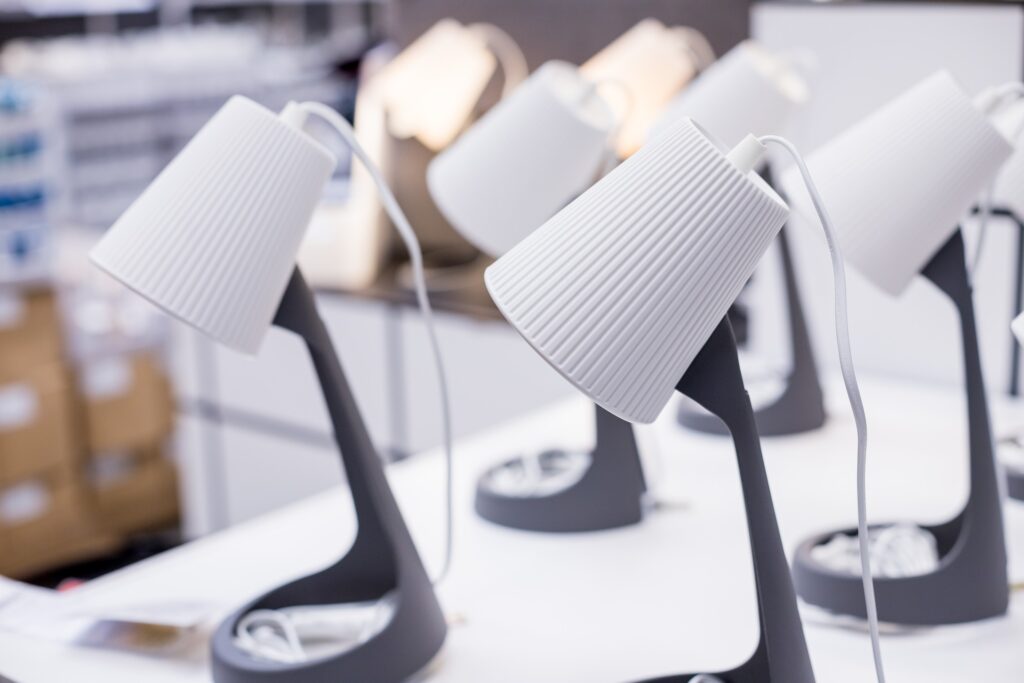
You must have heard of these already. These are energy-efficient, adjustable, and easy to position lamps that can add a little mood to your workspace. You can find different models that offer dimming features and color temperature controls to match your needs.
2. Floor Lamps
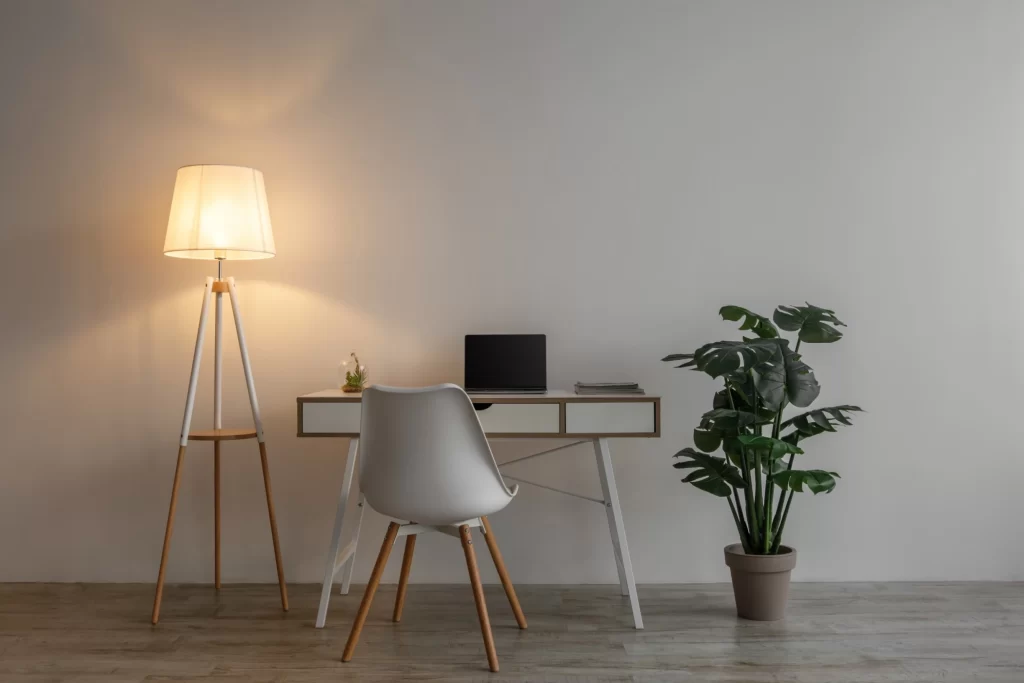
If you don’t want your workdesk to be cluttered with extra stuff, then consider having a standing floor lamp. Tall standing lamps spread soft, even light, and they are perfect for corners that feel dark or uninviting.
3. Pendant Lights
You don’t have to invest in chandeliers. Hanging pendant lamps can come in handy! They create stylish focal points and are especially useful for shared office spaces or conference rooms.
4. Smart Lighting Systems
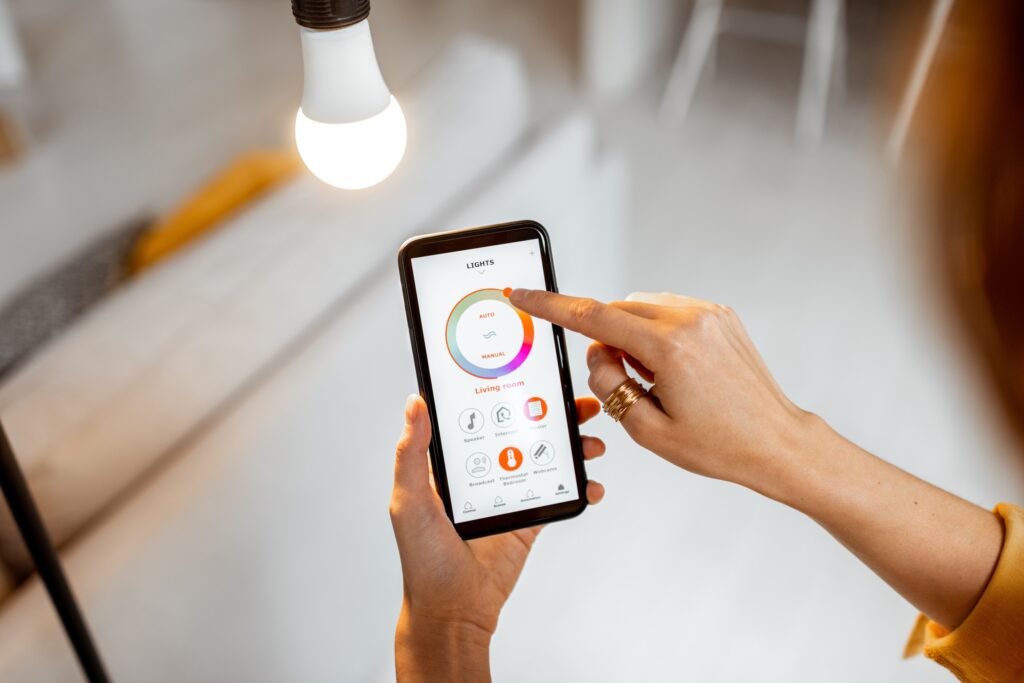
We are living in an era of “everything smart”. Smart bulbs or strips let you control brightness and color with an app. Many remote or office workers love using them to mimic daylight and reduce fatigue.
5. Clip-On Lamps
A small, portable lamp type that can add a big impact. Clip-on lamps are Ideal for small desks. These flexible options provide direct task lighting without taking up valuable workspace.
Choosing the right indoor lights is not only about style. It should be focused on how they can help in improving focus, energy, and mood during your workday.
The Power of Indoor Office Plants
Having natural plants at your workstation can bring a range of benefits, from lower stress levels and better moods to improved focus and higher productivity.
Plants aren’t just for decoration. Indoor natural plants actively improve how we feel, and on top of that, they help us perform better at work. Studies reveal that greenery lowers stress, boosts focus, and even reduces noise levels in open offices. One often-cited research study from the University of Exeter showed a 15% productivity increase when plants were added to workplaces.
Unlike lighting, which shapes mood through visual comfort, plants influence us through nature’s calming presence. A glance at green leaves can reduce eye fatigue caused by constant screen use. Adding a small plant to your workplace can change your mood during long workdays, take it as a “simple fix that feels like magic.”
Plants in the office can also boost air quality by removing toxins and adding humidity. This makes breathing easier, especially in spaces with recycled air. When paired with thoughtful office decor, plants become crucial for both mental and physical well-being, rather than just decorative accents.
Indoor Plants Options to Freshen Up Your Workstation
As we have emphasized above, greenery is one of the simplest office decor ideas that delivers instant results. The right indoor plant can brighten up a dull corner, freshen up your mood, and reduce stress levels.
1. Snake Plant
Relax! Not that kinda snake. It’s a low-maintenance and air-purifying plant that thrives in almost any environment.
2. Pothos
Known for its trailing vines, pothos looks amazing in hanging baskets or on shelves. It can complement your wall lamps, too.
3. ZZ Plant
This glossy green plant handles neglect well (doesn’t mean you have to neglect it). It’s a pretty low-maintenance plant and is perfect for busy professionals.
4. Peace Lily
Meet the infamous peace lily, an indoor houseplant. It’s a great choice for improving air quality and a refreshing sight to the eyes. It has white blooms that also add elegance.
5. Succulents
Drought-resistant plants. If they can resist drought, then they can blend well in a work environment as well (if you know, you know). They are cute, small, and stylish. Succulents are perfect for desks with limited space.
6. Spider Plant
No, they don’t attract spiders! It’s just the same because of its texture and physical look. Hardy and very easy to grow, spider plants work well in small pots or hanging baskets.
By combining large and small office plants, you can add variety to your workspace without overcrowding. These options not only boost your space’s appearance but also bring health benefits to your daily work. Plus, they are pretty low-maintenance too.
Final Thoughts
Office decor ideas go beyond style. They influence how we feel, think, and work every day. The right office lighting eases strain, sharpens focus, and creates a productive atmosphere. Indoor office plants bring calm, freshen the air, and add a touch of nature that helps us feel grounded, even during the busiest hours.
Subscribe to What Works Next today and join a community dedicated to transforming the way we work. Working smarter starts here!
Work from home setup really doesn’t matter. They said! They lied.
What is your must-have work setup from home? This answer to this question varies person to person. My preference is to have an iced latte, a table next to a window with natural light, with no earphones. It could be entirely different for you!
The wfh 2025 is different than 2020, but it has surely transformed into a more articulated form. It has become a way of living and earning for millions of people like you and me.
My productivity in 2025 has depended less on willpower and more on my work from home setup. Before I started working as a work from home employee, I often used to wonder why some remote workers breeze through their day while others constantly feel drained. The answer, I’ve learned, often lies in how the work from home setup is designed.
Why My Work Setup Matters More Than Ever
I never realized how much my environment controlled my performance until I tried working from my bed for weeks. Sure, it felt comfortable at first, but soon I was distracted, slouching, and mentally exhausted. My body was always in the “Oh, I am tired” mood. My creative thoughts started to sleep under my pillow. And then I stumbled across Reddit communities like r/home office and r/workspaces. Post after post confirmed what I was feeling: a cluttered or uncomfortable space drains your energy, while a proper work setup with essential tools and accessories boosts focus almost instantly. It did for me and many others (my dependable source: Reddit).
For me, investing in my setup wasn’t just about work. It was more about protecting my health and creating a place where I actually wanted to spend hours (work demands). So, I started planning out things for my core work station, wfh 2025 isn’t a game as it is, if you know, you know!
Ergonomics First – Gotta Protect The Body
What if the biggest threat to your career isn’t stress, but your chair? That question hit me hard because after my bed, I had started getting back pain from sitting on a stiff dining chair. On Reddit, I kept seeing the same advice: fix ergonomics first!
So I bought an ergonomic chair with lumbar support, and it changed everything. Some people swear by Herman Miller, while others recommend budget-friendly options like Ikea Markus or SIHOO. I also added a sit-stand desk so I could switch positions throughout the day. And to my surprise, a split keyboard and vertical mouse reduced the wrist pain I didn’t even know was creeping in. 30s hit differently as it is!
These small changes made me feel like I wasn’t fighting against my own body while working. You must have already read the same suggestions a gazillion times. I did too, but never implemented until my body started showing signs. Guess it’s time for you to amp up your workstation for real.
Suggestions for Ergonomic Chairs under $200
Marsail Ergonomic Chair – priced at $118 at Amazon (price may vary)
TRALT Ergonomic Chair – priced at $140 at Amazon (price may vary)
Sweetcrispy Ergonomic Chair with flip arms – priced at $63 at Amazon (price may vary)
Technology Upgrades I Can’t Work Without
Is a laptop enough for working full-time from home? I know it depends on your job role and all. And I thought so too, until I tried juggling between the once-never-closed 50+ tabs. It drove me mad, like seriously. I really wanted to understand if it was just me or if other people feel the same way.
So, I went from forums to workspace threads that were full of people swearing by dual monitors, and they weren’t even exaggerating. Most of them were coders, but hey! Other jobs are tough, too. And so, adding a second screen doubled my productivity and reduced my eye strain a little.
Other than this, a good webcam and noise-canceling microphone also turned my video calls from “Sorry, can you repeat that?” into clear conversations.
Docking stations are must have too. I finally bought one, and now one cable connects everything: my monitors, keyboard, mouse, and a charger keeping my desk clutterfree. A little perfect work setup for myself.
Lighting and Ambience That Actually Works
Could your desk lamp be sabotaging your focus? I didn’t believe it until I switched mine out. Harsh light made me tired, while dim light made me sluggish. Redditors kept recommending warm desk lamps, ring lights for video calls, and natural daylight when possible. I tried all three, and the difference was massive.
I also added a plant and a simple art print near my desk. It sounds small, but now when I sit down, my brain feels focused and relaxed.
If you have space and can set your desk near natural light, that would be a great setup too.
The Minimalist vs. Maximalist Debate
Why do some people thrive with empty desks while others feel inspired surrounded by gadgets and trinkets? I tested both approaches after reading endless debates on online communities and other forums.
When my desk was minimal, I felt calmer. But when I added a few personal touches, a framed photo, a desk mat, and my favorite books, I felt more connected to my space. I realized there’s no “perfect” setup. The best work setup in 2025 is the one that matches your personality.
Reddit-Approved Accessories I Swear By
When I was lost on what to buy next, I leaned heavily on Reddit. Here are the accessories that kept popping up in discussions and that I eventually tried myself:
Noise-Canceling Headphones: Redditors say they’re worth every cent, and I agree. They create a bubble of focus and block out chaos.
KVM Switch: Switching between my personal and work laptops with one keyboard and monitor feels like a much-needed solution.
Docking Station: Reddit community insisted this was essential, and they were right. It declutters your desk and makes connecting devices simple.
Ergonomic Keyboard and Mouse: A split keyboard and vertical mouse took a week to get used to, but eliminated wrist pain.
Standing Desk or Converter: Sitting all day was killing my energy. This lets me stand, stretch, and reset without leaving my workspace.
Monitor Riser or Arm: Lifting my screen to eye level stopped the neck strain I didn’t notice until it was gone.
Mechanical Keyboard: Typing feels satisfying, and honestly, it makes me enjoy working more.
Premium Ergonomic Chair: This one is non-negotiable. Every Reddit thread says “buy the best chair you can afford,” and I get why now.
How My Setup Helped My Mental Health
Can a desk setup really protect your mental health? I didn’t think so until I realized how blurred my days had become. I’d close my laptop and still feel like I was at work. Online Communities and people working remotely showed me I wasn’t alone. And so, you aren’t alone as well!
The best advice I found was to create clear boundaries. Use a dedicated corner for work, close my laptop at the end of the day, and build rituals like a short walk after finishing. It tricks my brain into knowing work is done. My setup isn’t just functional now, it’s also a signal to my mind.
Looking Ahead: Future WFH Trends
What if tomorrow’s “office” is a headset instead of a desk? Beyond 2025, VR meeting rooms and AI scheduling assistants will become real tools. People are curious about these changes, but most agree: no futuristic gadget will ever replace the basics of good ergonomics, reliable tech, and a calming space.
Final Thoughts
So what’s the real secret to thriving in WFH 2025? For me, it wasn’t about discipline or motivation. It was about designing a space where work feels natural.
Online communities gave me a head start, but the journey was personal. And similarly, it will be the same for you. What you select, how to upgrade your work from home setup depend on your needs.
Every upgrade from noise-canceling headphones to a better chair helped me feel more in control of my day. If you’re struggling with focus or fatigue, don’t blame yourself first. Look around. Your work setup may be the hidden key to unlocking your best self.
Subscribe to What Works Next today and join a community dedicated to transforming the way we work. Working smarter starts here!
Remote work has shifted from a rare perk to a global movement. In just a few years, it has transformed how people approach careers, productivity, and lifestyle. For many, remote work represents more than simply working from home. It’s about crafting a career that aligns with personal priorities while delivering professional excellence. This shift empowers individuals to break free from rigid routines, reclaim their time, and work in ways that foster creativity.
A Look Back: Who Invented Work and How It Evolved
Before understanding the rise of remote work, it is worth exploring how work itself began. The concept of “work” dates back to early human societies, where tasks focused on survival, such as hunting, farming, and building shelter. Moreover, these foundational activities laid the groundwork for more complex social structures and economic systems that would develop over time. As civilizations grew, specialized roles emerged. The Industrial Revolution brought structured employment in factories and offices, creating the nine-to-five model that dominated the twentieth century.
For centuries, location dictated opportunity. People had to live near where they worked. As technology advanced, especially with the invention of the internet, geography stopped being a barrier. Consequently, people gained the ability to work and collaborate from virtually anywhere in the world. Remote work began quietly in the late twentieth century with a small number of telecommuters. Today, it is a central part of the modern economy, proving that work no longer has to be confined to a physical office.
Why Remote Work Became a Global Force
Remote work surged because technology matured, worker preferences shifted, and employers adapted. The pattern is now global, though it varies by region.
1. Technology and access improved fast
Cloud software, secure video calls, and team platforms removed location barriers. On average, people now work from home about 1.27 days per week worldwide. That figure comes from a 2024 to 2025 survey across 40 countries. English-speaking countries average about two days. Latin America and Africa average about one day. Many Asian countries average about half a day.
2. Workers value flexibility in real economic terms
Employees place a clear price on hybrid options. A 2024 study estimates that two remote days per week are worth about eight percent of pay, on average. This shows why remote work sticks even when office access returns.
3. Employer adoption is now mainstream
Hybrid has become the default for many large firms. Stanford researchers report that most Fortune 500 companies run hybrid schedules with two or three office days. Leaders cite retention and recruiting benefits alongside stable output.
4. Country data confirms a durable shift
In the United States, one-third of employed people worked at home on days worked in 2024. That share was similar to 2023 levels. In the United Kingdom, 28 percent of working adults used a hybrid pattern in autumn 2024. Hybrid has become the new normal for many roles.
Across the European Union, about 22 percent of workers usually worked from home in 2023. That level remains well above pre-pandemic norms. In Australia, 36 percent of employed people usually worked from home in August 2024. Managers and professionals reached 60 percent.
5. Sector and role differences explain the uneven map Remote work concentrates in knowledge roles. In the United Kingdom, information and communication firms reported the highest hybrid use at 49 percent. Professional, scientific, and technical activities followed at 42 percent. Customer-facing and site-based sectors remained lower.
6. Demographics and lifestyle effects matter
Parents and older workers are more likely to choose a hybrid in Britain. Workers saved about 56 minutes per home working day by avoiding commuting. Many used that time for rest or exercise. These gains support well-being and focus.
7. The global baseline has stabilized, not vanished
Worldwide remote intensity eased from pandemic highs but settled at a steady level. The latest global survey shows a small decline from 1.6 days in 2022 to 1.27 days in early 2025. The plateau suggests a long-term equilibrium.
8. Why this persists into the future of remote work 2025
Workers still want choice. Firms still want wider talent pools. Digital tools keep reducing coordination costs. These forces reinforce each other. As a result, remote work continues as a durable part of modern employment rather than a temporary fix.
This shift has not only changed where people work but also how they measure success, with results taking priority over presence.
The Benefits of Remote Work You Cannot Ignore
Remote work brings advantages that go far beyond convenience. It changes how people structure their lives, spend their time, and manage their careers.
Freedom of Location:
You are no longer tied to a single city or office building. You can work from your living room, a quiet café, or a co-working space by the beach. Many professionals now combine travel with work, choosing temporary stays in cities or countries they have always wanted to explore. This location flexibility has also allowed people in smaller towns to access jobs that were once limited to big urban centers.
Time Efficiency:
The daily commute used to take hours each week. Remote work eliminates that journey, giving people back time for personal priorities. Research from multiple countries shows that remote workers save between 30 and 60 minutes each day that would otherwise be spent in traffic or on public transport. Many use this extra time for exercise, hobbies, or family connections, which can improve overall life satisfaction.
Cost Savings:
Both employees and employers benefit financially. Employees save on fuel, public transport fares, parking fees, and even lunch expenses. Employers reduce spending on large office spaces, utilities, and on-site services. For some organizations, downsizing physical office space has translated into significant yearly savings that can be reinvested in technology or employee development.
Better Focus:
Many professionals report that they can concentrate more effectively at home. Without the noise of open-plan offices or frequent in-person interruptions, workers can immerse themselves in complex tasks for longer periods. This often leads to improved quality of work and faster completion of projects. Tools like noise-cancelling headphones, dedicated work areas, and customizable lighting also help create a highly focused environment. In addition, implementing clear schedules and regular breaks can further enhance productivity and prevent burnout.
These benefits explain why remote work has become more than a quick solution during times of disruption. It has grown into a long-term preference for millions across the globe, influencing how careers are built and how companies operate.
The Future of Remote Work 2025: What Experts Predict
Industry research suggests that remote work will not only persist but become an even larger part of the global workforce. By 2025, analysts forecast that more than 32% of all employees worldwide will work remotely at least part of the week. In advanced economies, this share may exceed 40%. Hybrid and fully remote arrangements are expected to be standard practice in technology, marketing, finance, education, and other knowledge-based industries.
This growth is fueled by multiple factors. Advances in artificial intelligence and virtual collaboration are reducing the friction of working across time zones. Internet connectivity continues to improve, with global broadband penetration projected to surpass 75% by 2025. Even rural areas are gaining better access through satellite internet services, making location less of a barrier than ever.
Smarter Collaboration Tools:
Artificial intelligence will play a central role in how teams communicate and coordinate. AI-powered assistants will schedule meetings, take real-time notes, translate discussions into multiple languages, and track deadlines automatically. Analysts predict that by the end of 2025, more than half of large companies will have integrated AI meeting assistants into their daily operations.
Global Teams as the Norm:
The ability to hire talent from anywhere means companies will continue building internationally diverse teams. A recent global survey revealed that 58% of employers already have at least one remote team member working from another country. This figure is expected to grow to over 70 percent within the next two years as businesses seek specialized skills without relocation costs.
Immersive Virtual Offices:
Virtual reality and augmented reality will begin moving from experimental stages to practical use. By 2025, early adopters will host team meetings in virtual office spaces where participants can interact as avatars in shared digital environments. This technology will help mimic the presence of in-person collaboration and may improve relationship building across dispersed teams.
Greater Focus on Well-being:
As remote work matures, companies are learning that productivity depends on employee wellness. By 2025, experts predict that at least 60% of large employers will provide structured mental health support for remote workers, as well, many organizations are expected to invest in long-term wellness programs that promote emotional resilience and work-life balance. This includes access to teletherapy, online wellness programs, and stipends for home office improvements that support ergonomic comfort.
These changes indicate that the future of remote work 2025 will be more flexible, connected, and balanced than anything we have seen before. The global workforce will increasingly measure success not by hours at a desk but by results, collaboration quality, and well-being outcomes. Furthermore, this shift calls for new approaches to management and employee support that prioritize trust, autonomy, and meaningful engagement.
Setting Up Your Space: Desks That Support Remote Professionals
A well-designed workspace is essential for remote work success. The desk you choose can directly impact focus, posture, and efficiency.
1. Standing Desks
Standing desks help reduce the health risks of sitting all day. Adjustable models allow you to switch between sitting and standing with ease.
2. Compact Writing Desks
These are perfect for smaller spaces. They provide enough room for a laptop and essentials without causing clutter.
3. Desks with Storage
Ideal for remote workers who need quick access to files, notebooks, and tech gear. Storage helps maintain an organized and distraction-free space.
4. Foldable Desks
Great for multi-purpose rooms. You can fold them away after work to reclaim your living space. Choosing the right desk for your needs makes remote work more comfortable and sustainable.
Creating Focus in a Remote Work Environment
Working from home comes with distractions, from household chores to social media. Maintaining focus requires intentional effort.
Define Work Hours and stick to consistent start and finish times.
Use noise-cancelling headphones to create a distraction-free audio space.
Set Clear Boundaries so household members respect your work schedule.
Batch Similar Tasks to maintain momentum and reduce mental switching.
These strategies help remote professionals stay productive without feeling overwhelmed.
How Remote Work Supports Work-Life Balance
Remote work makes it easier to integrate professional responsibilities with personal life. You can take short breaks to recharge, spend more time with loved ones, or use midday hours for exercise.
Balance, however, requires discipline. Therefore, cultivating good habits and setting clear boundaries become essential for maintaining that balance over time. Without clear boundaries, work hours can spill into personal time. A structured daily routine ensures you benefit from flexibility without experiencing burnout.
Overcoming Remote Work Challenges
While remote work offers freedom, it is not without its obstacles.
Isolation, which can happen without regular office interactions.
Overworking occurs when the lack of commute leads to longer hours.
Communication Gaps appear if teams do not maintain regular contact.
Solutions include joining virtual communities, scheduling regular check-ins, and using shared digital platforms to stay aligned and connected.
Why Companies Are Embracing Remote Work
Organizations see remote work as a competitive advantage.
Access to Wider Talent Pools allows recruitment without geographical restrictions.
Lower Overhead Costs from reduced need for office leases and utilities.
Employee Retention as flexible policies often lead to higher satisfaction and loyalty.
These benefits make remote work a strategic decision rather than a simple employee benefit. As a result, companies that embrace remote work often gain a competitive edge in attracting and retaining top talent.
Remote Work and the Future of Careers
The remote work revolution is influencing career choices worldwide. More people are prioritizing roles that allow flexibility and location independence. Digital skills, adaptability, and self-management are becoming essential for long-term career success.
The future of remote work 2025 and beyond will belong to those who can combine technical expertise with the ability to work independently. As more companies embrace this model, professionals will have greater freedom to design careers that align with their ideal lifestyle.
Final Thoughts
Remote work is no longer just an alternative. It is a cornerstone of modern employment. From its historical roots in the evolution of work to its bright future in 2025, it represents a shift toward greater freedom, focus, and flexibility.
Whether you are setting up your home office, creating hybrid policies for your business, or simply curious about who invented work and how it evolved, the remote work revolution offers a chance to rethink what is possible. With the right tools, boundaries, and mindset, remote work can help you achieve more while enjoying a balanced and fulfilling life.
Subscribe to What Works Next today and join a community dedicated to transforming the way we work. Working smarter starts here!
Did you know that 12.7% of full-time employees in India work from home, while another 28.2% follow a hybrid model? That’s just one country’s figure. Imagine the scale if we examined this globally.
In recent years, working remotely has evolved from a niche option into a mainstream employment model. Technology-driven innovation has made it possible for employees to stay connected, productive, and engaged without stepping into a traditional office. For both employers and employees, the benefits range from flexibility and cost savings to improved productivity and work-life balance.
But before diving into the advantages and challenges, it’s important to ask: what is WFH?
What Is WFH?
WFH, or Work From Home, is a work arrangement where employees perform their job duties from home rather than a company office. This setup can be temporary—like during the COVID-19 pandemic—or permanent, as part of a fully remote or hybrid model.
Gartner defines it as “a type of flexible working arrangement that allows an employee to work from a remote location outside of corporate offices.”
It’s worth noting that “what is WFH” isn’t just a question or a concept born out of the pandemic. In fact, 5.7% of the U.S. workforce was already working from home before COVID-19 triggered a global shift.
A Brief History of WFH
The roots of WFH go back to the early 1990s, when growing internet connectivity and affordable computing power made remote communication possible. As mobile phones became widespread, professionals could manage calls, meetings, and tasks from nearly anywhere homes, cafés, and even airport lounges.
The idea gained slow momentum until 2020, when worldwide lockdowns forced organizations to adopt WFH almost overnight. The results were surprising: the number of remote workers more than doubled globally, and many companies found that productivity stayed the same or even improved.
Why WFH Thrived Post-Pandemic
One major reason for its success is that employees reclaimed the time lost to commuting. In some cities, workers saved more than 10 hours a week just by skipping daily travel. That extra time translated into better focus, more rest, or personal projects.
From an employer’s perspective, WFH unlocked access to a much wider talent pool. Companies could hire the most skilled candidate regardless of location, enabling diversity and innovation.
The Technology Driving WFH
The rise of WFH has been supported by a suite of digital tools. Platforms like Slack, Microsoft Teams, and Zoom make real-time communication effortless, whether for quick check-ins or full-scale virtual conferences.
Project management software like Trello, Asana, and Notion keeps workflows transparent. E-learning platforms allow employees to develop skills, while businesses deliver structured training to improve performance.
In short, for anyone learning how to work from home, mastering these tools is just as essential as creating the right physical workspace.
WFH vs. Remote Work
The terms are related but not identical:
Remote work means working from any location outside the traditional office, whether that’s your home, a café, or a shared co-working space. Employees may be fully remote or partially remote.
Work from home is a form of remote work carried out exclusively from your home environment, whether a dedicated office, living room, or even kitchen table.
The key difference is flexibility of location: remote work can happen anywhere, but WFH is tied to your home.
Model
Definition
Advantages
Disadvantages
Full-Time Remote Work
The job is entirely home-based.
Flexible schedule, high productivity, increased motivation.
Possible burnout, less feedback, and reduced in-person interaction.
No job security, no benefits, and personal equipment costs.
Advantages of Working From Home
For Employees
One of the most obvious advantages for employees is the complete removal of the daily commute. Working from home means no longer spending hours in traffic or on public transport. This not only saves significant time but also reduces stress levels, allowing employees to start their day feeling more energized and focused. The extra time saved can be invested in personal hobbies, exercise, family commitments, or additional work tasks.
Another major benefit is the improvement in work-life balance. When employees have control over their schedules, they can structure their workday around personal priorities, such as school drop-offs, medical appointments, or time with loved ones. This flexibility helps create a healthier lifestyle and contributes to overall well-being, which in turn can improve job satisfaction and reduce burnout.
Working from home also offers the opportunity to design a personalized workspace. In an office, employees often have limited control over their surroundings. At home, they can adjust lighting, seating, and desk arrangements to suit their needs, which can lead to better comfort and focus. A personalized environment, free from common office distractions, often enables employees to work more efficiently and maintain higher levels of productivity throughout the day.
For Employers
From an employer’s perspective, one of the most significant benefits of adopting a work-from-home model is access to a much larger talent pool. Geographic restrictions no longer apply, meaning organizations can hire the most qualified candidates regardless of their location. This not only improves the chances of finding the right fit for the role but also allows companies to diversify their workforce with a range of skills and perspectives.
Another advantage is the potential to reduce employee turnover rates. Flexible working arrangements, such as WFH, often lead to greater employee satisfaction and loyalty. When employees feel trusted to manage their time and work independently, they are more likely to remain with the organization long term, saving the company the high costs associated with recruitment and training.
Lastly, companies that allow employees to work from home can significantly cut operational expenses. Maintaining a physical office comes with costs such as rent, utilities, office supplies, and other overheads. Reducing the need for large office spaces or eliminating them can lead to substantial savings, which can then be reinvested into business growth, technology upgrades, or employee development programs.
Challenges of WFH and How to Solve Them
Work-life balance issues
One of the most common challenges of working from home is the difficulty in separating personal and professional life. Without the physical boundary of commuting to an office, work can spill into personal time, creating an unhealthy routine. This can lead to late-night calls, working beyond standard hours, and ultimately, burnout. The best way to address this is to establish a structured routine and stick to it. Having a dedicated space for work, whether it is a separate room or a small section of your home, helps create a clear distinction between work and leisure. Once your workday ends, step away from this space to signal to your mind that it is time to rest.
Communication barriers
In a remote setting, much of the communication happens through emails, chat platforms, or video calls. This can make it harder to interpret tone or intent compared to face-to-face conversations. Even in video meetings, subtle cues like body language may be missed. To overcome this, it is important to communicate as clearly as possible. Provide complete context when discussing tasks, outline expectations, and use simple, direct language. Visual aids such as screenshots or shared documents can also help make your message clearer and reduce misunderstandings.
Isolation and mental health concerns
Working from home often reduces opportunities for casual social interactions that naturally occur in an office setting. Without these interactions, employees may begin to feel disconnected from their colleagues, which can impact morale and overall well-being. A proactive approach to combating isolation is to schedule regular virtual coffee breaks, participate in online team-building activities, or create chat channels where non-work conversations are encouraged. Staying socially engaged, even through digital means, helps maintain a sense of belonging.
Distractions in the home environment
The home can be full of distractions, from household chores to noise from family members or neighbors. Personal temptations, such as television or hobbies, can also interfere with work during critical hours. These distractions not only reduce productivity but can also affect the quality of work. One effective solution is to set clear boundaries with those you live with and to work in a quiet, organized space. Noise-cancelling headphones can help block unwanted sounds, while keeping entertainment devices out of your workspace can reduce temptation.
Technology problems
Remote work relies heavily on technology, and even small technical issues can cause major disruptions. A slow internet connection, outdated software, or malfunctioning hardware can prevent you from completing tasks on time or attending important meetings. To reduce the risk of downtime, always have a backup plan. This could mean having mobile data ready in case the Wi-Fi fails or keeping a spare device available. Regularly updating your software and checking your equipment before important calls can also prevent last-minute technical setbacks.
By addressing these challenges proactively, employees can create a smoother and more productive work-from-home experience. The right strategies not only improve day-to-day efficiency but also ensure that remote work remains a sustainable and rewarding arrangement.
Best Practices for WFH Success
Set up a dedicated workspace
Having a clearly defined area for work is essential when working from home. It does not have to be an entire room. A quiet corner with a comfortable chair, a desk, and good lighting can make a big difference. A dedicated workspace signals to your brain that it is time to focus, helping you separate professional responsibilities from personal life. It also minimizes distractions and allows you to concentrate better, which leads to consistent productivity.
Manage time effectively
Time management plays a crucial role in ensuring success while working remotely. Without a set office routine, it is easy for the day to feel unstructured. Using calendars, to-do lists, and time-blocking techniques helps you stay organized and meet deadlines without last-minute stress. Scheduling specific times for breaks and focused work sessions can also help you maintain energy levels throughout the day.
Leverage technology
Technology is the backbone of the WFH experience. Tools such as Zoom for video conferencing, Asana for project management, and Google Drive for file sharing make collaboration easier and more efficient. Learning how to use these platforms effectively ensures smooth communication with your team, clear task delegation, and organized workflows. Regularly updating your skills with new software features can further enhance productivity.
Stay connected
Working from home can sometimes feel isolating, so maintaining strong communication with colleagues is essential. Scheduling regular check-ins, team meetings, or informal catch-ups can help maintain a sense of teamwork and collaboration. Using instant messaging platforms for quick updates and sharing progress ensures that everyone remains aligned and avoids misunderstandings.
Protect well-being
Balancing work and health is just as important as meeting deadlines. Taking short breaks to stand, stretch, or walk around can prevent fatigue and improve mental clarity. Setting clear boundaries, such as avoiding work emails after hours, protects personal time and reduces the risk of burnout. Incorporating healthy habits like regular exercise, proper hydration, and mindfulness practices further enhances both physical and mental well-being.
For anyone searching for how to work from home efficiently, following these best practices provides a strong foundation for long-term success. They not only improve productivity but also ensure that remote work remains sustainable and fulfilling.
Best Jobs to Work From Home
The growth of remote work, combined with advancements in artificial intelligence, has expanded the types of careers that can be done entirely from home. Many of these roles offer flexible hours, competitive pay, and the chance to work with global teams.
Software developer
Software development remains one of the most in-demand remote careers. Developers can design, build, and maintain applications from anywhere, collaborating with teams through project management tools. As more businesses adopt AI-powered solutions, developers skilled in machine learning frameworks have an added advantage.
AI prompt engineer
This is a new and fast-growing role created by the rise of AI tools like ChatGPT. Prompt engineers design and refine the instructions given to AI systems to produce accurate, high-quality results. The role combines creativity with technical understanding and is becoming one of the best jobs to work from home for those interested in AI applications.
Data analyst
Data analysts collect, process, and interpret large datasets to provide actionable insights. With AI-powered analytics tools becoming standard, remote analysts can work more efficiently and deliver faster results for businesses.
Virtual assistant
Virtual assistants provide administrative support, managing tasks such as scheduling, email correspondence, travel bookings, and research. Many now use AI tools to automate repetitive tasks, increasing efficiency and value to clients.
Online tutor
The shift toward digital education has created high demand for online tutors. This includes traditional academic subjects, language teaching, and specialized skills like coding, design, or AI literacy. Educators can reach students worldwide through virtual learning platforms.
Customer support representative
Customer service roles are now powered by AI chatbots and automation, but human representatives remain vital for complex issues and personalized assistance. Many companies hire remote agents to work flexible shifts covering global customer bases.
Content writer or editor
Writers and editors produce and refine blog posts, articles, web copy, and marketing content. AI writing tools can assist with research and structure, but human creativity, voice, and brand alignment remain essential.
Digital marketer
Digital marketing specialists run online campaigns, manage SEO strategies, and oversee social media accounts. AI-driven analytics platforms allow marketers to track performance and optimize content more effectively, making this role more impactful than ever.
UX/UI designer
User experience and interface designers create engaging, accessible, and visually appealing digital products. Many use AI-powered design tools to speed up prototyping and testing. These roles are highly suited to remote collaboration.
AI trainer and evaluator
AI systems need human feedback to improve. trainers review outputs, label data, and guide to improve system accuracy. This role requires attention to detail and an understanding of how AI interacts with data.
Whether you are transitioning to a new career or exploring flexible work opportunities, these are some of the best jobs to work from home in today’s market. With AI transforming workflows across industries, remote professionals who adapt to new tools and technologies will be well-positioned for long-term success.
How to Implement WFH in a Company
Develop a WFH policy
The first step in successfully implementing a work-from-home arrangement is to create a clear and comprehensive policy. This document should outline all expectations regarding working hours, availability, and communication standards. It should also specify how productivity will be measured and what tools or platforms employees are expected to use. Security measures must be included, detailing guidelines for data protection, secure file sharing, and safe use of company devices. A well-written policy ensures that everyone understands their responsibilities, reduces confusion, and sets the foundation for a consistent remote work culture.
Provide training and support
Transitioning to a work-from-home model can be challenging for both employees and managers, especially if they are new to remote work. Providing structured training helps ensure that everyone has the skills needed to succeed in this environment. Training should cover remote communication etiquette, effective time management techniques, and best practices for maintaining productivity outside of an office. It should also include cybersecurity awareness, teaching employees how to protect sensitive company data while working from personal devices or home networks. Offering ongoing support, such as IT help desks or regular check-ins, can further ease the transition.
Monitor and evaluate performance
Once the policy is in place and employees have been trained, the next step is to measure the success of the WFH arrangement. Setting clear key performance indicators, or KPIs, allows you to track individual and team productivity over time. Common KPIs include revenue growth, churn rate, customer satisfaction scores, and project completion timelines. Regular evaluation helps identify what is working well and where improvements are needed. Performance reviews can also highlight opportunities for additional training or adjustments to the workflow, ensuring that remote work remains efficient and sustainable.
The Future of WFH
Research shows that remote work is no longer a temporary solution but a lasting part of the modern workplace. In the United States, around 20% of the workforce now works remotely permanently, a significant increase compared to pre-pandemic levels. In Australia, 36% of employees regularly work from home, a dramatic jump from just 5% in 2016, highlighting how quickly this shift has taken place.
Globally, the trend is just as strong. A 2023 study by McKinsey found that 87% of employees offered remote work take the opportunity to work from home at least one day a week, while 58% work remotely for three or more days per week. The same report revealed that flexibility is now one of the top three factors employees consider when choosing a job, alongside salary and career growth opportunities.
From an employer’s perspective, the appeal of WFH is equally compelling. A Global Workplace Analytics report estimated that companies can save over $11,000 per year per employee who works remotely half the time, thanks to reduced office space, utility costs, and turnover. These savings, coupled with higher employee satisfaction, are pushing many organizations to adopt hybrid or fully remote models permanently.
Looking ahead, experts predict that WFH will become standard practice in certain sectors. Industries such as technology, marketing, customer service, education, finance, and digital content creation are leading the way. For individuals exploring the best jobs to work from home, roles like software development, virtual assistance, online tutoring, digital marketing, and remote project management are expected to remain in high demand.
As technology continues to evolve with advancements in virtual collaboration tools, artificial intelligence, and immersive work environments, remote work will become even more seamless. The companies that embrace this shift and invest in remote-friendly infrastructure are likely to have a competitive advantage in attracting and retaining top talent.
Final Thoughts
Understanding what is WFH means recognizing it as more than a passing trend. It’s a long-term transformation in how people work and companies operate.
For employees, it offers freedom, flexibility, and a better quality of life. For employers, it delivers cost savings and access to a broader talent pool. The key is to pair flexibility with structure, clear policies, effective tools, and a focus on communication.
By following proven strategies and making thoughtful adjustments, both individuals and organizations can thrive in the work-from-home era.
Creating a productive and stylish home office starts with choosing the right work table, right? Especially when you are working from home.
This essential piece of furniture must balance functionality, comfort, and a look that matches your taste. Whether you’re in a small apartment or a full home office, the right table can transform how you work. It did the trick for me, should do the trick for other users, too. A comfortable, well-structured table is a must!
A work table that blends modern design with smart features like storage can help you stay organized and inspired.
Let’s explore what makes a work table modern, functional, and perfect for your daily workflow.
Why Modern Design Matters for Your Work Table
Modern design is not just about looks. It shapes how you interact with your space. A modern desk is sleek, clutter-free, and built to enhance your focus. Clean lines and minimal finishes support mental clarity. Neutral colors, soft textures, and sustainable materials add to the appeal.
More importantly, modern design often includes hidden or built-in solutions. These reduce distractions and allow you to focus. If your workspace feels good, your brain works better. That’s why a table that blends style and function can be a game changer.
Different Types of Work Tables for Remote Professionals
Not all work tables are made the same. Your role and working style should influence your choice.
1. Minimalist Tables for Writers and Creatives
Writers, designers, and creators benefit from a clean, open table. They need space to think, sketch, or write. These work tables typically offer just the surface and maybe one drawer. This promotes flow and reduces distractions. Pair it with natural light and a comfortable chair, and you’re good to go.
2. Executive Desks for Managers and Planners
If your work involves meetings, calls, and planning, you’ll need a desk with storage. These are bigger, with drawers and shelving. They offer room to place a laptop, documents, and even dual monitors. Look for one with a cable management system to keep wires neat. Many executive tables now feature a clean, modern desk look without being bulky.
3. Standing Work Tables for Health-Conscious Professionals
Standing desks are more than a trend. They’re practical for people who care about posture and energy levels. Many standing work tables come with programmable height settings. These help you shift between sitting and standing without losing focus. They’re great for those on video calls or working long hours.
The Benefits of a Desk with Storage
A desk with storage helps you keep everything within reach. You don’t have to search drawers in a cabinet across the room. Everything is right there, making work smoother.
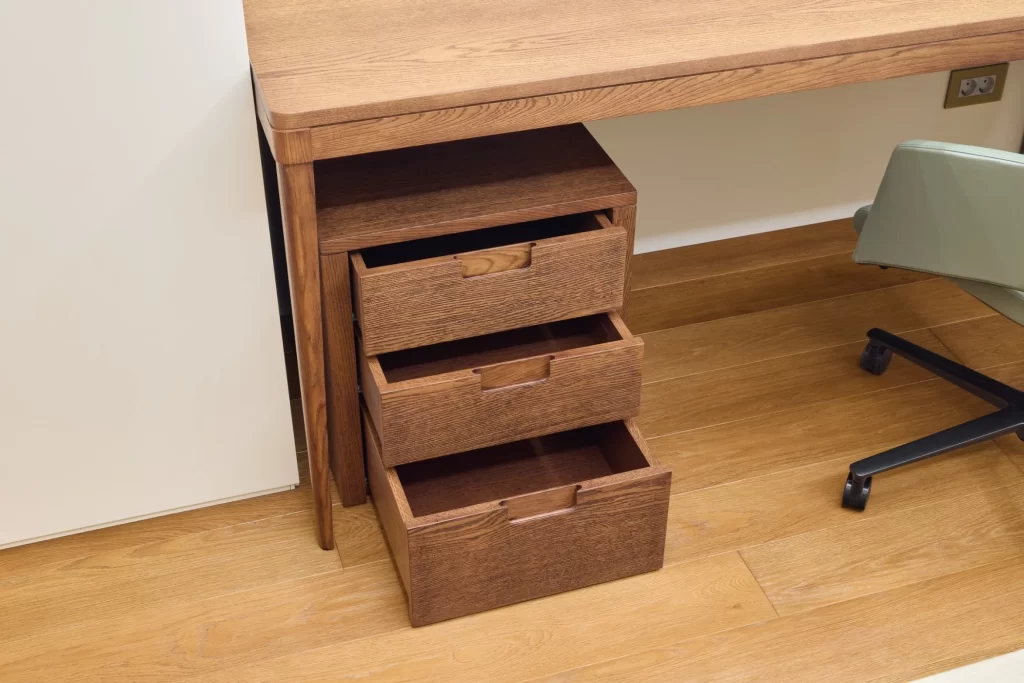
Choose a design that offers smart storage rather than bulky shelves. Pull-out drawers, hidden compartments, or vertical storage options make the most of small spaces. This keeps your desk clutter-free while holding your must-have items.
When storage blends into the design, your modern desk still feels sleek and open. That’s the beauty of combining function with style.
How to Choose the Right Work Table for Your Space
Choosing the right work table is about more than looks. Here’s what you should consider:
Size: Measure your space. A too-large desk can make the room feel cramped.
Functionality: Do you need a desk with storage? Do you work with multiple screens?
Material: Wood adds warmth. Metal frames offer durability. Glass brings in more light.
Style: Choose a modern desk that fits your room aesthetic. It should feel like part of your space.
Comfort: Make sure the table height fits your chair and posture.
You might love a certain look, but if it doesn’t suit how you work, it won’t help your productivity. Always balance beauty with purpose.
Style Trends for 2025: What’s New in Work Tables
Home office furniture is evolving!
In 2025, the trends are leaning toward eco-friendly materials, curved shapes, and smart tech integrations. Think bamboo surfaces, soft rounded edges, and desks with wireless charging pads.
Another rising trend is convertible work tables. These can be folded away, expanded, or rearranged. They’re great for shared spaces and small apartments.
Modular designs are also becoming popular. You can add or remove parts of the desk to fit your needs. These options work best for remote professionals who want flexibility.
Must-Have Features in a Modern Desk Setup
A modern workspace is more than just a table and chair. Here are a few features that elevate the experience:
Built-in USB ports and charging hubs
Adjustable height for sitting and standing
Cable management slots
Soft-close drawers and hidden compartments
Eco-friendly finishes
When these features are integrated into a modern desk, they make your workday smoother. You don’t waste time looking for chargers or dealing with tangled cords. Every item has a place, and your desk looks good all the time.
Small Space Solutions: Compact but Efficient Work Tables
Many professionals now work from small rooms, kitchen corners, or shared spaces. A compact work table with smart storage can make a huge difference. Foldable desks or wall-mounted tables offer great function without taking up too much room.
Try a corner desk if you want to use dead space. It gives you surface area without intruding into the room. Look for a desk with storage, like side drawers or under-table organizers.
These setups may be small, but they are powerful when designed right.
Real User Tips: What Makes a Work Table Actually Great
Let’s hear what remote workers say about their favorite tables:
“I love that my desk has a drawer for everything I use daily. It keeps my mind clear.”
“The cable holes keep my table looking clean, even with all the gadgets I use.”
“My standing desk changed everything. I’m more energetic and alert all day.”
“It folds away when I’m done working, so my living room doesn’t feel like an office.”
These real insights prove that design and function matter equally. Choose a work table that serves your lifestyle, not just your work hours.
Final Thoughts
Your work table should do more than just hold your laptop. It should boost your productivity, match your style, and make your workdays more enjoyable. Whether you prefer a modern desk with clean lines or a desk with storage to manage your busy routine, the key is to find a balance.
Functional design doesn’t mean boring. Modern trends prove that smart, stylish furniture can elevate your space. So take the time to choose a table that supports your work, your wellness, and your vision of success!
Subscribe to What Works Next today and join a community dedicated to transforming the way we work. Working smarter starts here!
Your workspace should feel like a sanctuary, not a storage closet. If your current chair is bulky or doesn’t quite fit your setup, it might be time to rethink your choices. A small office chair can change everything. Whether you’re working from home full-time or balancing hybrid hours, the right chair can elevate comfort, style, and productivity.
In this blog, we’ll explore why the small office chair is the unsung hero of compact setups, which types to consider, and how it fits perfectly with different table set up styles. We’ll also touch on how portable chair options give you the flexibility to move around and make the most of your space.
Why the Small Office Chair Is a Game Changer
Let’s face it, most workspaces are not giant executive suites. Many of us are setting up desks in small corners, bedrooms, or even shared living rooms. A small office chair offers all the benefits of a full-sized one without taking up half the room.
Unlike traditional chairs that overwhelm small spaces, these chairs offer ergonomic support in a compact design. That means you can stay comfortable during long meetings or creative marathons without sacrificing floor space.
Another bonus? They are usually lightweight and easy to tuck away. If you’re working from a portable chair, you can even shift your setup around depending on the mood or light.
So, if you’re struggling with back pain or cramped quarters, this is a switch that genuinely pays off.
The Key Benefits of a Small Office Chair
You might wonder why a smaller chair would make a big impact. But the benefits go far beyond just saving space.
Better Mobility: Many small chairs come with smooth wheels that glide across any surface.
Posture Support: Despite their size, many models offer lumbar support and adjustable features.
Style and Aesthetic: Smaller chairs often come in sleeker designs, which blend better with your decor.
Space Optimization: They slide right under your desk or table when not in use, keeping the room neat.
Budget Friendly: Most compact office chairs are more affordable than larger executive ones.
When you combine these features, it’s easy to see how a small office chair can boost both your comfort and your room’s overall vibe.
Match Your Chair with the Right Table Setup
The ideal table set up looks different for everyone. Maybe you’re using a floating wall desk, a compact standing desk, or even a kitchen nook. The key is pairing your setup with a chair that complements both the size and style.
Here’s how to choose the right fit for popular desk types:
Floating Desk in a Tight Corner
For this minimalist style, a low-back armless chair works best. Look for one with a breathable mesh back and wheels. This keeps the space looking open and allows you to move easily.
Compact Standing Desk
If you prefer standing desks, try a stool-style small chair with height adjustment. These chairs provide quick rest breaks without undoing your posture progress.
Foldable Work Tables
Many remote workers use portable chair and table combos. A small folding chair with a cushion is ideal here. Choose one with ergonomic curves to avoid discomfort during long sessions.
Dining Table Turned Workstation
Sometimes, your table set up isn’t a traditional desk. Dining tables are spacious but high. In this case, opt for a small chair with adjustable height and solid seat padding.
Choosing the Right Small Office Chair for Your Needs
There is no one-size-fits-all when it comes to your seating. Consider the following factors before clicking “Add to Cart”:
Height and Adjustability
Make sure the chair height suits your desk. Your arms should rest at a 90-degree angle when typing. Many small office chair options offer hydraulic lifts or manual levers for adjustments.
2. Material and Breathability
If you’re in a hot climate or sit for long hours, go for mesh-backed chairs. For a more stylish look, leather or fabric seats work well too, especially in home offices.
3. Back and Lumbar Support
Compact doesn’t mean compromised. Look for chairs with curved backrests and some lumbar padding. It makes a huge difference during 3-hour Zoom calls.
4. Armrests or Armless?
If you’re in a particularly tight spot, consider going armless to save space. However, if your elbows need support, padded armrests make your life easier.
5. Mobility and Weight
Want to move your chair easily? Pick one with smooth caster wheels and a lightweight frame. Portable chair models are perfect if your workspace changes daily.
Best Small Office Chair Types by Workspace Style
Each work environment demands different features. Let’s match chair types to specific remote work desk setups.
For Minimalist Workspaces
A sleek, armless mesh chair fits seamlessly into small rooms. It blends in and doesn’t overpower your table set up.
For Multi-Tasking Parents
If you’re toggling between work and parenting, a portable chair that you can move from room to room works best. Look for one that folds or stacks easily.
For Studio Apartments
You need beauty and function. Select a mid-back chair with concealed wheels and a cushioned seat that complements your decor.
For Dual Setups (Work + Gaming)
Opt for a small office chair with firm lumbar support and adjustable tilt. These chairs keep you comfy during long hours without the bulk of gamer chairs.
For Shared Workspaces
If your desk is in a shared area, go for a quiet rolling chair with minimal footprint. That way, you’re not disturbing others, and your space stays neat.
The Portable Chair Advantage: Flexibility for Every Day
Sometimes, your workspace isn’t fixed. Maybe you work from your bedroom in the morning, then shift to the patio in the afternoon. In such cases, a portable chair can be a game-changer.
They’re foldable, light, and easy to carry. Plus, many now come with cushions or even back support. Pairing one with a laptop tray or rolling cart turns any area into a productive table set up.
This option is ideal for digital nomads, freelancers, and anyone working in tight or shared environments.
How to Style Your Workspace Around a Small Office Chair
Even small chairs deserve to be part of a stylish setup. Here’s how to create a functional and beautiful workspace:
Add a Soft Rug. This anchors the space and softens any wheel noise.
Use a Side Table or Storage Cart. Keep clutter off your main desk.
Include Plants or Art. Even one framed piece adds personality.
Match Chair Colors to the Room. A black chair suits a tech look, while white or pastels bring softness.
The goal is to make your space feel like it’s truly yours, even if it’s just a corner.
Expert Tips to Keep in Mind When Buying
Before making your final choice, consider these quick expert tips:
Measure your desk height and floor space before buying
Read real user reviews, especially ones that mention setup and durability
Check return policies, especially for online purchases
Go for reputable brands with ergonomic certifications if possible
Don’t overlook secondhand deals on quality chairs in good condition
Sometimes, you don’t need a brand-new product. You just need the right fit.
Final Thoughts: Let Your Chair Do More Than Just Sit There
Choosing a small office chair is more than just a seating decision. It’s about transforming how you feel and function every day. Whether you have a permanent home office or switch between a portable chair and table depending on the day, the right chair offers comfort, style, and serious space-saving perks.
So, don’t wait for backaches or tight corners to make you rethink your setup. Evaluate your table set up, consider your day-to-day flow, and invest in a chair that supports your hustle.
Your body and your productivity will thank you!
Subscribe to What Works Next today and join a community dedicated to transforming the way we work. Working smarter starts here!
Working from home can boost flexibility, but only when your environment supports it. A cluttered workspace reduces focus and increases stress. That’s why investing in a desk with storage is one of the smartest decisions remote professionals can make. It helps you stay organized, improves your efficiency, and even adds to your home’s aesthetic.
This guide is designed to help you choose the right desk, based on your needs, space, and working style. You’ll also find recommendations for optimizing your desk setup and choosing the best desk accessories to support your workflow.
Why Choose a Desk with Storage?
Choosing a desk with storage offers multiple benefits. It’s not just about having drawers. It’s about creating a system that supports your work routine and eliminates distractions.
Here’s why it matters:
Keeps Your Workspace Clutter-Free. Everything has its place, from stationery to cables.
Boosts Mental Clarity. A clean space supports better concentration and decision-making.
Enhances Efficiency. Easy access to tools saves you time throughout the day.
Supports Long-Term Organization. You don’t need to reorganize constantly if everything has a home.
The right desk with storage can turn a chaotic room into a productive haven.
Different Desk Types with Built-in Storage (and Who They’re For)
Each desk type supports a different need. Below is a breakdown to help you decide what works best for you:
1. Floating Desks with Wall Storage
Best for: Small spaces, minimalists, and those who prefer open floor plans.
Floating desks mount directly to the wall, saving precious floor space. Many models include wall-mounted shelves or overhead cabinets. These desks keep your essentials within reach without taking over the room.
Pros:
Maximizes small rooms
Clean and modern look
Great for light laptop-based work
Storage Tips:
Use vertical shelves for notebooks and decor
Add magnetic organizers for small items
Use a cable box to keep things tidy
Pair it with the best desk accessories like compact lighting and wireless chargers to boost convenience.
2. L-Shaped Desks with Drawers and Cabinets
Best for: Multitaskers, professionals with dual monitors, or people managing different types of work.
These desks offer an expansive surface and extra drawer units, often with multiple sections. One side can be used for your computer and the other for paperwork or planning.
Pros:
Spacious layout
Excellent for separating tasks
Generous built-in storage
Storage Tips:
Assign each drawer a purpose: tech, paperwork, or supplies
Use drawer dividers to prevent clutter
Install under-desk hooks for headphones or bags
This desk with storage works best in larger home offices.
3. Mid-Century Modern Wood Desks with Hidden Drawers
Best for: Style-conscious professionals and creatives working in a visible area of the home.
These desks offer hidden or minimal drawer systems that blend into the design. If you want a functional yet beautiful wood desk, this is a strong contender.
Pros:
Visually appealing
Often handcrafted or made of premium materials
Can double as decor in shared spaces
Storage Tips:
Use low-profile organizers inside drawers
Choose stylish desk accessories that complement the wood tones
Keep the surface clean for maximum impact
This type is ideal when your desk setup is part of a living or dining room.
4. Standing Desks with Integrated Storage
Best for: Health-conscious workers who alternate between sitting and standing.
Many standing desks now include drawers or shelving underneath. This makes it easier to transition positions without sacrificing organization.
Pros:
Supports better posture
Encourages movement
Allows flexible work setups
Storage Tips:
Opt for models with sliding drawers to avoid interruption when adjusting height
Use under-desk baskets for files and tech accessories
Keep frequently used items at arm’s level for easy reach
Add ergonomic desk accessories like footrests and wrist pads for extra support.
5. Fold-Out Desks with Secret Storage
Best for: People working in shared or multi-use spaces who want to “hide” their workspace when not in use.
Fold-out desks often come with hidden compartments or flip-down surfaces. When work is over, everything folds back into a cabinet or shelf.
Pros:
Saves space
Disguises your workspace
Portable or movable in many cases
Storage Tips:
Use compartment trays for small tools
Label hidden sections for quick access
Include compact lighting inside the fold-out panel
This desk works well for those balancing home and work life in one area.
6. Executive Desks with File Cabinets and Lockable Storage
Best for: Professionals dealing with sensitive documents, consultants, or high-volume planners.
Executive desks often come with deep drawers and file cabinets, and some models include locks for security. These are heavy-duty and suitable for long work hours.
Pros:
Large surface area
High-capacity storage
Looks professional and polished
Storage Tips:
Use file organizers and document trays inside the drawers
Keep client records secure with the locking mechanism
Store printers or scanners underneath, if space allows
Ideal for dedicated home offices that mimic a corporate setup.
Best Desk Accessories to Pair with a Desk with Storage
The right accessories complement your desk with storage and help you work more efficiently. These accessories are highly recommended:
Accessory
Why You Need It
Cable Management Box
Prevents tangles and keeps power strips out of sight
Monitor Riser with Drawers
Elevates the screen and adds secret storage underneath
Pen Holder and Organizer
Keeps stationery sorted and easy to access
Drawer Dividers
Prevents clutter inside your storage drawers
Under-Desk Mounts
Holds headphones, USB hubs, or routers
Sticky Note Boards
Tracks to-do lists without crowding your desktop
Incorporating these best desk accessories can help you build a smart, streamlined workspace. Choose accessories based on your workflow rather than what looks trendy.
Desk Setup Tips for Maximum Productivity
No matter which type of desk you choose, your desk setup plays a big role in how focused and comfortable you feel during the day. Here are a few tips to make your setup truly effective:
Ergonomics First: Your elbows should be at a 90-degree angle, and your monitor should be at eye level.
Keep Essentials Close: Only keep frequently used items on the surface. Store everything else.
Go Vertical: Use wall organizers or stackable trays to save desk space.
Minimize Cables: Use Velcro ties, clips, and charging stations to manage wires neatly.
Personal Touches: Add a plant, photo, or desk lamp to make the space yours.
Your desk with storage should not only hold things. It should also reflect your working style and support your goals.
Final Thoughts: Invest in the Right Desk with Storage
Your desk is more than furniture. It’s the control center of your remote work life. A smart desk with storage provides order, efficiency, and a sense of calm in your daily routine.
Whether you’re a designer, project manager, writer, or digital nomad, there’s a solution tailored to your needs. Match the desk style to your work habits. Then, upgrade with the best desk accessories to finish your desk setup.
Invest in a setup that supports you, not just for today, but for your long-term success. It’s not about working harder. It’s about working smarter, with a space that’s organized and built for you.
Get Remote Work Tips in your Inbox
Join our newsletter for expert tips on remote work, high-paying careers, productivity hacks, and work-life balance.