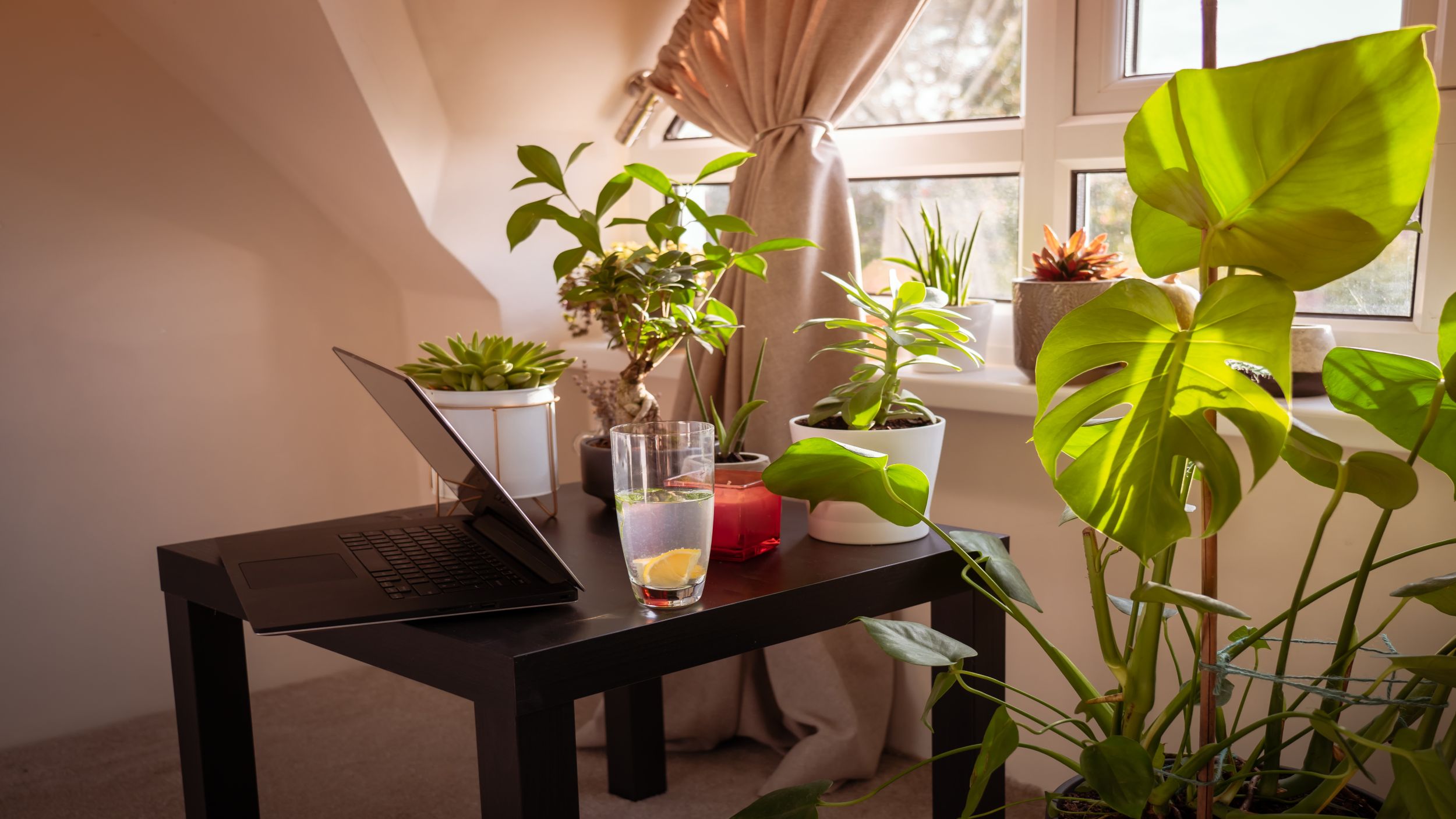
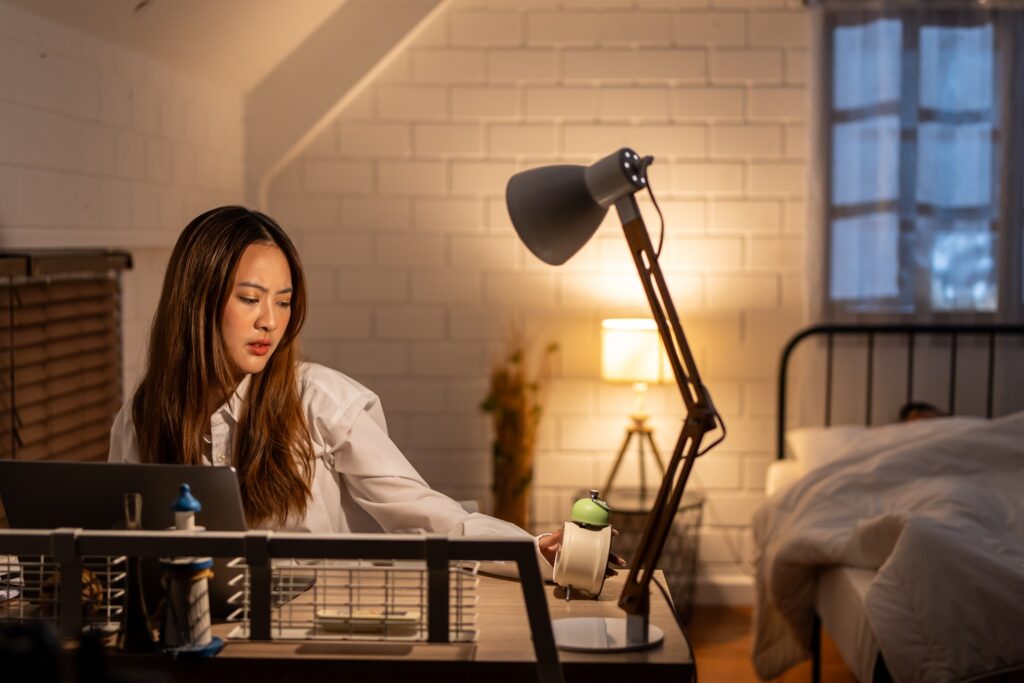
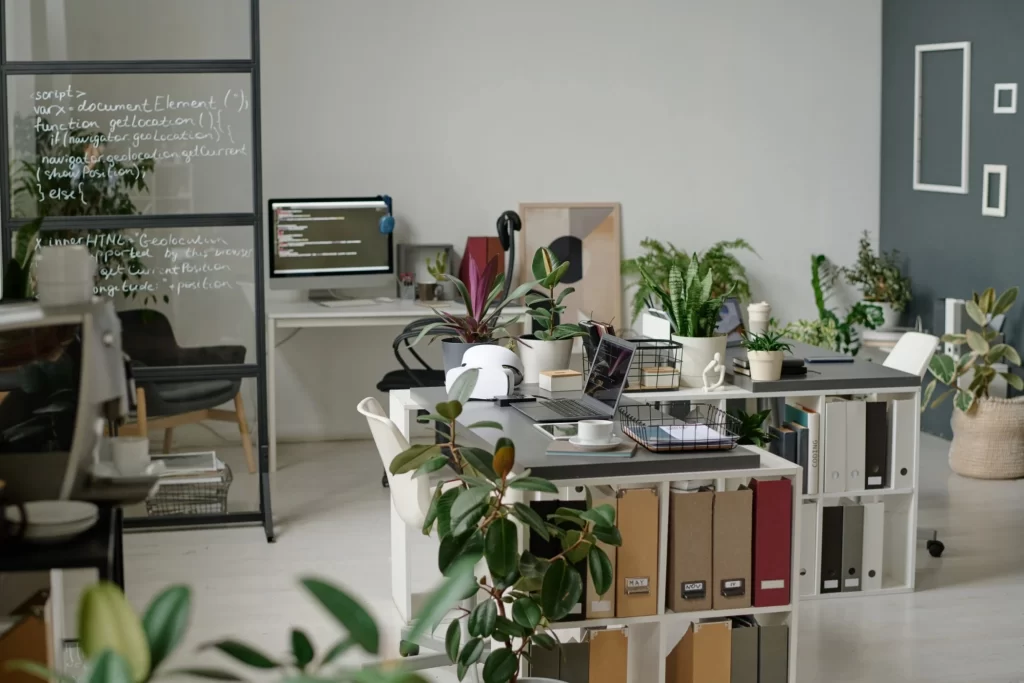
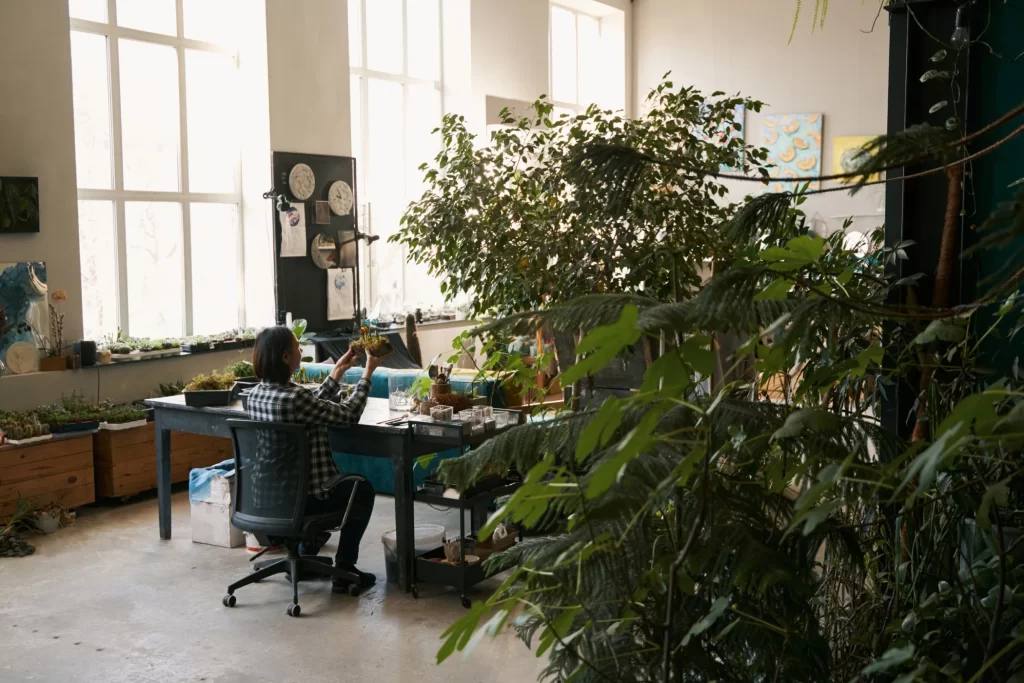
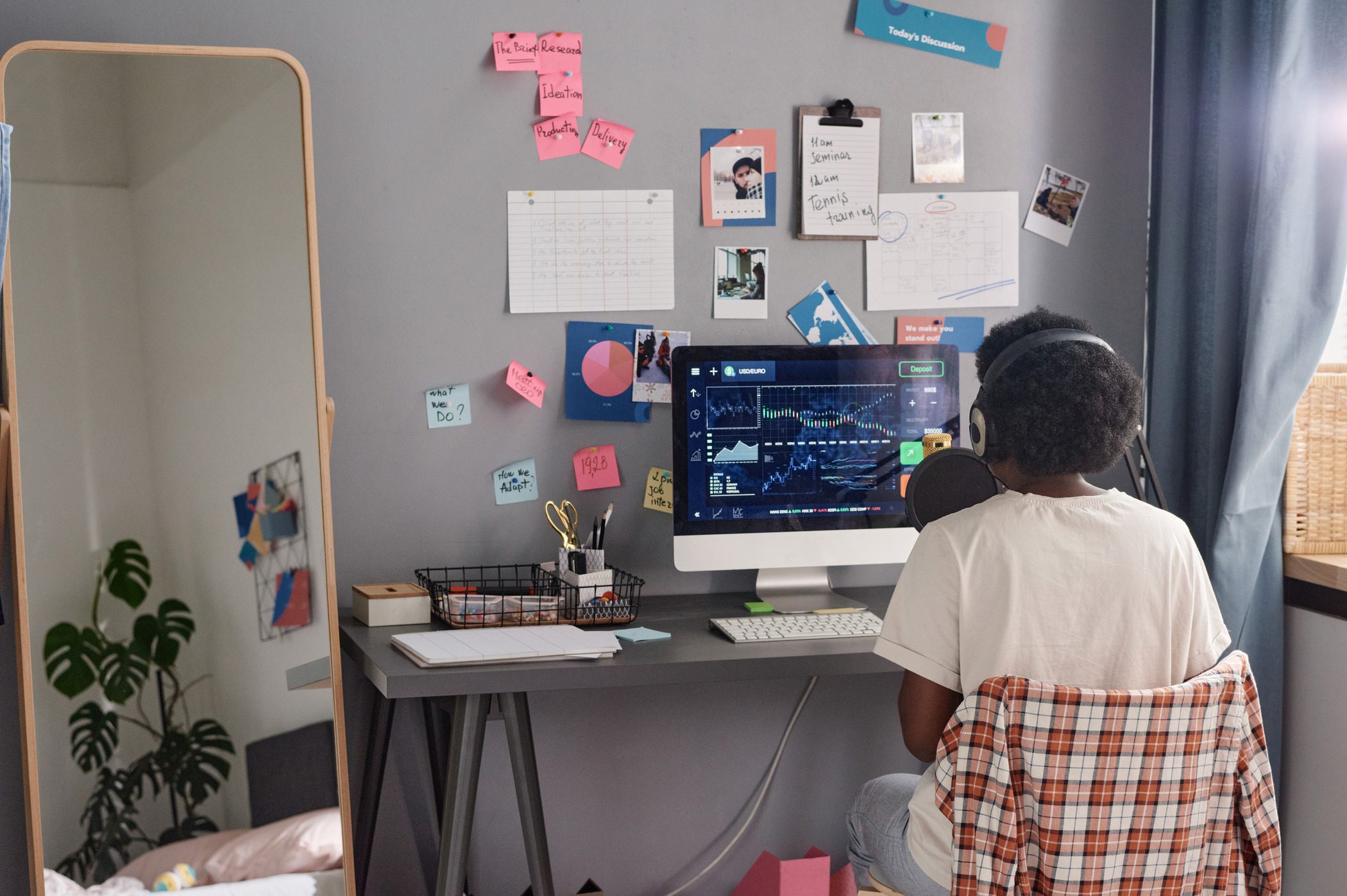
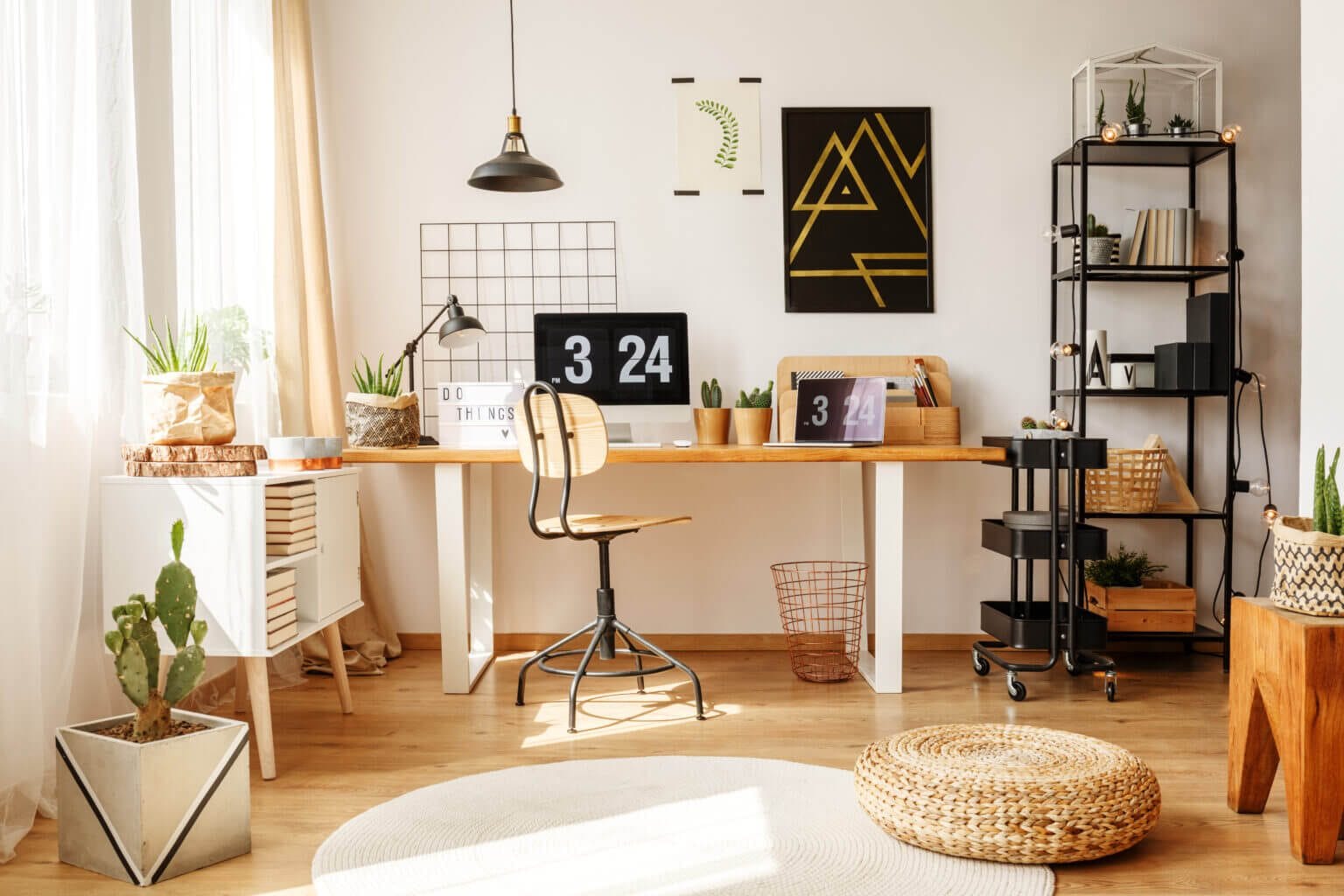
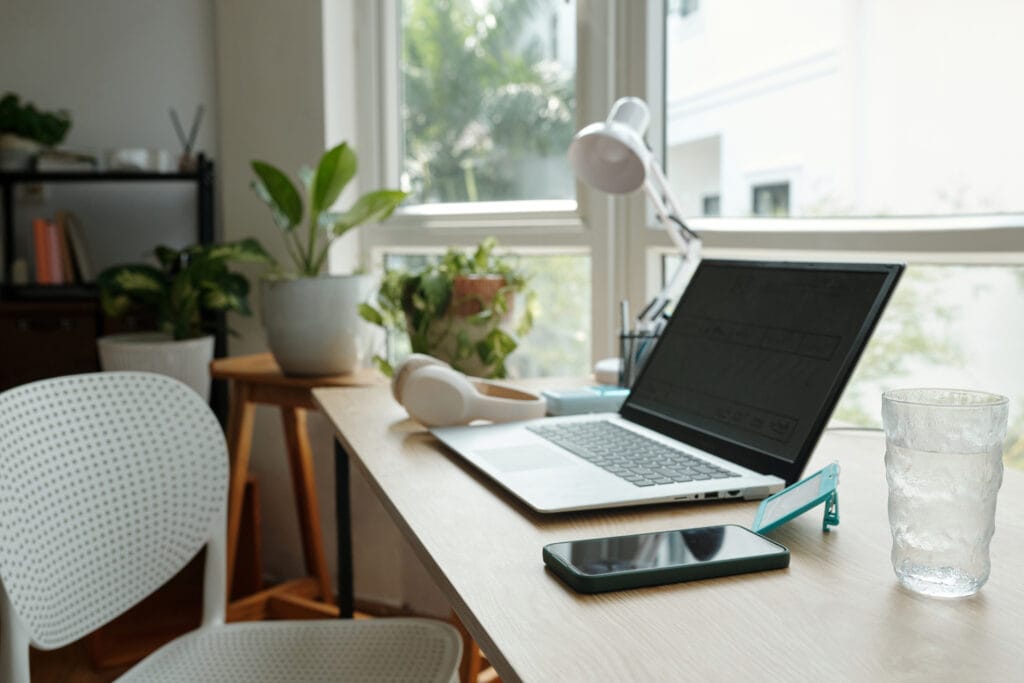
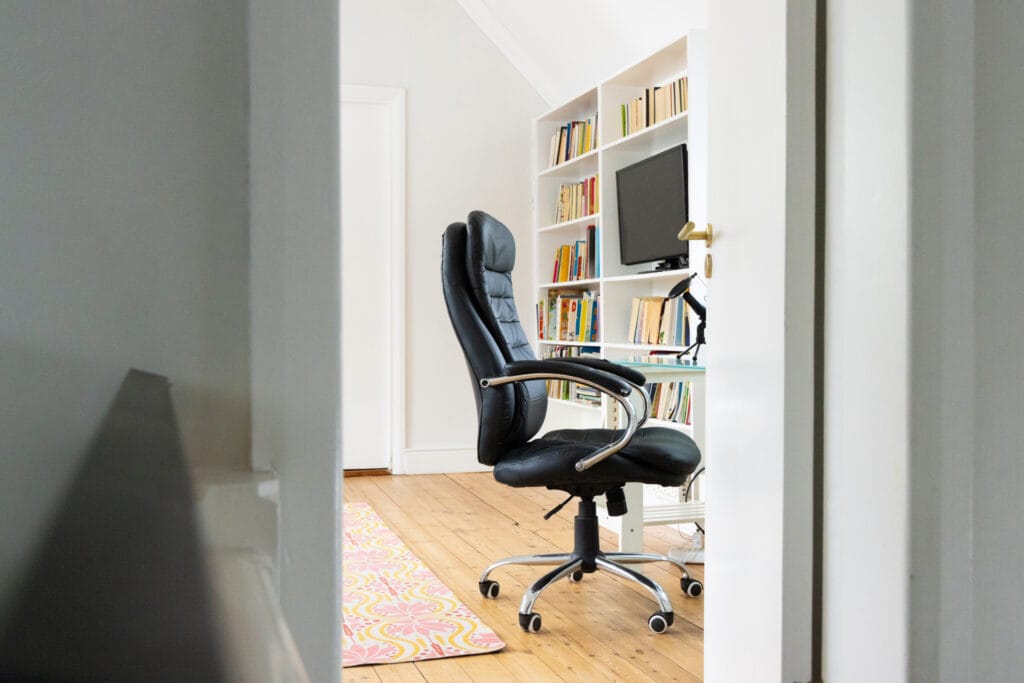
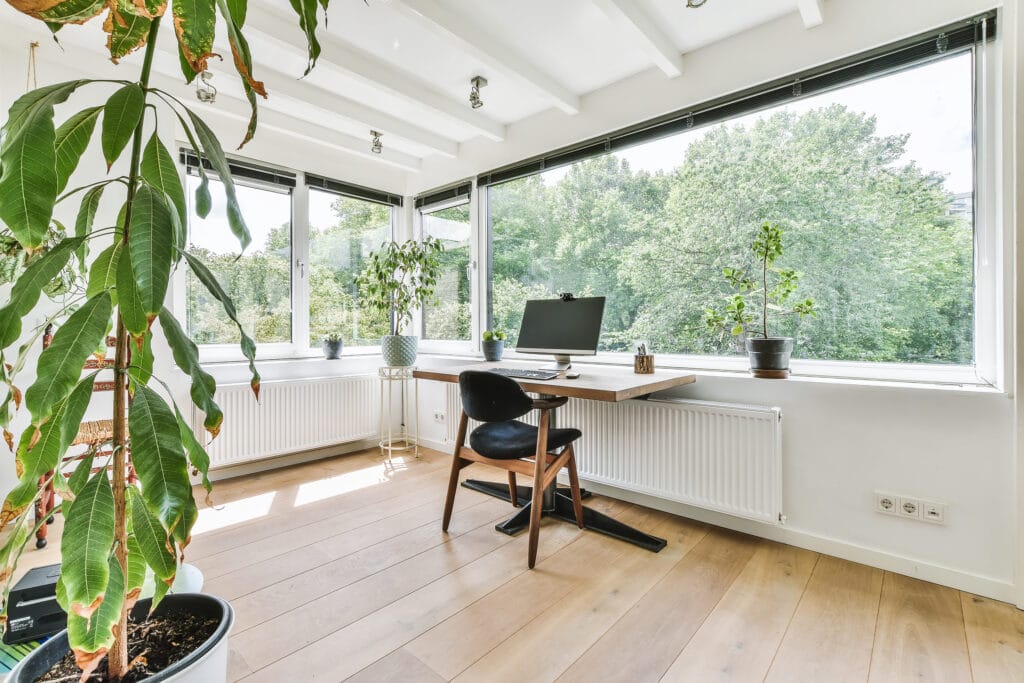
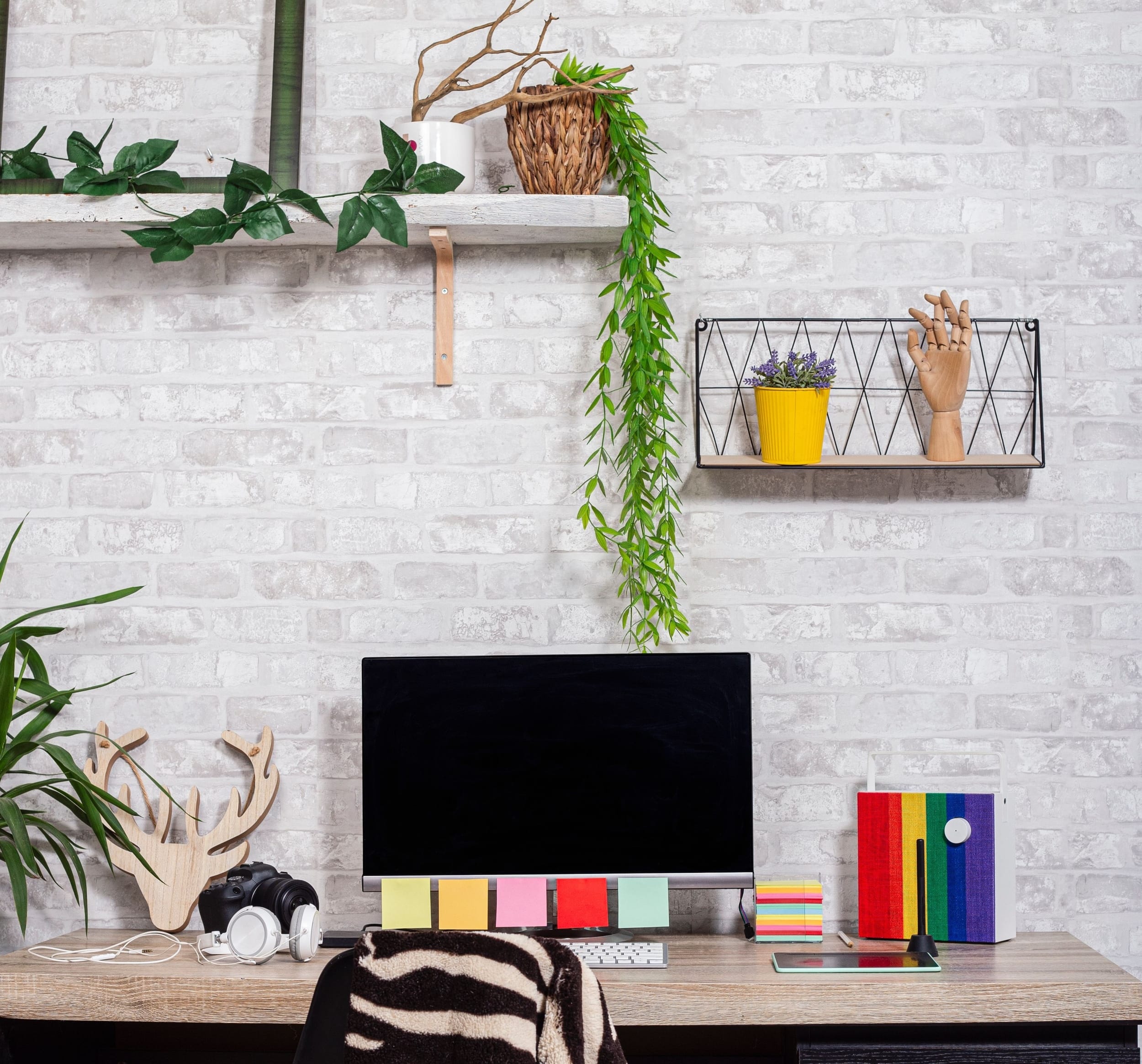
If you think home office plants are just “cute background for Zoom,” 2026 is going to change your mind. People now treat the home office like a daily performance space, not a temporary corner. They want calmer nerves, better focus, and a setup that feels human.
Greenery fits that demand because it nudges your brain toward safety, softness, and steady attention. And yes, the internet has opinions, but the science and trends now align in a way that makes plants feel less like decor and more like a strategy.
The 2026 Vibe Shift and Why We Stopped Optimizing for “Aesthetic”
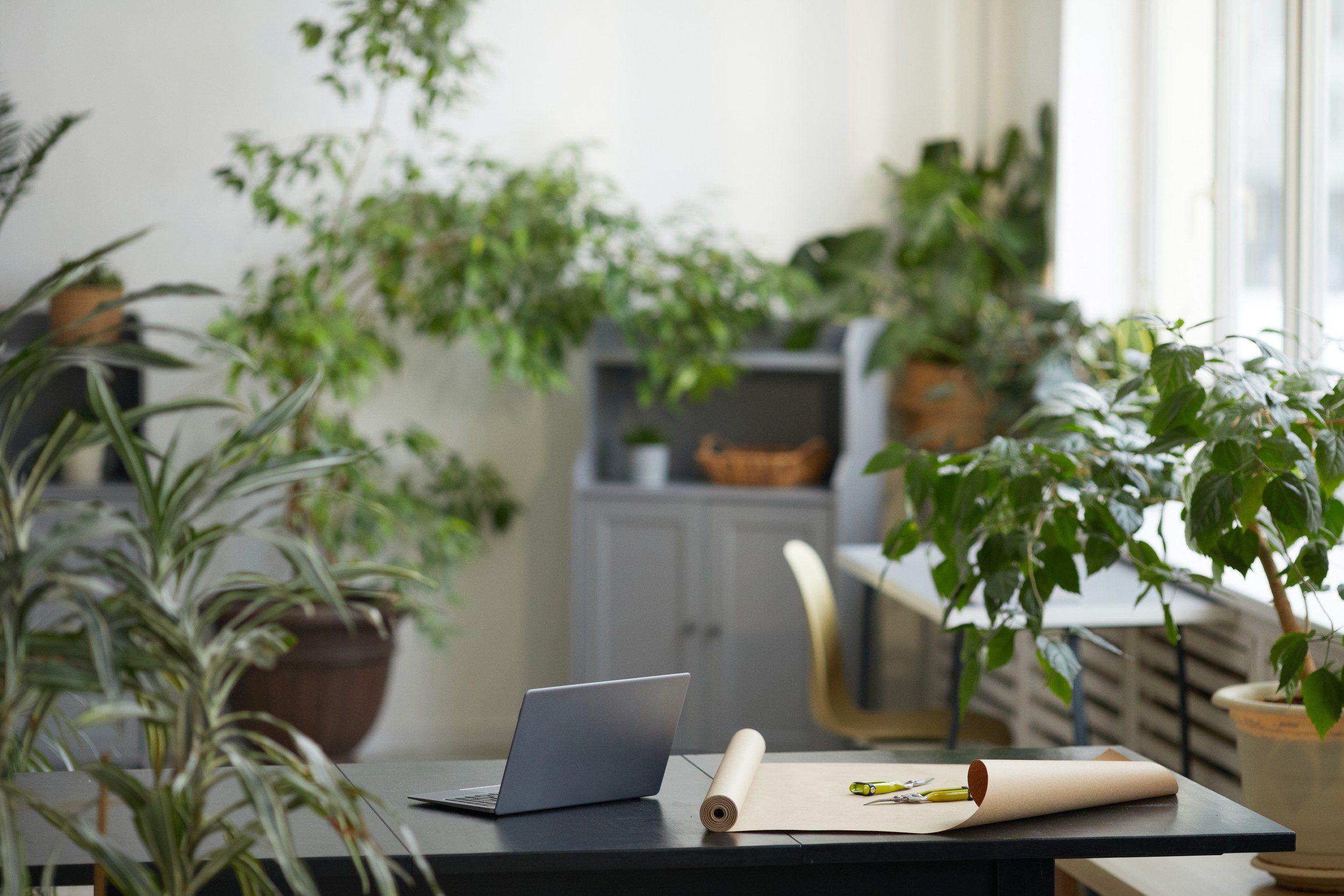
Take a look at what people share online, and you will notice a pattern for home office plants followed by cozy desks, warm lighting, real textures, and plants everywhere. Homes in 2026 trend toward “joy-first” design, with more personalization and intentional corners that support mood and calm. That includes work corners.
This shift also connects to the bigger work story. Hybrid work and wellbeing now sit in the same conversation, and anxiety about harsh return-to-office policies keeps showing up in polls and headlines. When work feels uncertain, people try to control what they can. They start with the space in front of them.
What Biophilic Design Does to Your Brain
Biophilic design means you bring nature cues into built spaces. Think plants, daylight, natural materials, and views of greenery. The point is not “pretty.” The point is regulation.
Here is the simple human mechanism:
Your brain gets exhausted. Screens, tabs, notifications, and tight deadlines drain it all.
Nature cues and surroundings help in restoring it. Even short glimpses of “plants” within your working area can feel less demanding than digital stimuli.
Your body downshifts. Stress drops when the environment feels safer and less sterile.
A 2024 study in Scientific Reports explored how nature exposure in workplaces connects with wellbeing, with vigor playing a role in the pathway. In short, nature cues can support the energy you need to show up as your best self.
The Productivity Angle People Love
Let’s talk outcomes, because your calendar does not care about vibes.
A University of Exeter research report widely cited from a real office field study found that adding plants to previously “lean” offices was linked with a 15% productivity increase. That is huge because it reframes greenery as performance support, not decoration.
Now, your home office is not a corporate floor plan. Still, the principle travels well: when you add living elements, you reduce “mental friction” and make it easier to settle into work.
This is also why a wellness workspace trend keeps expanding. People do not want a room that looks like a laptop storage unit. They want a room that helps them think.
The Air Quality Myth
Plants and air quality have a messy internet history.
NASA’s older research showed plants can remove certain chemicals in controlled settings.
But a later review and analysis found that typical potted plants do not meaningfully clean indoor air in normal buildings unless you use an unrealistic number of plants per area.
So what should you do with that?
Use plants for psychology, comfort, and attention. Use ventilation and filtration for air. When you separate these jobs, you win twice: you get the emotional benefits of greenery without expecting a jungle to replace an HVAC system.
Community Dialogue
If you read home office plant threads, you will see the same arc:
“Look at my leafy desk sanctuary.”
“Wait, how do I keep them alive while I work 10-hour days?”
“Do I actually feel better, or do I just like how it looks?”
That tension matters because a plant setup only works if it stays easy. People do not quit plants because they hate nature. They quit because their setup creates guilt. You want the opposite: plants that reward you fast and forgive you when life gets busy.
The 2026 Playbook
If you want a real productivity boost, treat your plants like part of your workflow design.
1. Use “visual anchors” to reduce screen fatigue
Put one medium plant in your primary line of sight, but not blocking the monitor. Your eyes need a resting point that feels alive. This tiny change can lower the urge to tab-hop.
Where it works best:
next to your main monitor.
behind your laptop at a slight angle.
near a window, so the plant looks more vivid.
Or as you may like it.
2. Build a two-plant routine, not a twenty-plant fantasy!
Start with two plants you can keep alive. Earn your way up.
A simple rule:
One “I forgive you” plant (could be a low-maintenance one)
One “I make you happy” plant (the one that you resonate with and can take care of like your own daily)
That combo keeps your wellness workspace feeling alive without turning care into a second job.
3. Pair plants with light, not with willpower
Plants struggle in dark corners. Humans struggle in dark corners, too. In 2026, home wellbeing trends keep pushing better lighting and calmer zones, because light changes mood fast.
If your desk has low natural light:
Move the plant closer to the window.
Or choose plants that tolerate shade better.
Or add a simple grow light on a timer.
4. Design “micro-breaks” around care
Plant care can become a ritual that interrupts stress spirals. You can water or mist during your first break, not at night. It turns plant care into a reset and helps you return to work calmer. This is a sneaky, reliable productivity boost because it reduces the chance you grind through fatigue.
Final Thoughts
If you want a home office that supports your brain, your mood, and your consistency, do not treat greenery as an accessory.
Treat it as part of your environment’s nervous system. Add plants that feel easy to keep, place them where your eyes naturally rest, and let them turn your desk into a space that gives something back.
In 2026, home office plants will not just decorate your workday. They will shape it!
Subscribe to What Works Next today and join a community dedicated to transforming the way we work. Working smarter starts here!
A home office workspace that resonates with your personality and creates a calming and soothing effect on the mind, and productivity is great. To do so, you can invest in some reasonably priced yet incredibly mind-freshening home office plants to boost productivity and focus.
While it may sound basic, adding indoor plants is one of the smartest and healthiest moves you can make for yourself. Plants, greenery, and the natural essence of these living accents bring a sense of comfort, calmness, and life into your room. Indoor plants, of any kind that you may like, will help in enhancing your overall productivity setup and maintain your mind’s focus throughout the day – hopefully!
Why Do You Need Indoor Plants in Your Home Office
Why not? I mean, most of our time is being spent in front of a laptop, 90% screentime with nothing else, nothing natural to soothe or calm the eyes and mind. We highly encourage putting a low-maintenance green plant in your workspace. It really helps. Need more proof? Check what the research says:
Recent research around the same topic confirms the healthy benefits of having greenery or indoor plants in one’s home office. One of the 2025 studies states that plants in indoor environments can positively improve air quality and offer energy-saving perks as well.
Other studies show that adding indoor plants to your workspace can help in reducing stress hormone levels, slow down heart rate, and improve overall mood. And we all desperately need that while working, as work itself can become quite overwhelming for the mind and body.
So, all in all, in a general home office scenario, your productivity setup includes a workstation (laptop/PC), artificial lighting, desk, chair, plus some other accessories. Adding plants helps in creating a productive and light environment where you would want to work and where you can work with a focused mind.
5 Low-Light Indoor Plants for Your Workspace
Did you know that there are hundreds of individual plant species, with each offering 80+ different varieties? Why not consider getting home office plants for yourself?
There are SO many home office plants that exist out there. So choosing some preferable, low-maintenance plants for your home office shouldn’t be a problem.
It is one of the easiest to manage. Snake plants are mostly low-maintenance and work as an air purifier for the place. They are considered ideal for rooms, home workspaces with minimal natural light. While they do the work, add greenery and calm to your work environment, and they don’t need frequent maintenance. Plus, if you don’t want something big, you can always go for a ‘Hahnii’ Dwarf Snake Plant – a cute variant of Snake Plant.
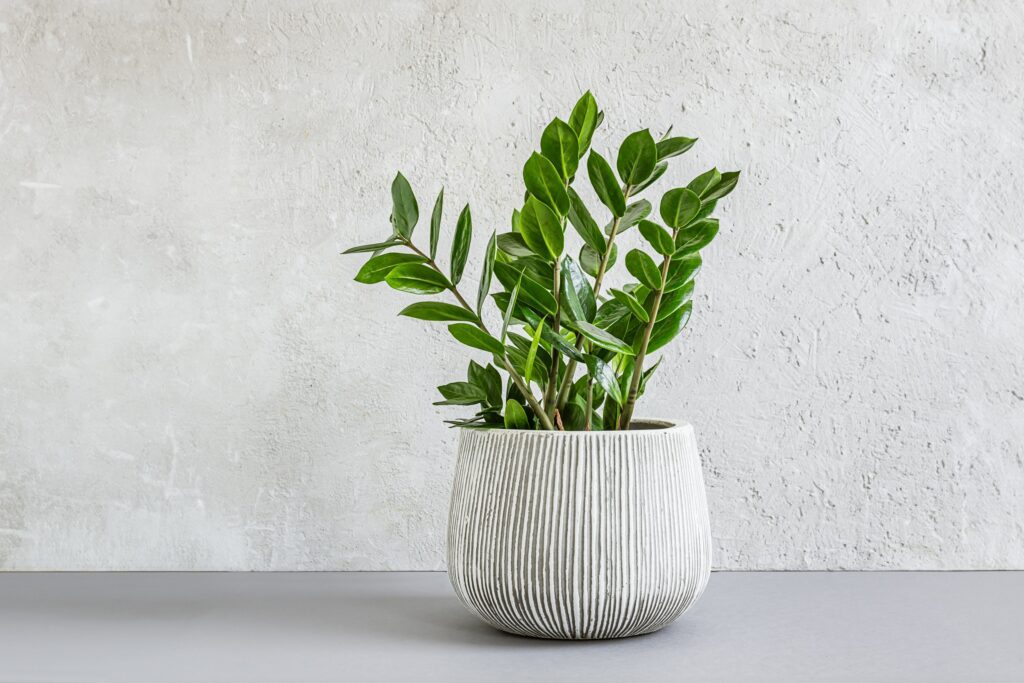
2. ZZ Plant (Zamioculcas zamiifolia)
It’s a tough plant, but with ‘green vibes’ only. It is drought-resilient and doesn’t require much light. So, if you like to work in low light or in a dark room, then this plant can become your new workspace best friend. Fun fact, it is also known as the Zanzibar Gem because it originates from East Africa. The growth is quite low, so you wouldn’t have to worry about it. Moreover, it works as a natural air-purifier, removing airborne toxins such as xylene, toluene, and benzene.
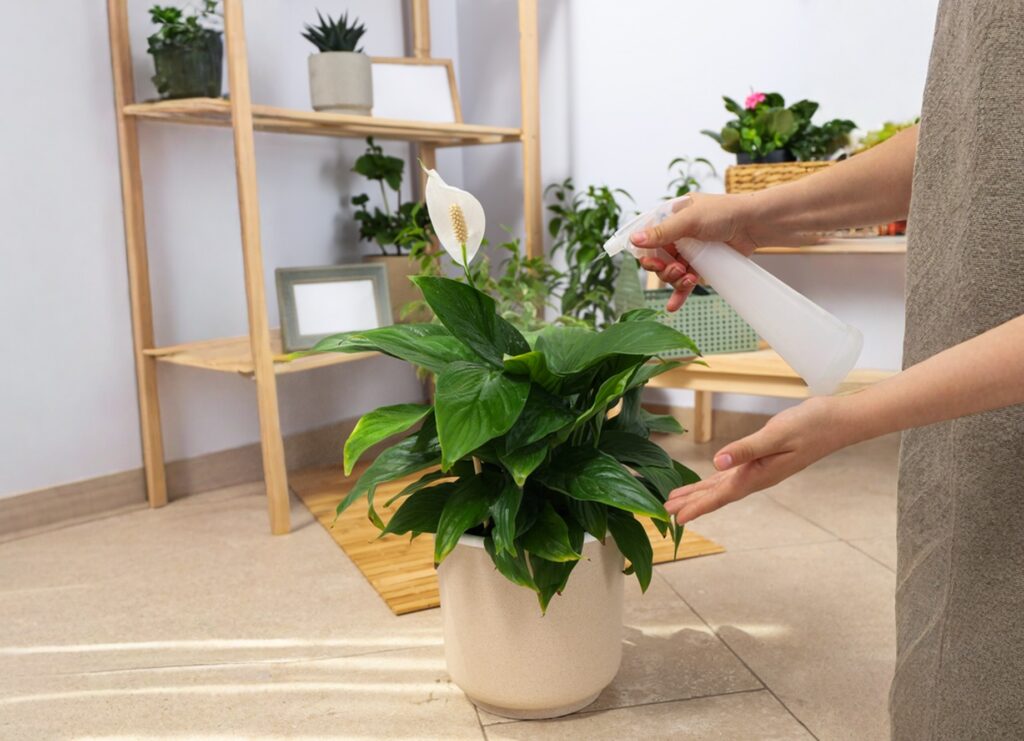
3. Peace Lily (Spathiphyllum)
A white little fairy, we would love to call it. But the actual name is peace lily, a cute little white flower that blossoms between the green petals. In fact, it is a very popular indoor plant and adds some peace to your workspace (amidst all the work chaos, if you know you know LOL). Again, a very low-maintenance plant that works as a natural air-purifier as well. If you want something cute, environmentally friendly, consider a peace lily.
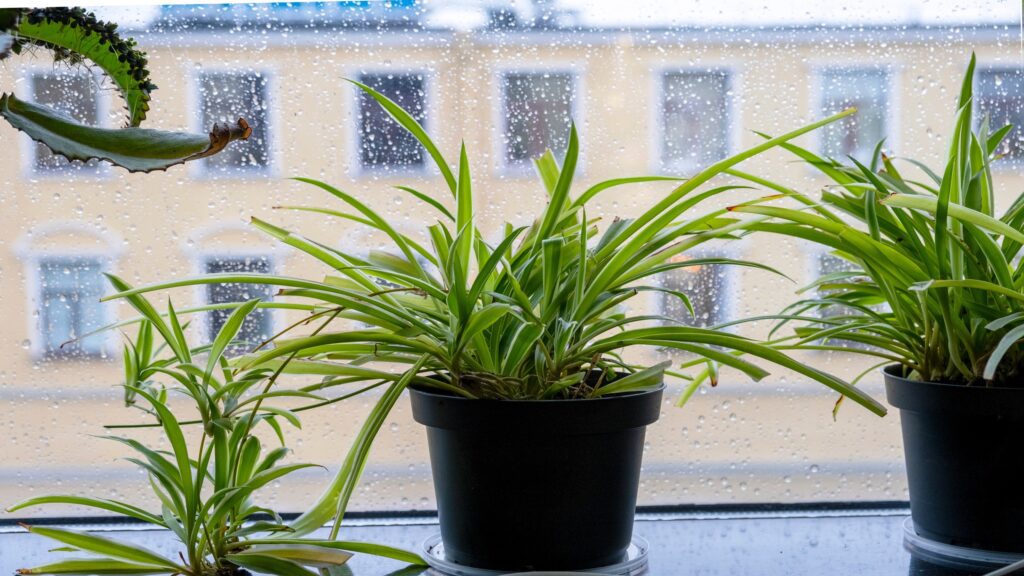
4. Spider Plant (Chlorophytum comosum)
Spider plant (Chlorophytum comosum – the botanical name) is one of the most common indoor plants of all time. Being a not-so-demanding plant, it is very popular among beginners. So, if you don’t want to put too much effort into maintaining a plant, yet need something green and pleasant, then this is your plant. Why is it called a spider plant? Because of its physical appearance and spider-like branches, and stripes. They are very easy to grow indoors in low to medium light throughout the year.
5. Chinese Evergreen (Aglaonema)
Yet another amazing indoor plant for beginners. Chinese evergreen is easy to grow (grows on its own) and doesn’t mind some neglect. But you can always take care of it, you know. It’s considered one of the best foliage plants for cleansing the room air of harmful toxins such as benzene and formaldehyde. Fun fact: According to Chinese traditions, it is considered a good luck plant in China. Consider adding it to your workspace for good luck.
Final Thoughts
In the era of remote work, many of us spend more time in one room than ever before. Your surroundings shape your mindset. By adding indoor plants to your home office, you improve your environment, support your health, and enhance your productivity setup.
Choose low-light-tolerant species, pair them with good ergonomics, and treat your workspace as a habitat for focus, not just a place you sit. Your performance, mood, and well-being will thank you.
Subscribe to What Works Next today and join a community dedicated to transforming the way we work. Working smarter starts here!
If you have ever sat at your desk wondering whether to go with a desktop tower or a portable laptop for your home office, you are not alone. The debate around laptop vs desktop has been going strong for decades, but in 2025, it feels more relevant than ever.
With remote work now a way of life for many, choosing the right setup can completely transform how productive, comfortable, and creative you feel.
So, which one wins? Although it all comes down to personal preferences and choices, it’s still better to evaluate the pros and cons.
Let’s break it down with real examples, recent trends, strengths, and weaknesses of having both, and some practical advice that will help you pick the computer setup that actually fits your work and lifestyle.
Pros and Cons of Laptop vs Desktop
Before you start shopping, it helps to know where each shines and where it falls short. Both have their own strengths and weaknesses, but let’s see what each holds:
Laptop Pros
Portability and flexibility. You can take your work anywhere, from your living room to a cafe, a train, a plane, or a coworking space. The ease comes with it.
Space-saving design. Laptops are designed with portability and space-saving ideas in mind. They are ideal for small apartments or setups where you cannot dedicate a full desk.
Energy efficient. Laptops are designed to use less power, which means lower energy bills. Regardless of the make, model, or size, most laptops are built with energy-saving features to make them work for hours.
All-in-one convenience. You get a screen, keyboard, trackpad, and battery in one device. And there is absolutely no need to carry separate keyboards or a mouse as you move. (Some modes of MAC may require extra dongles and cables for HDMI, USB cables, etc.)
Laptop Cons
Limited upgrade options. Some models allow you to increase the RAM, while most have limitations. Most modern laptops have soldered parts, so you cannot easily upgrade your GPU or RAM. ThinkPad X280 and IdeaPad 110-14 IBR are some of the examples.
Thermal and noise issues. Long work sessions or video editing can make your laptop hot and loud.
Weaker performance for the price. A desktop of the same cost can usually outperform a laptop.
The battery declines over time. After a few years, even the best batteries lose capacity, reducing portability. There are only a few models that retain the battery and performance for more than 3 years, such as the MacBook Air. However, it is also dependent on individual usage.
Higher theft and damage risk. Since it travels with you, it is easier to lose or damage it compared to a stationary desktop.
Desktop Pros
Stronger performance per dollar. Desktops give you more computing power for your budget.
Easy upgrades and extensions. You can easily replace or add parts like RAM, SSDs, or graphics cards anytime. You can also build your own PC the way you like.
Better heat management. Larger cases and airflow allow desktops to handle long, heavy workloads. Because they are meant for it.
Longer life cycle. A good desktop can last years with simple part swaps.
More ergonomic setup. You can use big monitors, adjustable stands, and full-size keyboards for comfort.
Desktop Cons
No mobility. Once it is set up, it stays there. The max you can do is move it to another room once in a while, that’s it.
Takes up more space. CPUs, monitors, and other equipment require a dedicated space in the room and proper setup.
Higher power use. More components mean higher energy consumption.
More accessories are needed. You must buy monitors, peripherals, keyboards, speakers, and other add-ons separately as per personal needs.
Why the Debate Still Matters?
The laptop vs desktop debate is more personal and universal. It is about how you live, how you work, and what kind of environment makes you perform your best.
In 2025, remote work trends are shaping how people think about hardware. The demand for flexible devices has skyrocketed, and manufacturers are responding with powerful laptops that rival desktops in performance. A good example is the Lenovo ThinkPad P1 Gen 7, which many tech reviewers have called one of the best workstation laptop models available this year. It can handle demanding design, video editing, or data tasks without being tied to a desk. On the other hand, we have a new 14‑inch MacBook Pro powered by the M5 chip, delivering the next big leap in AI for the Mac.
However, the love for desktop power is not dying. Many professionals who rely on 3D rendering, video production, or large data processing still prefer desktop towers for their raw strength and ability to stay cool under pressure.
By the end of the day, selecting what works for one all comes back to personal usage, choices, and preferences.
Choosing What Works Best for You
If you love flexibility
If you move around during your workday, a laptop will fit your lifestyle better. You can work from your balcony, a café, or a different city if needed. A lightweight best workstation laptop paired with an external monitor and keyboard can give you both mobility and comfort.
If you need raw performance
If your work includes video editing, data modeling, or design rendering, desktops still win in the long run. They handle more powerful CPUs, GPUs, and cooling systems. You also save money because desktops offer better performance for the same cost.
If you want a balanced setup
You can always mix both worlds. Many remote professionals use a powerful desktop as their main machine at home and a smaller laptop for travel or meetings. Syncing your files through the cloud makes it easy to switch between them.
How to Build the Perfect Computer Setup
Your device is only as good as your workspace. Whether you pick a desktop or a laptop, these upgrades will boost your comfort and productivity:
Docking station: Turn your laptop into a full workstation with a dock that connects to monitors, power, and USB accessories through one cable.
External monitor Add a 27-inch or 32-inch monitor for a more comfortable view and better posture. You can choose a size that fits your needs.
Keyboard and mouse You can use a wireless, mechanical, or ergonomic option to avoid wrist strain. Anything that makes your workstation a bit more comfortable.
Laptop stand or cooling pad You can get a sturdy laptop stand to improve airflow and to raise your screen to eye level.
Cable management tools With a cable management kit, you can keep your wires organized and reduce clutter.
Backup storage Always use an external drive, an SSD or HD, or cloud storage to protect your work.
Strong Wi-Fi or Ethernet Reliable internet is non-negotiable for remote work. Whether you are working from home or travelling. Also consider investing in an e-SIM with good data packages that cover the cities or countries you plan to visit.
Your home work setup is important, especially when you are working from home. It is your personal workspace ecosystem that should support your focus and comfort.
The Real-World Verdict
Let’s be practical. Shall we?
Choose a laptop if:
You value freedom and flexibility. You want to work from different locations or set up quickly anywhere. You enjoy a minimalist workspace and do not mind slightly less power.
Choose a desktop if:
You crave maximum performance and upgrade control. You work with heavy software, prefer a permanent setup, and value long-term reliability over portability.
For most people:
A hybrid setup works best. You can own a laptop for meetings, travel, or casual tasks, and connect it to a full workstation when you are at home. It gives you the best of both worlds.
Insider Tips to Make Either Option Better
Turn your laptop into a powerhouse with dual monitors, a dock, and external drives.
Upgrade your desktop strategically instead of replacing it entirely. A new SSD or GPU can refresh performance for years.
Keep backups across cloud platforms like Google Drive, OneDrive, or Dropbox for instant file access anywhere.
Don’t forget ergonomics. A bad posture hurts productivity more than any device limitation.
Focus on power efficiency. Use smart plugs or sleep settings to save energy and extend lifespan.
Final Thoughts
The laptop vs desktop debate has no absolute winner because the “best” choice depends on how you work. A laptop gives you freedom, while a desktop gives you control.
If you crave mobility and creativity, go for the best workstation laptop that handles power and portability in one device. If you prefer power, upgrades, and long-term value, a well-built desktop remains a rock-solid choice. Either way, build your computer setup around comfort, focus, and balance.
Remember, your work setup should fit your life, not the other way around.
Subscribe to What Works Next today and join a community dedicated to transforming the way we work. Working smarter starts here!
Are you one of those who are always on the lookout for how to work from home with high-paying remote jobs and opportunities? If yes, then you are not alone. Most of us are also, especially in this competitive economy, where having a secondary income stream has become a necessity.
When learning how to work from home, the most important lesson is that productivity does not stem from expensive gadgets. It starts from within and the mindset.
Your first home office setup can be as simple as a kitchen table, a laptop, and an old monitor. It is mostly the case with new work-from-home employees. This shows that while a proper work table and accessories can boost comfort, they are not the foundation of a focused mind for work. However, gradual improvements aligned with personal needs make remote work more manageable and healthier in all aspects.
Let’s break down some essentials for a decent home office setup ?
Protecting Devices with Power Bars
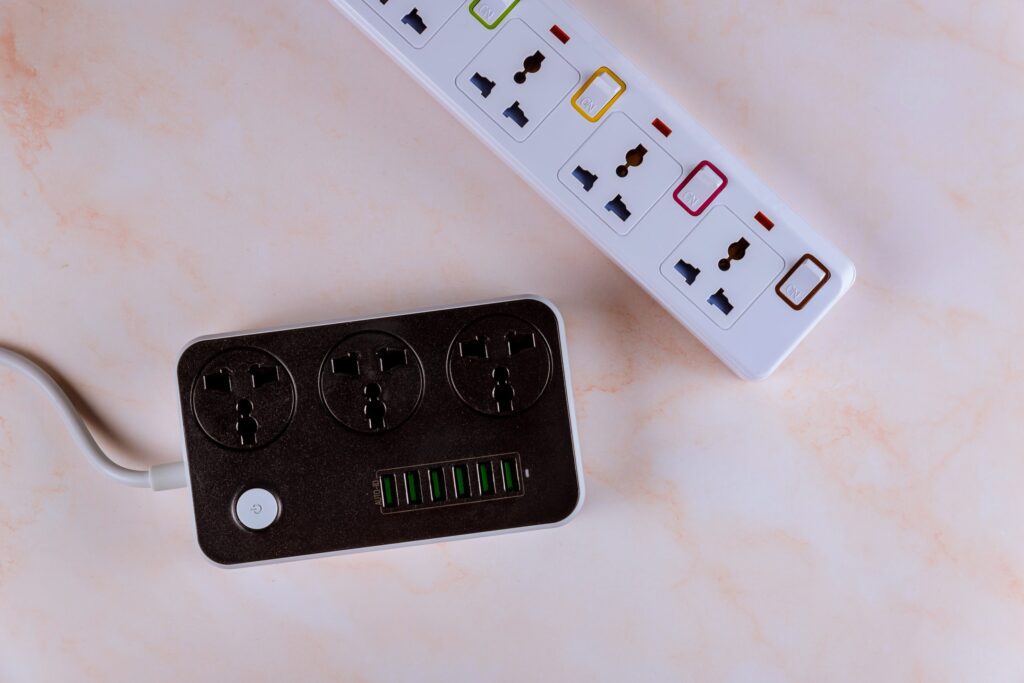
A surge protector power bar is one of the simplest yet most valuable additions to a workspace. Sudden and unannounced power surges can permanently damage laptops, monitors, and routers (this overburdens you with absolutely unnecessary expenses to repurchase the damaged equipment). According to the Insurance Information Institute, power surges cause an estimated $26 billion in damages annually in the U.S. alone.
Choosing a power bar with wide outlets prevents bulky chargers from blocking other sockets, while built-in USB ports make charging phones or headphones more convenient. You can also mount the bar to the wall to keep cables tidy and clutterfree around the work table.
Managing Cables the Right Way
We live in a no-cable era, or let’s call it an era where wireless is preferred. Hence, cable management is not just about keeping the workspace clutterfree. Managing cables can reduce hazards and equipment strain, and can save your money, too.
If you are using cabled equipment, make sure your desk is at standing height. It ensures that cables have enough slack for all positions. If wires are too tight, they can weaken connections or even snap. Elevating the PC tower slightly above the ground also makes a difference. Research shows that dust is the number one cause of desktop overheating, and keeping devices raised reduces dust intake. Other tools, such as cable clips, Velcro ties, and under-desk trays, not only improve organization but also create a professional-looking home office setup.
Comfort Through Ergonomics
Comfort is central to learning how to work from home efficiently. Studies from Cornell University found that improper seating increases musculoskeletal disorders by 64% among office workers. Ergonomic chairs, with adjustable lumbar support and armrests, reduce back pain and improve posture during long sessions.
For those on a budget, models like the IKEA Marcus, Flexispot Chair, or Staples Hiken offer practical alternatives to high-end models and designs. Pairing any chair with a footrest improves blood circulation, while an anti-fatigue mat reduces strain for users of standing desks.
The American Chiropractic Association notes that good posture can increase energy levels by up to 30%, proving ergonomics is an investment in both health and productivity.
Screen Position and Accessories
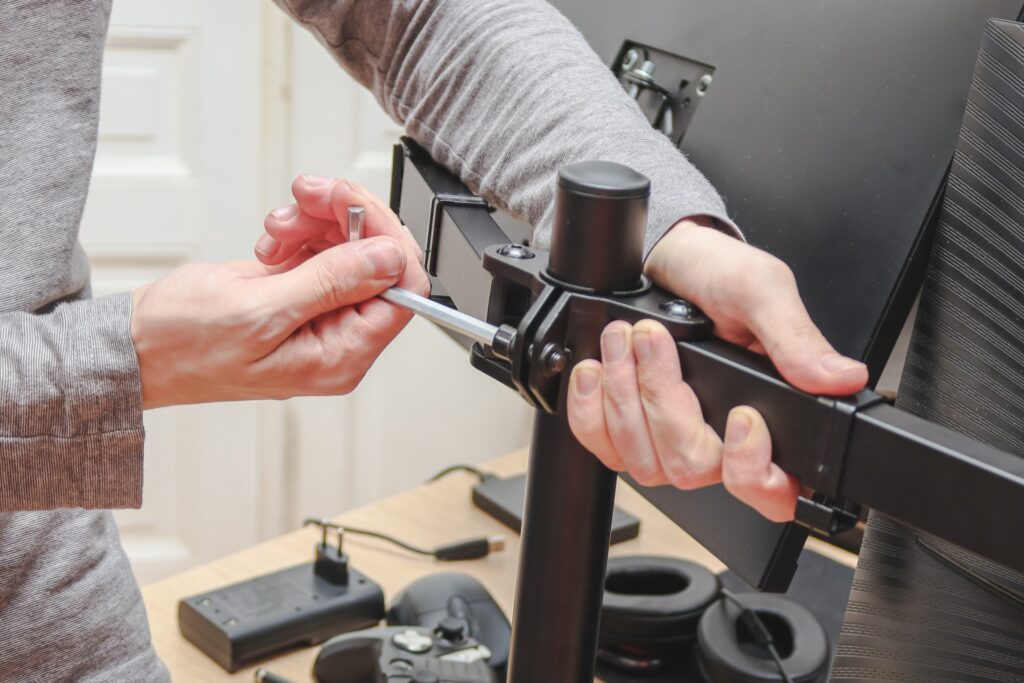
A poorly positioned monitor can cause neck pain and “tech neck,” which affects 70% of office workers worldwide, according to the British Chiropractic Association. Monitor arms allow screens to be set at the correct height and angle, helping reduce long-term strain.
Before investing in a monitor arm, make sure to measure the desk’s thickness to ensure the clamp fits securely. This small detail prevents frustration later on and ensures the workspace is safe and stable.
Correct screen positioning is one of the simplest changes to improve comfort in a home office setup.
Lighting and Eye Comfort
Lighting plays a bigger role than most realize. Let it be natural light or use the right angles if artificial light is available within your workspace. Poor lighting contributes to digital eye strain, affecting 90% of people who use screens for more than three hours daily, according to the American Optometric Association. How can you lessen the effects of this issue? A monitor light bar is an excellent solution, reducing glare and preventing reflections while keeping the workspace bright.
Natural light during the day also has proven benefits. Harvard research shows that workers in naturally lit environments report 51% less eyestrain and 63% fewer headaches. Combining natural light with smart desk lighting creates a healthier, more energizing atmosphere at the work table.
Air Quality in the Workspace
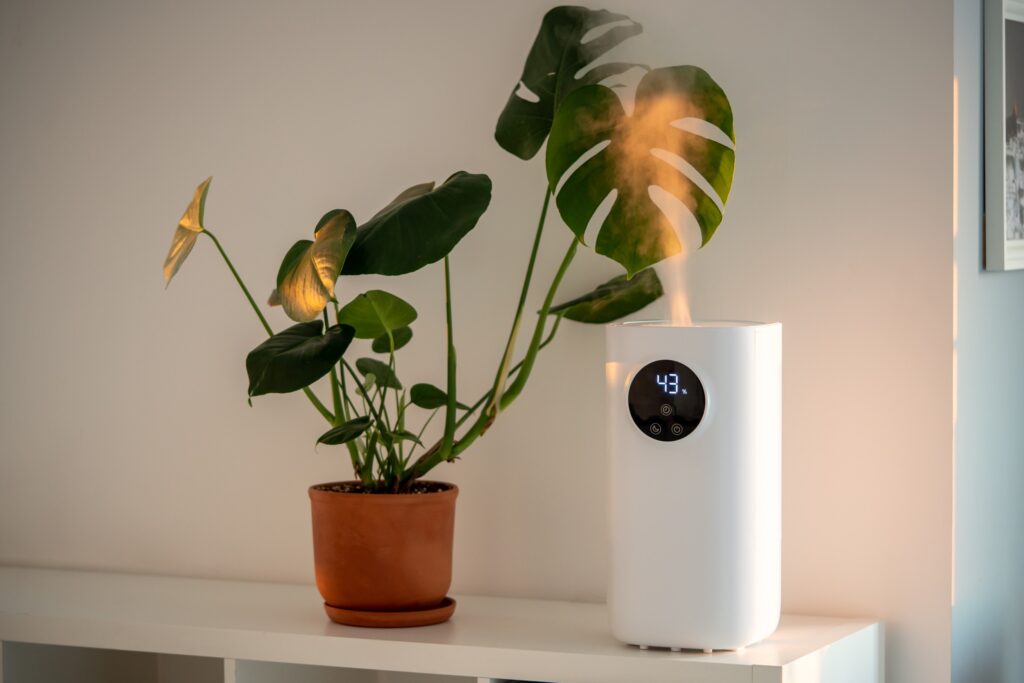
Air quality directly impacts productivity. The World Green Building Council reports that improved indoor air quality can boost productivity by 8-11%. For closed rooms or spaces with pets, an air purifier keeps dust and allergens under control while protecting devices from buildup. A humidifier can also help in cleansing the indoors by adding moisture to the air, increasing the humidity level to relieve problems caused by dryness, such as dry skin, irritated eyes, and respiratory issues.
NASA’s Clean Air Study also revealed that common indoor plants like peace lilies and snake plants can remove up to 87% of toxins in just 24 hours. Adding indoor plants adds freshness and personality, making the home office setup both healthier and more inviting.
Switching to a Better Setup
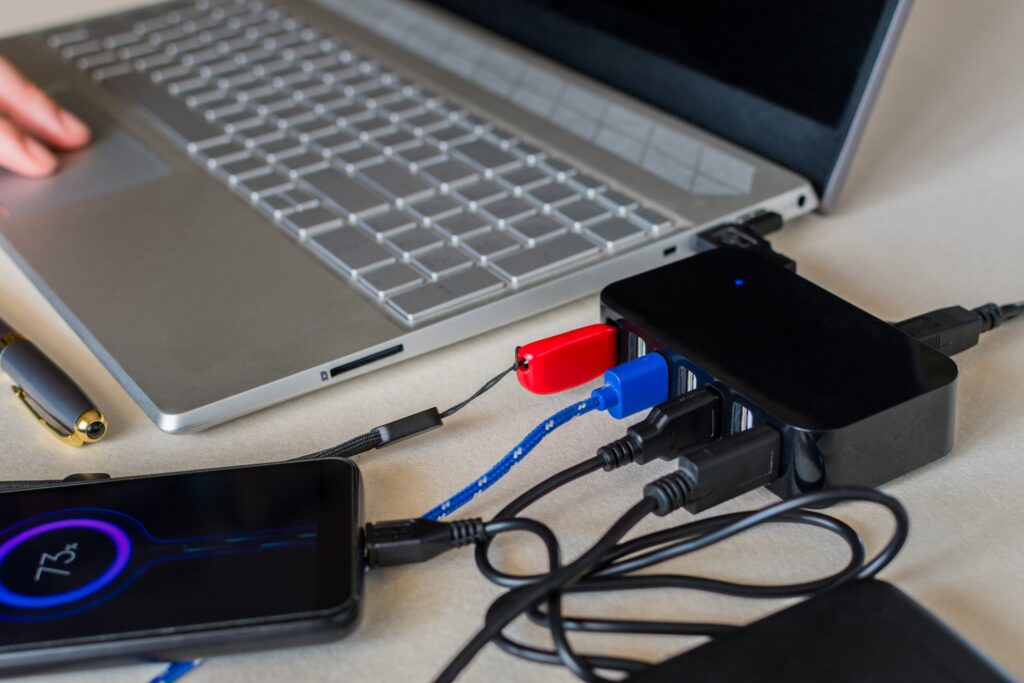
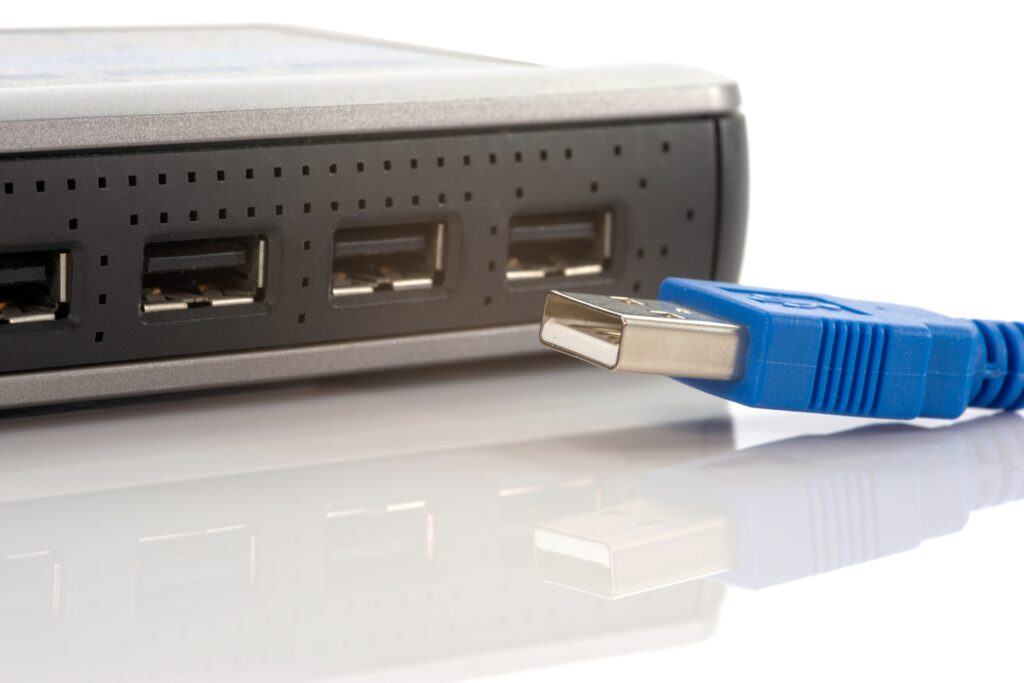
Constant switching between a work laptop and a personal one can become frustrating. However, having a USB switch allows easy sharing of peripherals like keyboards, mouse, and external hard drives. For a more advanced solution, a KVM switch (keyboard, video, and mouse) can also be used. It enables both device and display switching with just one button.
These tools streamline workflows and can save time efficiently. Gartner research indicates that knowledge workers lose 20-30% of productivity due to inefficient processes, and a messy dual setup is one of those avoidable inefficiencies.
Not to Forget the Analog Tools
In an age of digital apps, pen and paper still hold surprising value. Research from Princeton and UCLA found that students who took notes by hand retained concepts 25-40% better than those who typed. For brainstorming, quick reminders, or sketches, analog tools reduce mental friction and prevent distraction from app-switching.
Keeping a personal notebook on the work table creates balance between digital demands and creative freedom, a habit that can boost focus during long stretches of remote work.
A Personal Touch
Doesn’t matter if you are working from home or remotely from any other place in the world. Workspaces should feel motivating, not sterile. Adding greenery (indoor plants that resonate with your personality and liking), personal photos, or small decorative items transforms a dull space into an energetic one that encourages creativity and reduces stress. A study in the Journal of Environmental Psychology showed that office plants improved concentration by 15% among workers.
Personalizing the workspace also makes work feel less transactional and more fulfilling. Whether it’s your favorite quote, a coffee mug, or a framed picture of loved ones, these touches make the home office setup truly your own.
Final Thoughts
The real secret behind how to work from home is not about expensive upgrades or fancy gadgets. It’s more about creating an intentional, functional space that supports health, focus and productivity. Each improvement from surge protectors and ergonomic chairs to lighting and indoor plants (greenery) adds layers of comfort and focus.
The perfect home office setup is the one that evolves with personal needs. It could be different for everyone, as per their personal liking and choices. A thoughtfully arranged work table, good air quality, proper posture, and smart tools and accessories all contribute to making remote work less of a challenge and more of an opportunity to thrive.
Subscribe to What Works Next today and join a community dedicated to transforming the way we work. Working smarter starts here!
Did you know spending at least two hours a week in nature can have a profoundly positive impact on both your physical and mental health?
While not all can go out that frequently, having office decor ideas can help. If you can’t go out in nature, bring it inside your workspace!
Meh, I already have my workspace set up. Doing an office lighting overhaul or adding office plants can’t do much is something we often hear. Unfortunately, office decor ideas are often underestimated by most, and yet they can completely transform the way we feel and work in a given space.
We can vouch for it because we have tried it. Have you ever walked into a workspace and felt instantly calm, relaxed, or even energized? Somewhat like how you feel when you see mountains, valleys, and streams? That very reaction mostly comes from subtle elements we often tend to ignore, like lighting and plants. Curiously, these two simple elements can enhance good mood, boost creativity, and improve productivity.
Let’s explore how to make your office feel less like a dull cubicle and more like a dynamic, motivating place.
Why Office Decor Matters?
Most of us, whether working from home or the office, spend most of our time in that workspace. And if our surroundings and overall ambiance feel sterile and uninspiring, our work can suffer. It’s not just us! Many individuals on Reddit, Quora, and other online communities share how dull workspaces make them feel drained by midday. It happens even to the most active and energetic employees.
Without the right office decor ideas, even the best desks or ergonomic chairs can feel lifeless or like a cage. To make our workspace a little less burdened, we need surroundings that balance functionality with warmth. And if you are working from home, you can leverage it like a pro.
Incorporating office lighting and indoor plants is an affordable way to create that balance within your workspace. You do not need to do a full-scale renovation or put expensive furniture. Yet, the impact they deliver is surprisingly impactful – in a good way. A calm glow from a standing lamp next to your workstation or the greenery of a small fern can refresh the whole vibe.
The Power of Indoor Office Lights
As part of office decor ideas, it is important to understand why lighting matters.
While we all have our preferences for working in a dark or light environment. We are here to shed light on the power of indoor office lights. Good lighting can make or break the whole feel of the workspace. It literally changes your mood.
Tip – if you are already feeling low and gloomy, do not work in a dark room with dim lights, as it will make you feel even lower and less energetic. Keep your mind and ambiance lit with lights.
Harsh fluorescent bulbs, or neon lights, often cause headaches and fatigue. On the other hand, natural light has been shown to improve mood and focus. But what if we do not have big windows or sunny skies every day?
That is where intentional office lighting comes in. Warm-toned LED desk lamps, side-table lamps, standing lamps, and even wall lights can create a cozy, light, and productive environment. Many online communities discuss how workers replace overhead fluorescents with softer alternatives to reduce strain.
Sometimes, swapping just one bulb for a daylight-spectrum lamp can improve your concentration dramatically. Try?
So, investing in smart lighting for your home workstation or office setup is not only about aesthetics. It is about peace of mind, comfort, health, and performance. When the lighting feels good and easy on the body and mind, working longer hours does not feel as draining.
Indoor Lights Options for Every Space
When considering office lighting, the possibilities are endless. But by concentrating on a few trustworthy choices, you can simplify the process. Select that resonates with your setup and energies.
1. LED Desk Lamps
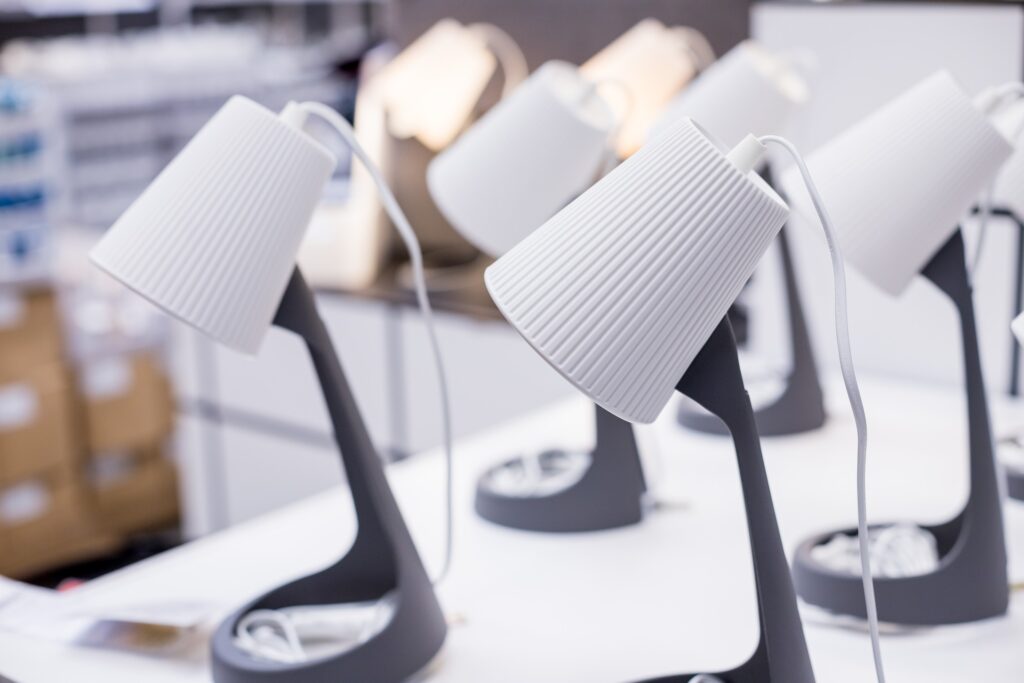
You must have heard of these already. These are energy-efficient, adjustable, and easy to position lamps that can add a little mood to your workspace. You can find different models that offer dimming features and color temperature controls to match your needs.
2. Floor Lamps
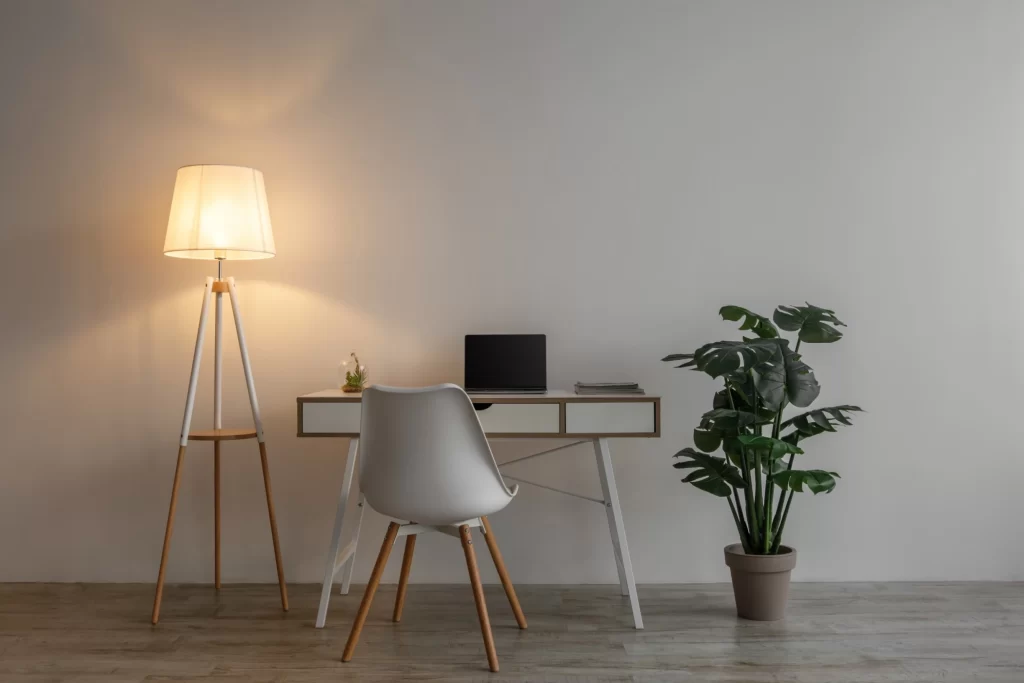
If you don’t want your workdesk to be cluttered with extra stuff, then consider having a standing floor lamp. Tall standing lamps spread soft, even light, and they are perfect for corners that feel dark or uninviting.
3. Pendant Lights
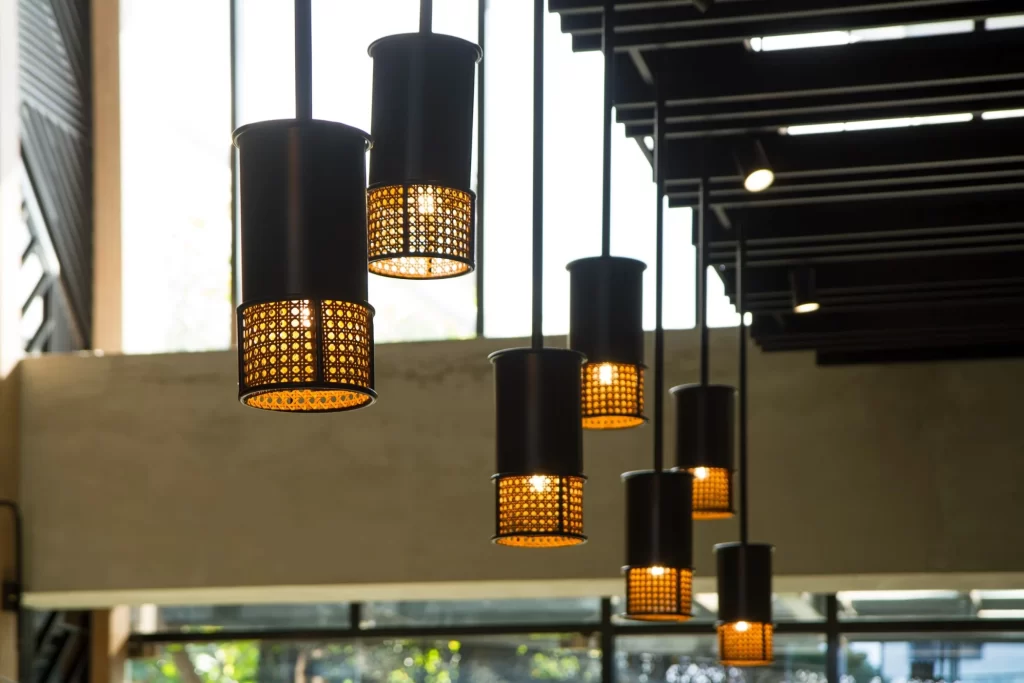
You don’t have to invest in chandeliers. Hanging pendant lamps can come in handy! They create stylish focal points and are especially useful for shared office spaces or conference rooms.
4. Smart Lighting Systems
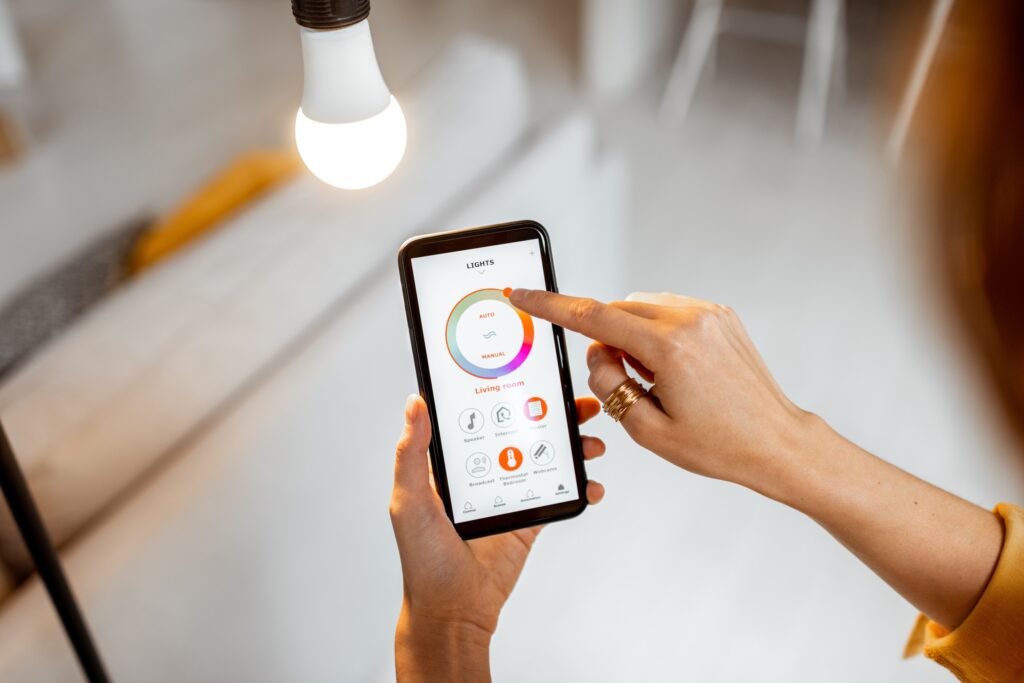
We are living in an era of “everything smart”. Smart bulbs or strips let you control brightness and color with an app. Many remote or office workers love using them to mimic daylight and reduce fatigue.
5. Clip-On Lamps
A small, portable lamp type that can add a big impact. Clip-on lamps are Ideal for small desks. These flexible options provide direct task lighting without taking up valuable workspace.
Choosing the right indoor lights is not only about style. It should be focused on how they can help in improving focus, energy, and mood during your workday.
The Power of Indoor Office Plants
Having natural plants at your workstation can bring a range of benefits, from lower stress levels and better moods to improved focus and higher productivity.
Plants aren’t just for decoration. Indoor natural plants actively improve how we feel, and on top of that, they help us perform better at work. Studies reveal that greenery lowers stress, boosts focus, and even reduces noise levels in open offices. One often-cited research study from the University of Exeter showed a 15% productivity increase when plants were added to workplaces.
Unlike lighting, which shapes mood through visual comfort, plants influence us through nature’s calming presence. A glance at green leaves can reduce eye fatigue caused by constant screen use. Adding a small plant to your workplace can change your mood during long workdays, take it as a “simple fix that feels like magic.”
Plants in the office can also boost air quality by removing toxins and adding humidity. This makes breathing easier, especially in spaces with recycled air. When paired with thoughtful office decor, plants become crucial for both mental and physical well-being, rather than just decorative accents.
Indoor Plants Options to Freshen Up Your Workstation
As we have emphasized above, greenery is one of the simplest office decor ideas that delivers instant results. The right indoor plant can brighten up a dull corner, freshen up your mood, and reduce stress levels.
1. Snake Plant
Relax! Not that kinda snake. It’s a low-maintenance and air-purifying plant that thrives in almost any environment.
2. Pothos
Known for its trailing vines, pothos looks amazing in hanging baskets or on shelves. It can complement your wall lamps, too.
3. ZZ Plant
This glossy green plant handles neglect well (doesn’t mean you have to neglect it). It’s a pretty low-maintenance plant and is perfect for busy professionals.
4. Peace Lily
Meet the infamous peace lily, an indoor houseplant. It’s a great choice for improving air quality and a refreshing sight to the eyes. It has white blooms that also add elegance.
5. Succulents
Drought-resistant plants. If they can resist drought, then they can blend well in a work environment as well (if you know, you know). They are cute, small, and stylish. Succulents are perfect for desks with limited space.
6. Spider Plant
No, they don’t attract spiders! It’s just the same because of its texture and physical look. Hardy and very easy to grow, spider plants work well in small pots or hanging baskets.
By combining large and small office plants, you can add variety to your workspace without overcrowding. These options not only boost your space’s appearance but also bring health benefits to your daily work. Plus, they are pretty low-maintenance too.
Final Thoughts
Office decor ideas go beyond style. They influence how we feel, think, and work every day. The right office lighting eases strain, sharpens focus, and creates a productive atmosphere. Indoor office plants bring calm, freshen the air, and add a touch of nature that helps us feel grounded, even during the busiest hours.
Subscribe to What Works Next today and join a community dedicated to transforming the way we work. Working smarter starts here!
Work from home setup really doesn’t matter. They said! They lied.
What is your must-have work setup from home? This answer to this question varies person to person. My preference is to have an iced latte, a table next to a window with natural light, with no earphones. It could be entirely different for you!
The wfh 2025 is different than 2020, but it has surely transformed into a more articulated form. It has become a way of living and earning for millions of people like you and me.
My productivity in 2025 has depended less on willpower and more on my work from home setup. Before I started working as a work from home employee, I often used to wonder why some remote workers breeze through their day while others constantly feel drained. The answer, I’ve learned, often lies in how the work from home setup is designed.
Why My Work Setup Matters More Than Ever
I never realized how much my environment controlled my performance until I tried working from my bed for weeks. Sure, it felt comfortable at first, but soon I was distracted, slouching, and mentally exhausted. My body was always in the “Oh, I am tired” mood. My creative thoughts started to sleep under my pillow. And then I stumbled across Reddit communities like r/home office and r/workspaces. Post after post confirmed what I was feeling: a cluttered or uncomfortable space drains your energy, while a proper work setup with essential tools and accessories boosts focus almost instantly. It did for me and many others (my dependable source: Reddit).
For me, investing in my setup wasn’t just about work. It was more about protecting my health and creating a place where I actually wanted to spend hours (work demands). So, I started planning out things for my core work station, wfh 2025 isn’t a game as it is, if you know, you know!
Ergonomics First – Gotta Protect The Body
What if the biggest threat to your career isn’t stress, but your chair? That question hit me hard because after my bed, I had started getting back pain from sitting on a stiff dining chair. On Reddit, I kept seeing the same advice: fix ergonomics first!
So I bought an ergonomic chair with lumbar support, and it changed everything. Some people swear by Herman Miller, while others recommend budget-friendly options like Ikea Markus or SIHOO. I also added a sit-stand desk so I could switch positions throughout the day. And to my surprise, a split keyboard and vertical mouse reduced the wrist pain I didn’t even know was creeping in. 30s hit differently as it is!
These small changes made me feel like I wasn’t fighting against my own body while working. You must have already read the same suggestions a gazillion times. I did too, but never implemented until my body started showing signs. Guess it’s time for you to amp up your workstation for real.
Suggestions for Ergonomic Chairs under $200
Marsail Ergonomic Chair – priced at $118 at Amazon (price may vary)
TRALT Ergonomic Chair – priced at $140 at Amazon (price may vary)
Sweetcrispy Ergonomic Chair with flip arms – priced at $63 at Amazon (price may vary)
Technology Upgrades I Can’t Work Without
Is a laptop enough for working full-time from home? I know it depends on your job role and all. And I thought so too, until I tried juggling between the once-never-closed 50+ tabs. It drove me mad, like seriously. I really wanted to understand if it was just me or if other people feel the same way.
So, I went from forums to workspace threads that were full of people swearing by dual monitors, and they weren’t even exaggerating. Most of them were coders, but hey! Other jobs are tough, too. And so, adding a second screen doubled my productivity and reduced my eye strain a little.
Other than this, a good webcam and noise-canceling microphone also turned my video calls from “Sorry, can you repeat that?” into clear conversations.
Docking stations are must have too. I finally bought one, and now one cable connects everything: my monitors, keyboard, mouse, and a charger keeping my desk clutterfree. A little perfect work setup for myself.
Lighting and Ambience That Actually Works
Could your desk lamp be sabotaging your focus? I didn’t believe it until I switched mine out. Harsh light made me tired, while dim light made me sluggish. Redditors kept recommending warm desk lamps, ring lights for video calls, and natural daylight when possible. I tried all three, and the difference was massive.
I also added a plant and a simple art print near my desk. It sounds small, but now when I sit down, my brain feels focused and relaxed.
If you have space and can set your desk near natural light, that would be a great setup too.
The Minimalist vs. Maximalist Debate
Why do some people thrive with empty desks while others feel inspired surrounded by gadgets and trinkets? I tested both approaches after reading endless debates on online communities and other forums.
When my desk was minimal, I felt calmer. But when I added a few personal touches, a framed photo, a desk mat, and my favorite books, I felt more connected to my space. I realized there’s no “perfect” setup. The best work setup in 2025 is the one that matches your personality.
Reddit-Approved Accessories I Swear By
When I was lost on what to buy next, I leaned heavily on Reddit. Here are the accessories that kept popping up in discussions and that I eventually tried myself:
Noise-Canceling Headphones: Redditors say they’re worth every cent, and I agree. They create a bubble of focus and block out chaos.
KVM Switch: Switching between my personal and work laptops with one keyboard and monitor feels like a much-needed solution.
Docking Station: Reddit community insisted this was essential, and they were right. It declutters your desk and makes connecting devices simple.
Ergonomic Keyboard and Mouse: A split keyboard and vertical mouse took a week to get used to, but eliminated wrist pain.
Standing Desk or Converter: Sitting all day was killing my energy. This lets me stand, stretch, and reset without leaving my workspace.
Monitor Riser or Arm: Lifting my screen to eye level stopped the neck strain I didn’t notice until it was gone.
Mechanical Keyboard: Typing feels satisfying, and honestly, it makes me enjoy working more.
Premium Ergonomic Chair: This one is non-negotiable. Every Reddit thread says “buy the best chair you can afford,” and I get why now.
How My Setup Helped My Mental Health
Can a desk setup really protect your mental health? I didn’t think so until I realized how blurred my days had become. I’d close my laptop and still feel like I was at work. Online Communities and people working remotely showed me I wasn’t alone. And so, you aren’t alone as well!
The best advice I found was to create clear boundaries. Use a dedicated corner for work, close my laptop at the end of the day, and build rituals like a short walk after finishing. It tricks my brain into knowing work is done. My setup isn’t just functional now, it’s also a signal to my mind.
Looking Ahead: Future WFH Trends
What if tomorrow’s “office” is a headset instead of a desk? Beyond 2025, VR meeting rooms and AI scheduling assistants will become real tools. People are curious about these changes, but most agree: no futuristic gadget will ever replace the basics of good ergonomics, reliable tech, and a calming space.
Final Thoughts
So what’s the real secret to thriving in WFH 2025? For me, it wasn’t about discipline or motivation. It was about designing a space where work feels natural.
Online communities gave me a head start, but the journey was personal. And similarly, it will be the same for you. What you select, how to upgrade your work from home setup depend on your needs.
Every upgrade from noise-canceling headphones to a better chair helped me feel more in control of my day. If you’re struggling with focus or fatigue, don’t blame yourself first. Look around. Your work setup may be the hidden key to unlocking your best self.
Subscribe to What Works Next today and join a community dedicated to transforming the way we work. Working smarter starts here!
If you have ever searched for a stylish remote work upgrade, you’ve probably come across the West Elm desk. It’s not just another trending item on Instagram or Pinterest. It’s the desk that remote professionals are constantly raving about, and for good reason!
I want to own one in place of what I already use.
Anyhow, with remote work becoming more permanent, your workspace now matters more than ever. A West Elm desk promises to bring both function and style to your workspace. But before you hit “Add to Cart,” let me take you through a thorough analysis of why you should consider the West Elm desks.
Why the Hype? Understanding the West Elm Desk Appeal
The West Elm desk has built a reputation for blending modern aesthetics with practical features. It stands out in a sea of bland furniture by offering something that feels both professional and homey.
For starters, the brand has a clean, timeless design philosophy. That means your workspace looks polished, even if it’s part of your living room. Whether you’re into mid-century modern or minimalist vibes, there’s a wood desk style for every taste.
Additionally, West Elm focuses on materials and finishes that last. From sustainably sourced woods to smart drawer placements, everything feels intentional. That’s not something you get with every desk on the market.
If your current desk setup feels dull or chaotic, switching to a West Elm desk might spark joy and improve your daily routine.
What Makes a Great Desk for Remote Work?
Remote professionals need more than just a surface to put their laptop on. A good desk setup should support focus, organization, and comfort. Here’s what to consider:
Surface space: You’ll want enough room for your laptop, monitor, notebooks, and maybe a coffee mug or two.
Storage: Drawers and compartments can reduce clutter. A clean workspace makes a huge difference in productivity.
Cable management: Built-in cutouts or hidden trays keep wires out of sight.
Material: A wood desk feels warmer and more natural than metal or plastic. It adds charm to your space.
Design: It should match your interior and not feel like an afterthought in your home.
With these boxes checked, you’re more likely to enjoy the time spent at your desk.
Best West Elm Desks Based on Your Work Style
Not every remote worker has the same needs. So let’s break down the best West Elm desk options based on different professional setups.
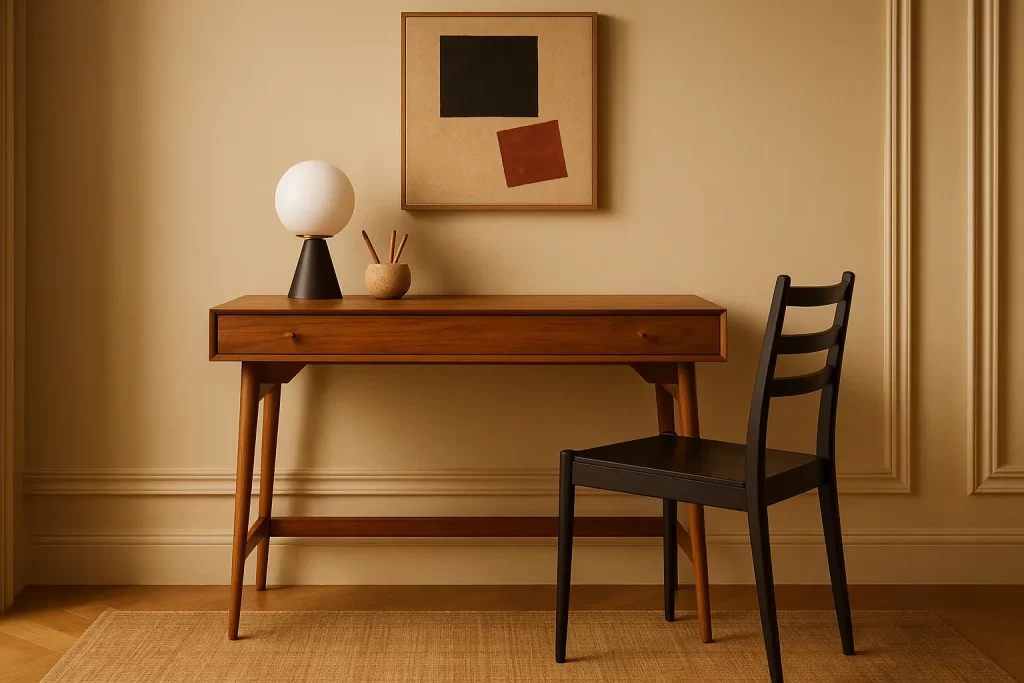
1. The Compact Worker: Mid-Century Mini Desk
If you live in a studio or small apartment, this desk is a lifesaver. It’s compact but doesn’t compromise on looks. With one or two drawers, it still keeps your items organized.
Its sleek, wood desk finish brings warmth, while the tapered legs add a vintage charm. This desk setup works well for people who don’t need multiple monitors or massive storage.
Despite its size, it feels elevated and cozy. Plus, it looks great in video calls. This desk is proof that small doesn’t mean boring.
2. The Minimalist Pro: Parsons Desk
This one is for the “less is more” crowd. The Parsons Desk has a clean and simple structure. No bulky drawers, no extra details, just a smooth wood desk surface with bold edges.
It’s ideal for remote professionals who want an uncluttered environment. If your setup includes just a laptop and maybe a notebook, this desk is perfect.
Pair it with a modern chair and a soft desk lamp to complete the look. It also doubles as a console table when not in use.
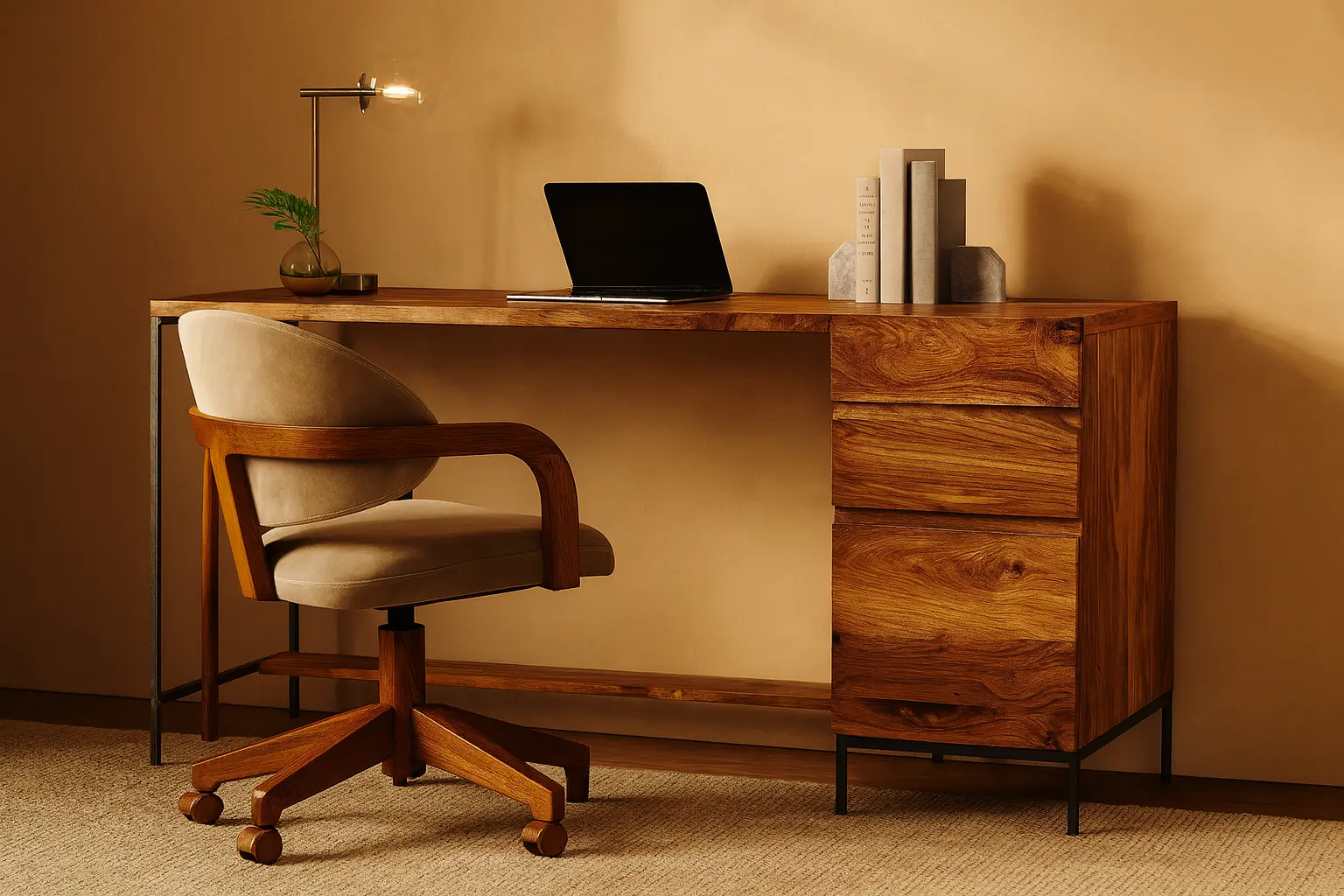
3. The Multitasker: Industrial Modular Desk
This desk is for those who juggle multiple roles. Maybe you work a 9-to-5 and freelance on the side. Or maybe your job requires two screens, tablets, and notebooks all at once.
The Industrial Modular Desk from West Elm offers tons of surface area and smart storage. Its wood top is balanced with sleek metal legs, giving it an edgy but balanced feel.
This setup also includes add-on shelving options. That helps keep important documents within reach without making your space feel messy.
4. The Space-Saver: Ladder Shelf Desk
If your workspace is part of a hallway or bedroom corner, consider this desk. The Ladder Shelf Desk uses vertical space rather than horizontal, saving you floor space.
The top shelves are great for books, plants, or even personal touches like framed photos. The work surface is just enough for a laptop, a notebook, and a cup of tea.
This desk setup feels more like a design piece than a workstation. But don’t be fooled—it’s as functional as it is stylish.
5. The Deep Thinker: Writer’s Desk
If your work involves writing, sketching, or planning, you’ll love this option. West Elm’s writer-style desks often come with deeper surfaces and clean layouts.
The wood desk build gives a nostalgic touch that fuels creativity. There’s room to spread out your ideas without feeling cramped.
These desks usually skip bulky storage for open space. This makes them ideal for long hours of brainstorming without distractions.
West Elm Desk Quality: Is It Worth the Investment?
Now, let’s talk value. A West Elm desk is definitely more expensive than a basic IKEA option. So is it worth it?
Yes! if you value aesthetics, durability, and ethical sourcing. These desks are built to last. They don’t wobble or warp over time. Plus, most wood desk options are crafted from sustainably sourced materials.
Many West Elm desks also arrive partially assembled, saving you frustration. Just add the legs and you’re good to go.
While the upfront cost may be higher, the payoff is a workspace that feels good every day. That’s something you can’t put a price on.
Desk Setup Tips to Pair With Your West Elm Desk
Getting the desk is just the beginning. Your desk setup needs a few more touches to feel truly inspiring.
Use vertical organizers to free up desk space.
Add soft lighting like a warm-toned lamp.
Place a small plant to bring life to your setup.
Keep a wireless charger handy for your devices.
Invest in a comfy chair that matches your desk style.
The right accessories elevate the vibe and make your desk setup feel intentional.
Common Mistakes to Avoid When Buying a Desk
Before clicking purchase, here are a few things to double-check:
Measure your space. You don’t want to guess and end up with something too big.
Think about storage. Some desks look pretty but offer zero practicality.
Check the material details. Make sure you’re getting real wood if that’s important to you.
Visualize your full desk setup. How will your monitor, keyboard, and lamp fit?
By avoiding these mistakes, your investment will pay off in both style and comfort.
Final Thoughts
A West Elm desk is not just a trending item. It’s a long-term partner in your remote work journey. Whether you’re a minimalist, multitasker, or creative spirit, there’s a style that fits your needs.
The hype isn’t just noise. These desks are thoughtfully designed, beautifully crafted, and built to elevate your daily routine. Add in a few key accessories, and you’ve got a desk setup that feels like your own personal corner of productivity.
So, if you’ve been wondering whether the West Elm desk is worth the buzz, it absolutely is. Just be sure to pick the one that aligns with how you actually work. Because the right desk doesn’t just hold your stuff. It supports your focus, your flow, and your future.
Subscribe to What Works Next today and join a community dedicated to transforming the way we work. Working smarter starts here!
These 10 minimalist home office setup ideas prove that even the smallest spaces can be transformed into stylish and efficient home offices. With a dash of creativity (and maybe a pinch of humor), you’ll see that when it comes to a minimalist home office, less space doesn’t mean less fabulous!
I have a reasonably decent-sized room, and yet I sometimes struggle to have a fine home office setup. Btw, I like revamping my home office setup quite often, so I keep trying different ideas. Sharing some of these here, as they might help you with the indecisiveness as well.
Here are some ideas for Home office setup
Creating the perfect home office setup is essential for boosting productivity and maintaining work-life balance. A well-designed space should combine comfort, functionality, and personal style. From ergonomic furniture to smart storage solutions, every element plays a role. Explore creative ideas to transform your space into an efficient and inspiring home office setup.
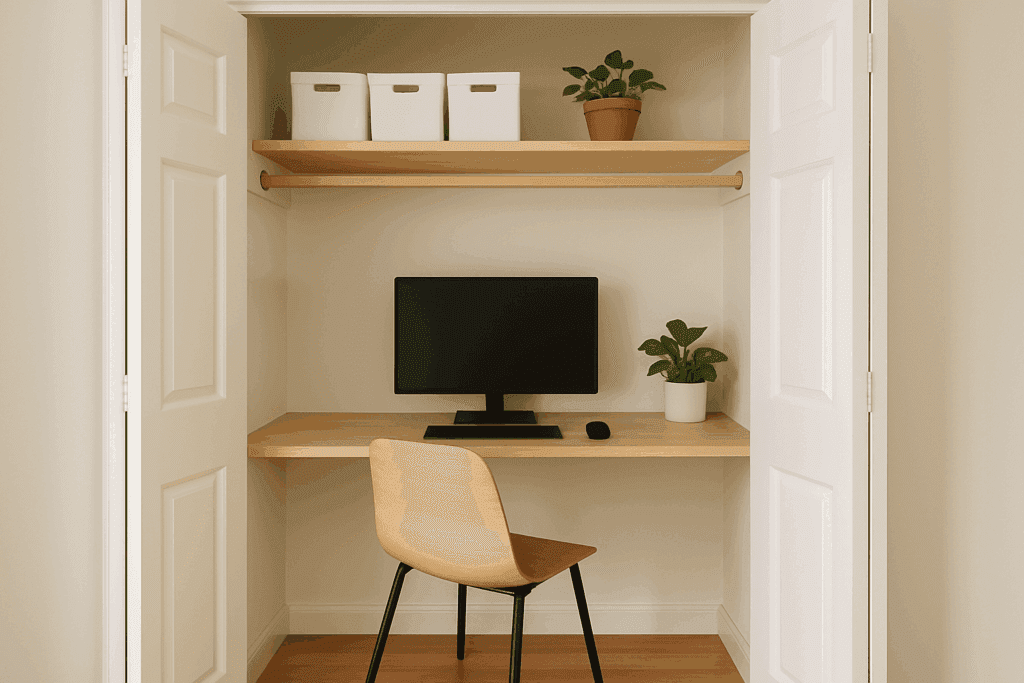
1. Cloffice: Closet Turned Office
What? A closet? Who says a closet is just for clothes? Turn that spare closet into a “cloffice” (closet + office) and create a hidden work haven.
All it takes is a small desk, a wall-mounted shelf, and maybe a touch of light and décor. When the workday is over, close the closet doors, and poof! Your office vanishes – minimalist home office magic!
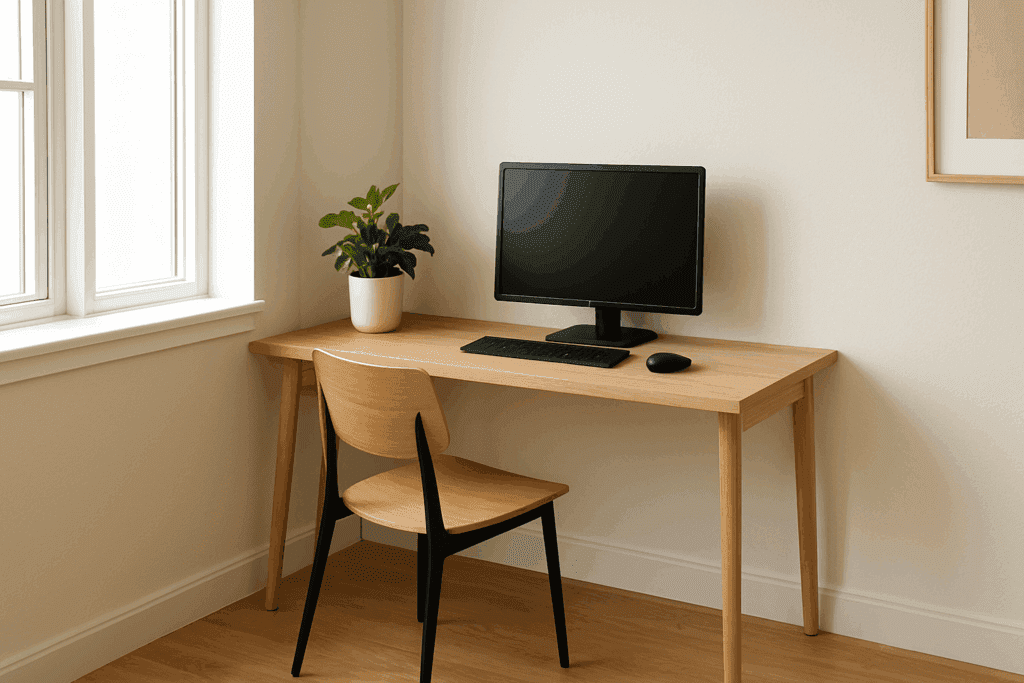
2. Corner Office, Literally: Cozy Corner Nook
Claim an unused corner and give yourself a literal corner office. A small L-shaped desk or a simple writing table tucked into a corner makes an instant minimalist home office. This smart Home Office Setup uses space that would otherwise gather dust bunnies.
Plus, you’ll feel a tiny bit like an executive whenever you tell people you have a “corner office” at home!
3. Floating Desk: Wall-Mounted Wonder
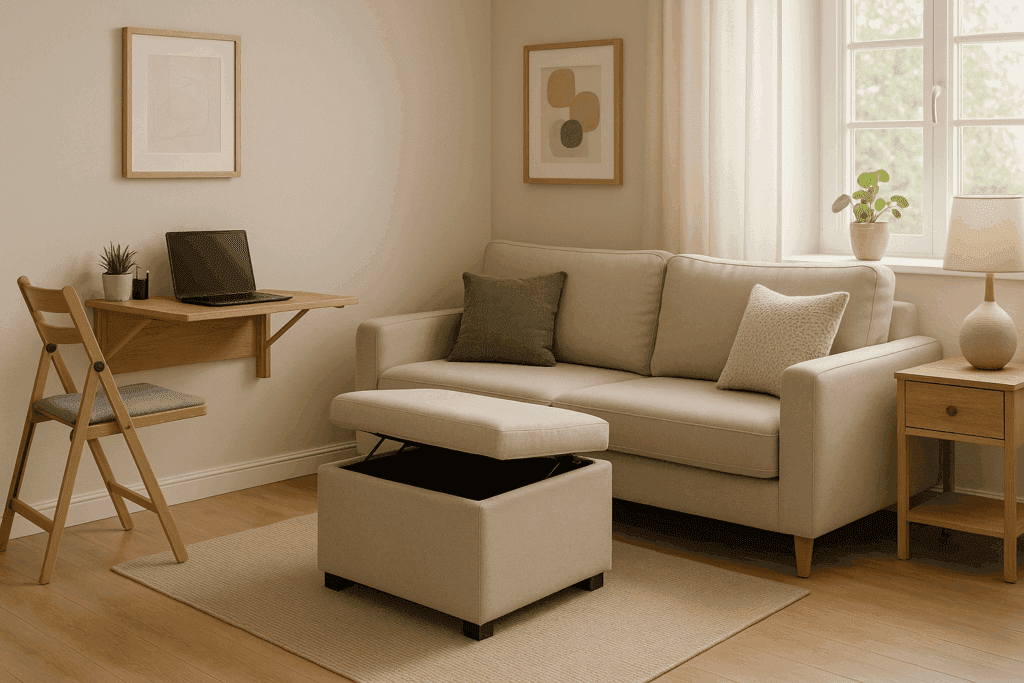
Save space with a wall-mounted desk. A floating desk attached to the wall gives you a workspace without gobbling up any floor area. Think of it as a shelf that works overtime as your office. Pair it with a sleek stool that slips under when not in use.
This minimalist home office setup idea keeps your small space feeling open, airy, and trip-hazard free.
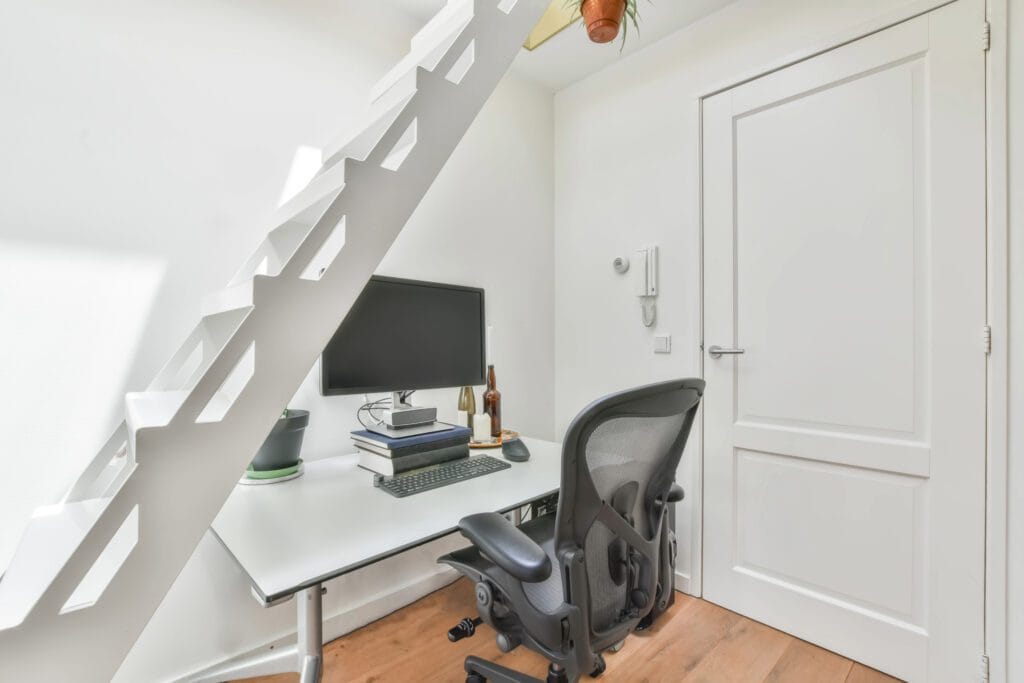
4. Under-Stair Station: Sneaky Workspace
The space under the stairs often collects dust. Why not give it a promotion to a home office? Clean it out, it doesn’t have to be your storage dump space as well.
Slip a petite desk and a chair into that nook, and you’ve got a minimal, cute little workspace. Built-in storage under the stairs can keep files and clutter out of sight. This is one of those small office ideas that hides in plain view, turning dead space into a productivity spot.
I had to move my stuff from the under-stair area as my mom wanted to utilise it for the empty cartons ? (you know that’s more important anyway).
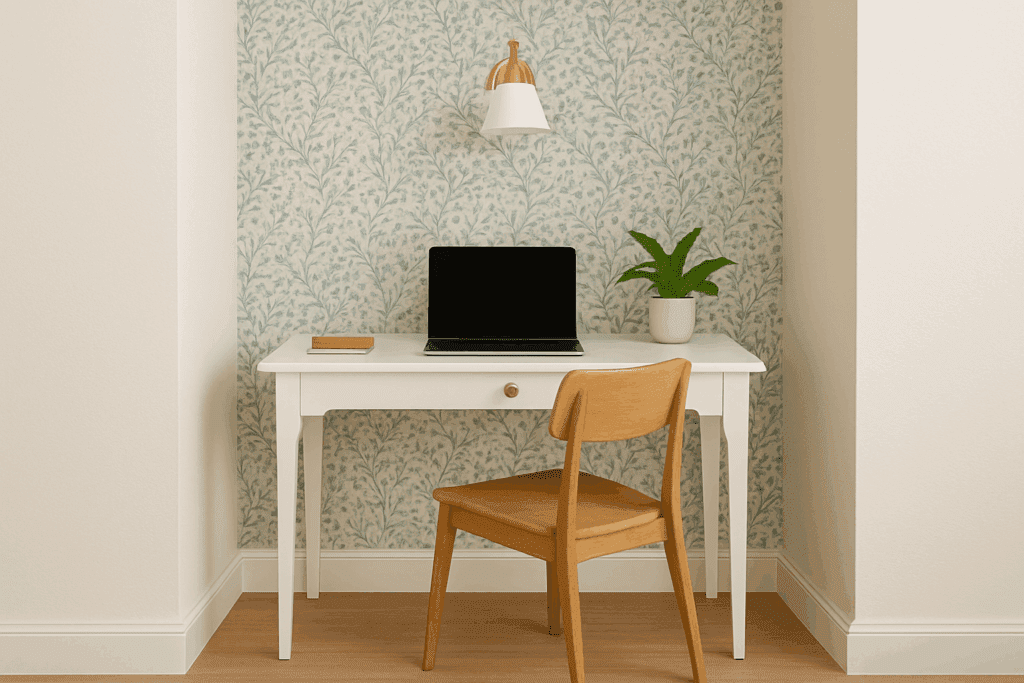
5. Turn a Vanity Table Into a Stylish Workstation
When you’re short on space but still need a functional home office setup. Think creatively, your bedroom vanity can easily double as a minimalist desk. Repurpose it by clearing off personal items and adding work essentials like a laptop, notebook, and maybe a small plant for a productivity boost.
To make it feel like its own cozy nook, define the area with playful wallpaper or a bold accent wall. Swap out bulky lamps for a wall-mounted sconce to keep the surface clutter-free. It’s a clever way to blend beauty and function without compromising either.
6. Use a Room Divider
A room divider is a smart solution for separating a dedicated home office space without major renovations. Whether you’re working in a living room, bedroom, or studio apartment, a decent divider adds structure to your layout and signals a visual and psychological boundary between work and leisure zones.
You can opt for folding screens, lightweight bookcases, or even fabric curtains mounted on a ceiling track to create a separate zone. Whatever you think can be utilised for this, you don’t have to spend a lot. Utilise the things you have at home and see a way around.
Home office setup not only offers privacy during virtual meetings but also helps reduce distractions and improve focus during work hours.
7. Choose Multifunctional Furniture
When space is limited, multifunctional furniture becomes essential for optimizing every inch.
Consider pieces that serve dual or even triple purposes, like an ottoman that opens for storage, a wall-mounted desk, or a folding chair that can fold away when not in use. A dining table can double as a work surface during the day, and a storage bench can act as both seating and a place to keep office supplies.
The key is to invest in smart, adaptable furniture that fits your lifestyle and helps reduce clutter while maintaining a professional-looking space.
8. Use Portable Foldable Desks
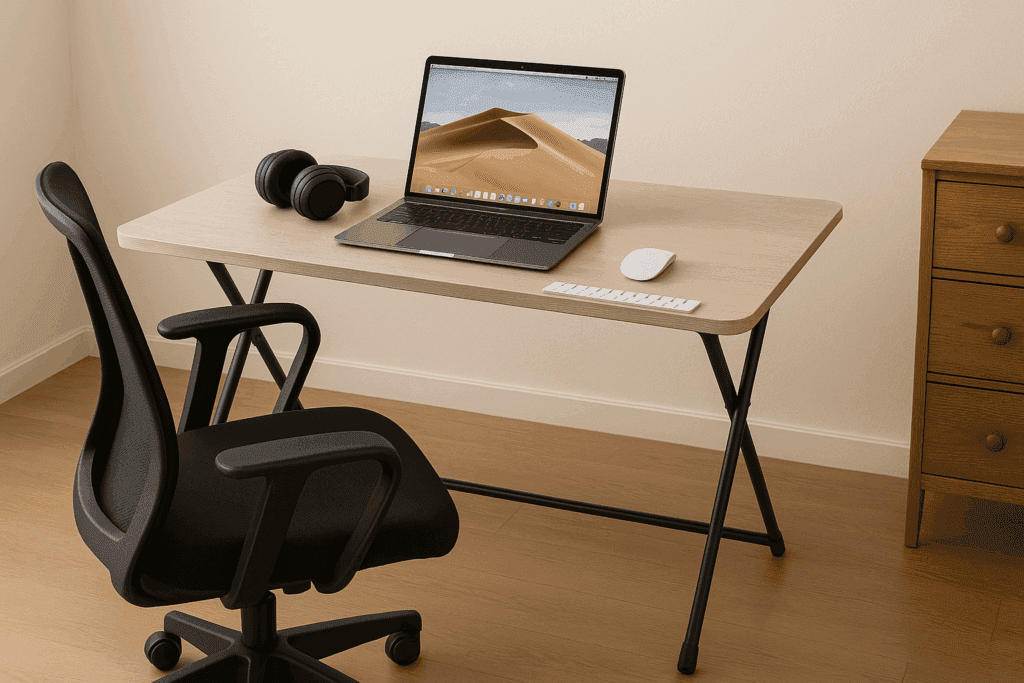
Portable, foldable tables are perfect for people who need a flexible and temporary setup ( I have a small portable table and it goes with me wherever I move around the house, lol).
These desks can be set up in minutes and stored away just as easily, making them ideal for those who don’t have a permanent space to work from. You can bring them out during work hours, then tuck them behind a door or under a bed once you’re done.
They’re also great for those who like to change their work environment throughout the day (someone like me who doesn’t like to sit in one place for a long time).
9. A Study Space by Day, a Dining Room by Night
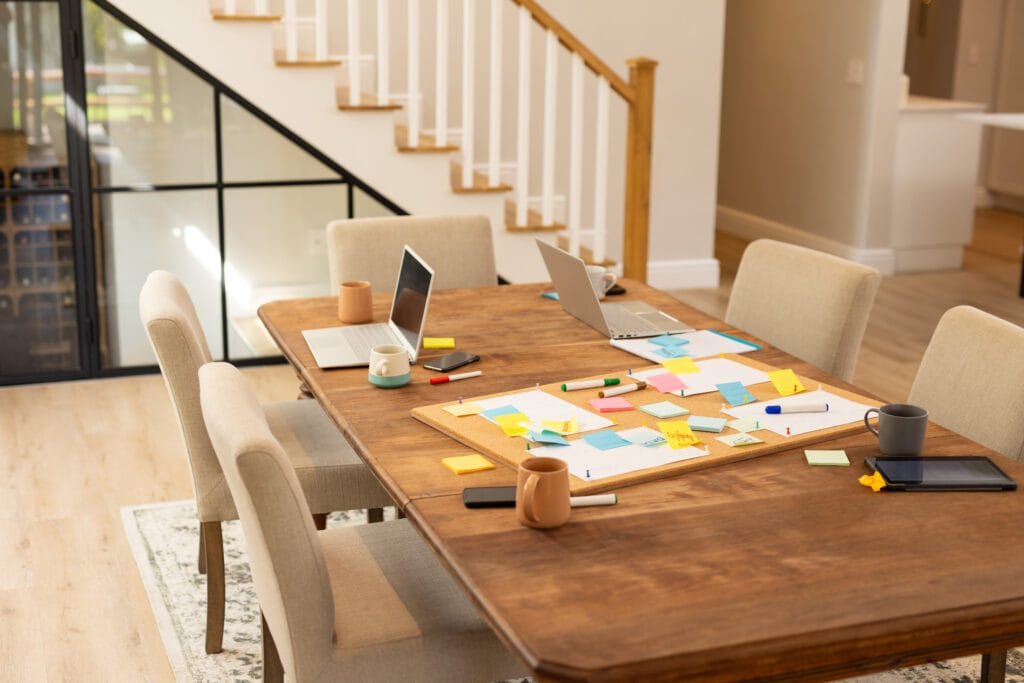
In many small homes, the dining area is one of the few available spots with a flat surface and decent lighting – two essentials for productive work.
So, by being intentional with furniture placement and accessories, you can transform this area into a functional study zone during the day and switch it back to a cozy dining setup in the evening.
Rolling storage carts can be tucked into corners to hold office supplies, and minimal décor helps maintain the dual-purpose functionality. The versatility of this space-saving idea is ideal for small apartments and shared households.
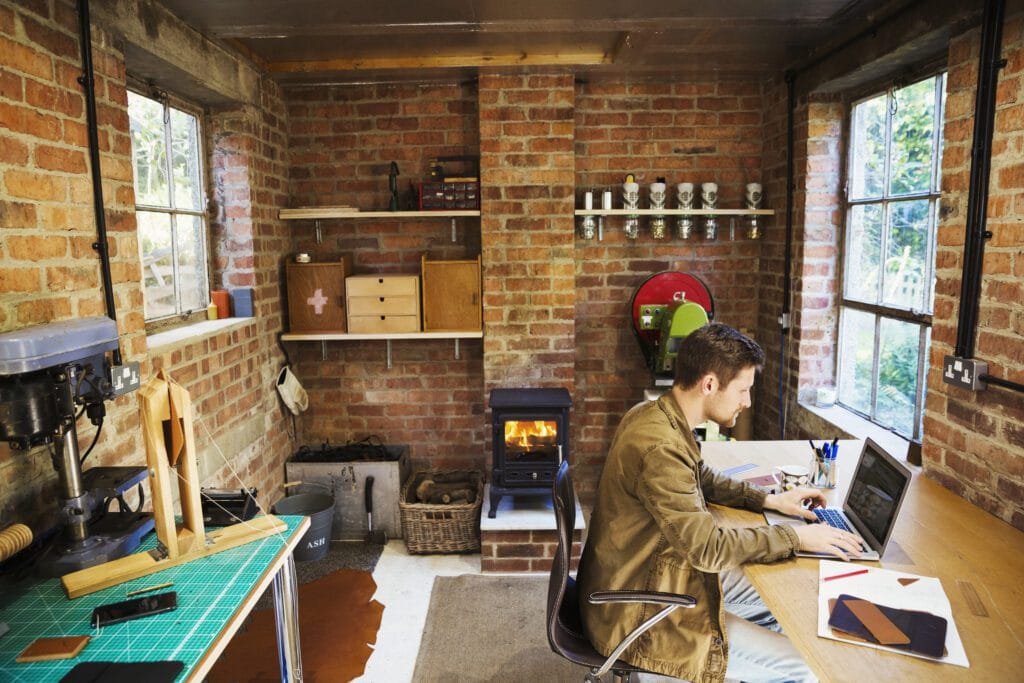
10. Convert Garage into Home Office
If you have a garage at home, you can leverage the space for setting up your work zone. Converting a garage into a home office can be a game-changer for those needing a completely separate workspace within their home.
With proper insulation, ventilation, and lighting upgrades, this underutilized area can be turned into a quiet, professional environment.
Add electrical outlets, ergonomic furniture, and perhaps a few personal touches like plants or artwork to make it inviting. A converted garage provides the benefit of physical separation from the main living space, which can greatly improve focus and help maintain work-life balance, especially for those who work full-time from home.
Final Thoughts About Home Office Setup
In conclusion, investing time and effort into designing a thoughtful home office setup can significantly enhance your productivity, focus, and overall well-being. Whether you’re working remotely full-time or just need a dedicated space for occasional tasks, the right setup makes a big difference.
With a pinch of creativity, even the tiniest nook can become your productivity zone, helping you keep a work-life balance.
The key to a great home office setup in a small space is embracing the minimalist mantra: less clutter, more clever.
Mix and match these tips to craft your own cozy mix that aligns the best with your space and taste.
Subscribe to What Works Next today and join a community dedicated to transforming the way we work. Working smarter starts here!
A well-designed home office setup isn’t just about aesthetics only (I know, I know it matters!). It’s a must-have setup for better focus, comfort, and productivity. Whether you’re new to remote work or just looking to upgrade your space as a settled WFH employee, it’s time to set up a perfect home office that works with you, for you, and not against you.
After working from home for almost half a decade, I have experienced, learned, and relearned many things that have helped me maximize my productivity. It hasn’t been easy, but we all gotta learn as we grow, especially when it comes to setting up your home office for your own good! So, I thought of sharing my two cents on how you can improve your productivity while working remotely.
But first, let’s throw in some reality checks. Working from home sounds like a dream until you’re typing away on your laptop from the couch, balancing it on a pillow, wondering why your back feels like it aged a decade.
Let’s jump in and learn about some tips that might help you build a modern, productive home workspace that looks good, feels better, and functions like a dream.
How to Set Up a Perfect Home Office
Create a comfortable, productive workspace at home by choosing the right furniture, lighting, and technology. Prioritize ergonomics, minimize distractions, and personalize your environment for maximum efficiency. Whether for remote work or freelancing, knowing how to set up a perfect home office can boost focus and performance.
Designing the ideal home office starts with selecting a quiet, well-lit area that encourages concentration. Invest in a supportive chair, a spacious desk, and essential tools like a reliable computer and high-speed internet. Keep your setup organized with smart storage solutions and add personal touches to inspire creativity. When you Set Up a Perfect Home Office, you create a space that enhances both comfort and productivity.
1. Designate a Dedicated Work Zone
This may sound too basic, and you’ll be like ya right as if I don’t know about this…I know, but sometimes even despite knowing something, we tend to ignore it until it hits back (literally your back – remember the laptop placement on your lap while adjusting the pillow for your back?) Yeah…so time to transition those “I know thoughts’ into something actionable – by creating and designating a dedicated work zone for yourself with proper equipment.
So, the first step in creating the best home office setup for productivity is defining a workspace that’s just for work. Even if you don’t have a spare room, a quiet corner or a sectioned-off nook will do the trick. Physically separating your work area from your space signals to your brain that it’s “go time” when you sit down.
Invest in comfortable work chairs and desks, I’ll talk about it further in the next point.
Tip: Use rugs, white lights, or high high-standing lamp, or even indoor plants for your home office space to create a visual boundary if you’re sharing a room or utilising the same space for work and personal stuff.
2. Invest in Ergonomic Furniture and Accessories
It’s truly time to say goodbye to the constant neck pain and awkward, hunched-over typing. I took some time to do this, you shouldn’t! It affected my back so badly that I still feel recurring pain sometimes. Have some mercy on yourself and go sit in a chair!
Invest in an ergonomic chair that offers lumbar support and adjustable features. Pair it with a functional desk, preferably a home office desk with drawers, that gives you room to work without clutter.
Your monitor should be at eye level (if you have the budget, you can also invest in electric standing desks and adjust the height as per your preference and needs), your arms at a 90-degree angle, and your feet flat on the floor or use a foot support to avoid puffy feet. This classic setup boosts comfort and helps prevent long-term strain.
Do take breaks, though! Apart from having all the right equipment, your body needs movement. Take a 5mins break after every 1 hour. It helps with focus and productivity.
3. Let There Be Light (Natural Light, If Possible!)
Lighting is a game-changer in any productive home office setup. Natural light improves mood and alertness while reducing eye strain. If possible, position your desk near a window. No window? Use a full-spectrum daylight lamp or LED desk light that mimics natural light. You can find budget-friendly indoor lamps online.
You can also look for home sales around your place. You may find something cheap yet valuable for lighting up your workspace.
4. Upgrade Your Tech Stack
If you’re working from a single laptop screen with a tangled mess of cables, it’s time to level up. There are hundreds of productivity boosting gadgets and tools that you can use as per your needs. Consider adding a second monitor to expand your screen space, a wireless keyboard and mouse for comfort, and a quality webcam and microphone for clear communication. A good docking station can also help reduce cable clutter and streamline connectivity. These upgrades not only improve efficiency but also make your workspace more enjoyable. Investing in the right tech is a smart way to Set Up a Perfect Home Office. However, here are a few productivity-boosting essentials that you can start with:
Best Monitors for Home Office:
You can find a cheap one, but can you compromise on your eyesight? Nope. Can you compromise on the quality of visuals/graphics? Nope. Hence, investing in best best-performing monitors can enhance your overall workflow. A dual-screen setup can drastically improve efficiency and multitasking.
Best Headset for Working from Home:
You can find multiple handsets in the market. However, getting noise-canceling headsets keeps distractions at bay during calls, especially when you are working from home with other people in the house (or imagine kids, lol).
Tech Accessories:
Only the table and chair won’t do. Invest in laptop risers (if you use a laptop), and for monitors, you can invest in wall-mount stands for monitors. Wireless keyboards and mouse should be in your tech stack list because managing tangled wires isn’t easy to deal with, and have USB hubs to keep your desk sleek and functional.
Remember, the most important thing is your Wi-Fi speed and overall setup. It’s the foundation of all remote work. Consider it your workflow’s lifeline.
5. Keep It Organized, Keep It Efficient
Cluttered desk = cluttered mind. If I talk about myself, my OCD doesn’t let me focus without an organized desk. So, I always keep it aligned before starting my work so that I don’t get distracted or annoyed by it.
You can use shelves, file organizers, cable trays, and drawer units to keep your workspace neat. Set up a perfect home office with built-in storage or nearby cabinets will help you avoid digging through drawers or piles of paper mid-task.
Try this: At the start and end of each day, take 3 minutes to reset your space. It’s a small habit that makes a big difference.
6. Control Distractions Like a Pro
Working from home comes with its own set of challenges, like the fridge calling your name or a rabbit hole of tabs you “accidentally” opened. Or something from 5 years ago started a combat within your thoughts. It’s natural and it happens. However, we must try to combat these distractions by set up a perfect home office:
Time-blocking techniques (Pomodoro works wonders)
5 minutes of focused breathing techniques (just inhale from the nose, exhale from the mouth, with your eyes closed)
Use website blockers during deep work sessions
Keep your phone on silent and upside down so that you don’t check it every 5 seconds
Noise-reducing accessories like noise-cancelling headsets or you can use foam earplugs, mostly used for sleeping with reduced surrounding noises, but you are not going to use them to sleep on your work desk, ok? Use them as noise reduction buds
A focused environment = more done in less time. That’s what a productive home office setup is all about.
7. Add Personality And Inspiration
Don’t forget the final, but a fun step, which is making the space yours. Own it, nurture it so that you feel comfortable and productive in that environment. A workspace should be more than functional, it should spark joy and motivation. Think motivational quotes, your favorite artwork, or a splash of color that lifts your mood. These small touches can make a big difference in how energized and focused you feel. Personalizing your space is a powerful way to setup a perfect home office that inspires creativity and drive every day.
An indoor plant or two to freshen up the vibe. It helps you feel refreshed and calm
Motivational art, calming color schemes, or minimalist design, anything that aligns with your personality and preferences
Ambient lighting or a stylish lamp for mood and flair
If you are a collector of figurines, you can also put your favorite ones to make it more fun
The more you enjoy your surroundings, the more time you’ll want to spend there, and the easier it becomes to stay productive.
A well-designed workspace not only boosts motivation but also helps maintain a clear boundary between work and personal life. Add elements that reflect your personality—art, plants, or inspiring quotes—to make the space uniquely yours. Keep it tidy and clutter-free to encourage focus and clarity. When you set up a perfect home office, you create a space that supports both your professional goals and personal comfort. Taking the time to set up a perfect home office can transform how you feel about work every single day.
8. Maintain Work-Life Balance While You Set Up a Perfect Home Office
When you set up a perfect home office, it’s easy to blur the lines between work hours and personal time. To maintain balance, create a routine that signals the start and end of your workday. Simple actions like shutting down your computer, changing your clothes, or stepping outside for a walk can help you mentally disconnect from work and recharge effectively.
9. Revisit and Refresh Your Setup Regularly to Set Up a Perfect Home Office
Your needs and work habits will evolve, so regularly evaluating your setup ensures it still serves you well. Rearranging furniture, updating equipment, or even changing your wall art can reignite motivation. When you set up a perfect home office and revisit it often, you keep your workspace dynamic, efficient, and aligned with your goals.
10. Prioritize Health and Wellness as You Set Up a Perfect Home Office
While you set up a perfect home office, don’t overlook your physical and mental health. Incorporate habits like stretching, standing breaks, and staying hydrated. You can also keep a yoga mat nearby or use a balance ball chair occasionally to keep your body active and your posture in check throughout the day.
11. Budget-Friendly Ways to Set Up a Perfect Home Office
You don’t need to break the bank to set up a perfect home office. Look for second-hand furniture, repurpose items you already own, and gradually upgrade your space over time. Focus on essentials first, like a good chair and lighting, then add in accessories and decor as your budget allows.
Final Thoughts On Set Up a Perfect Home Office
There you have it, a blueprint to set up a perfect home office that’s functional, inspiring, and productivity-ready.
From optimizing ergonomics and lighting to managing tech and keeping distractions in check, each detail plays a role in building the best home office setup for productivity.
Ready to revamp your space? Start with one tip and build up over time. And if this guide helped you, feel free to share it with your fellow remote warriors. This is just a foundation for you to think and start. I am sure you can enhance it further by adding additional things.
Remember, the goal is to create a space that works for you—one that supports your workflow, boosts focus, and feels good to be in. Don’t hesitate to tweak and personalize as you go. Whether you have a whole room or just a corner, you can set up a perfect home office tailored to your needs. With consistency and creativity, you’ll find it easy to set up a perfect home office that truly elevates your work-from-home experience.
Subscribe to WhatWorksNext today and join a community dedicated to transforming the way we work. Working smarter starts here!
Get Remote Work Tips in your Inbox
Join our newsletter for expert tips on remote work, high-paying careers, productivity hacks, and work-life balance.